Download Shapr3D
Download in seconds and get to your first model in 15 minutes.
iPadOS

Requires iPadOS 16 or later
preferably with Apple Pencil
Installation guide
iPadOS
Requires iPadOS 16 or later
preferably with Apple Pencil
Installation guide
Push and pull 3D geometry like you’re shaping the piece by hand, while creating solid-body models with precise measurements you can build from. Bring your model to the shop on iPad and tweak details before a cut costs you a board.
Available on Mac, iPad, and Windows devices
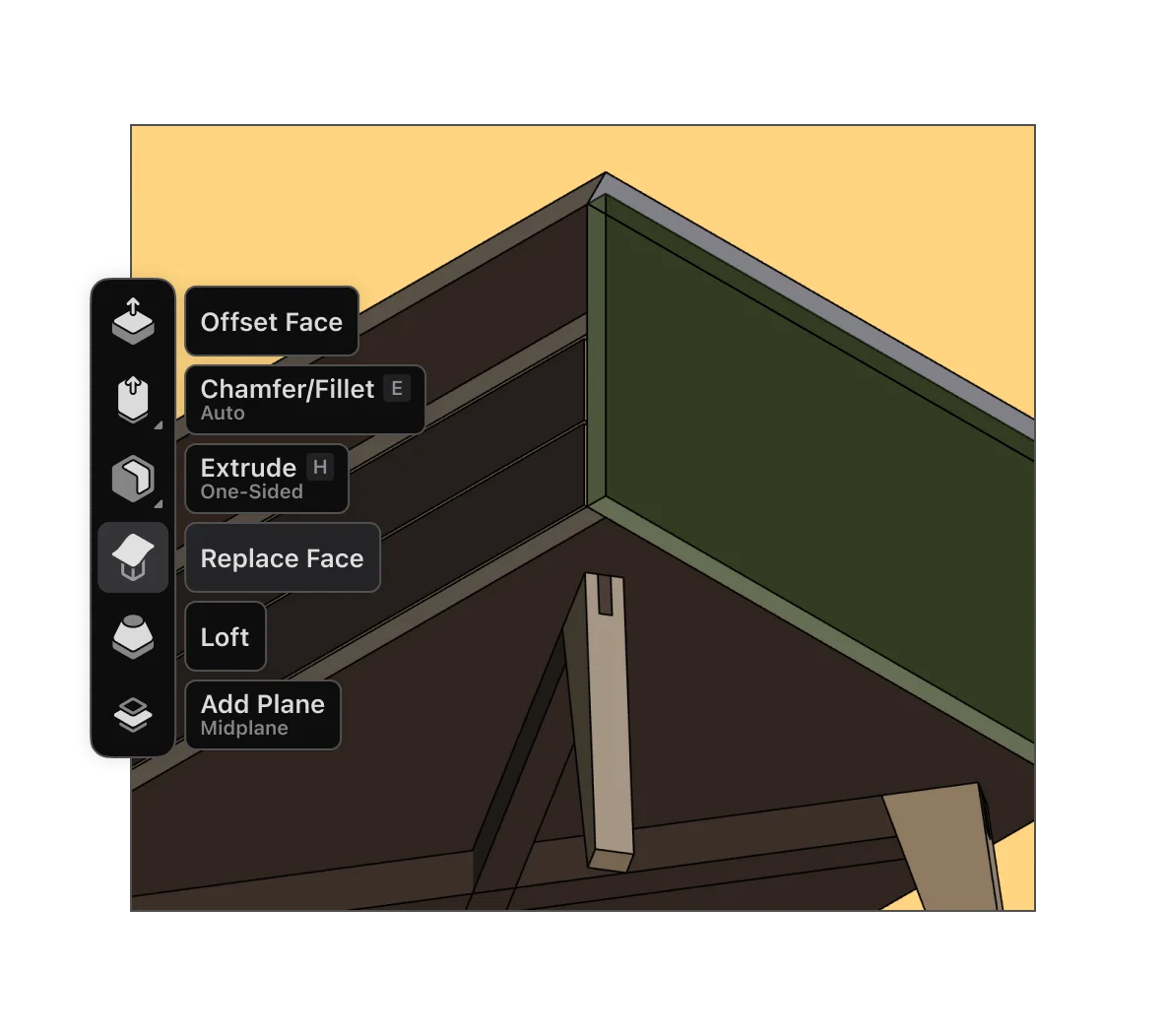
Sketch your ideas quickly without giving up control later. Push and pull your design into shape with Apple Pencil, while parametric history keeps the model easy to refine without starting over.
Start a design on iPad at the bench, refine it on Mac or PC, your projects stay synced automatically. Pick up where you left off on the device that best fits the job.
Built on Siemens Parasolid, the same engine behind industrial CAD tools. Your models are solid bodies not hollow meshes that fall apart at export. What you get is a precise model that you can build from.
Apply realistic wood finishes like Walnut, Oak, or Birch Veneer to your model and generate a photorealistic render with AI to see your design in context. Compare finishes and spot design issues before you spend money on materials.
Share a 3D viewer link so clients can rotate the piece, zoom in on details, and leave feedback. They can see the design clearly, and you get clearer input before anything gets built.
Generate 2D technical drawings with front, side, top, and section views, with the measurements you need to build. Print them out and check every cut before it hits the wood.

Available on Mac, iPad, and Windows devices
