Download Shapr3D.
Download in seconds and get to your first model in 15 minutes.
Available for iPadOS, macOS, and Windows, and fully supported on Wacom tablets.
Design and visualize your ideas using 3D woodworking design software so intuitive it’s like sketching with pen and paper.

Don’t know CAD? No problem. Shapr3D is easy to learn and use, with built-in tutorials and an uncluttered, adaptive UI that shows you the tools you need based on what you select.
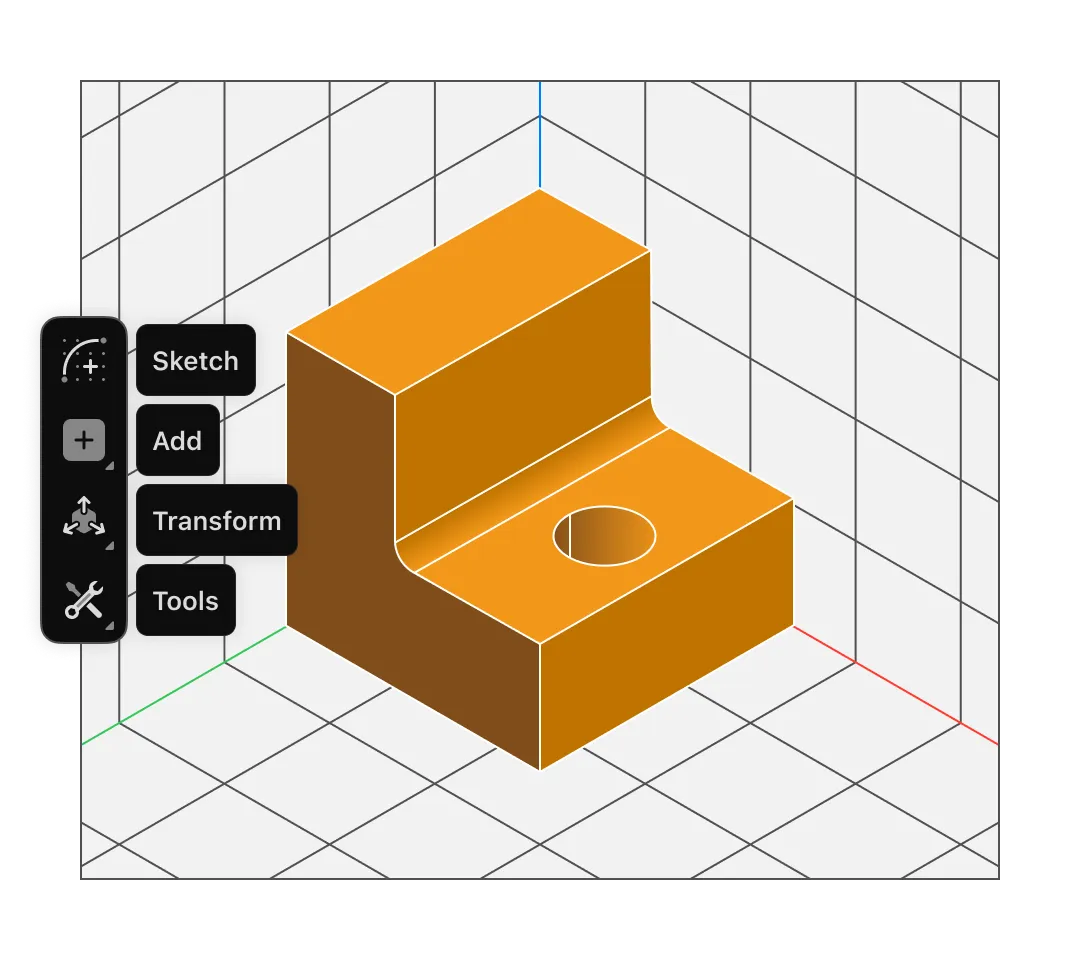
Modeling is easy with your iPad and Apple Pencil. If you prefer pen and paper to a keyboard and mouse, Shapr3D mimics that flow to make design intuitive and fun.
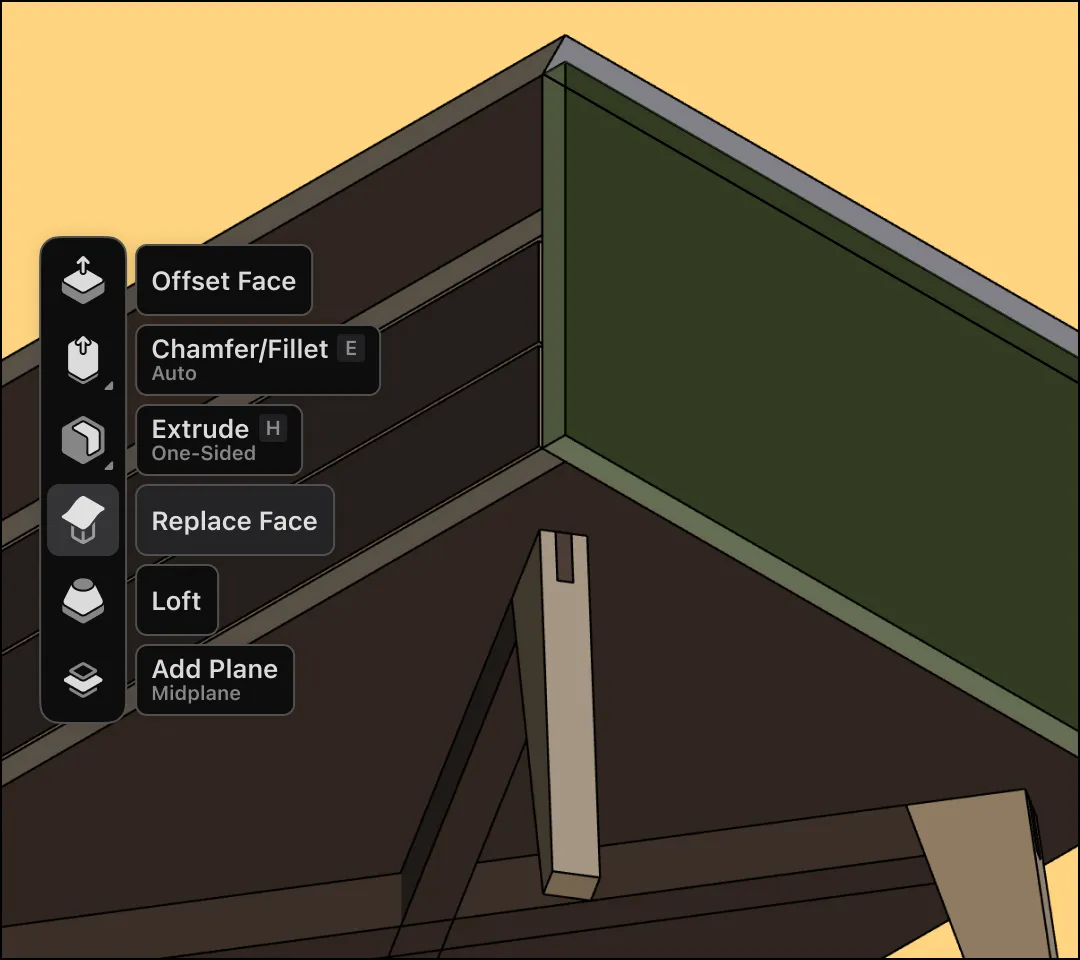
Drag edges to create fillets, chamfers, and curvatures with direct modeling. Edit a dimension or detail, and parametric modeling updates your model automatically. Enjoy the best of both worlds.
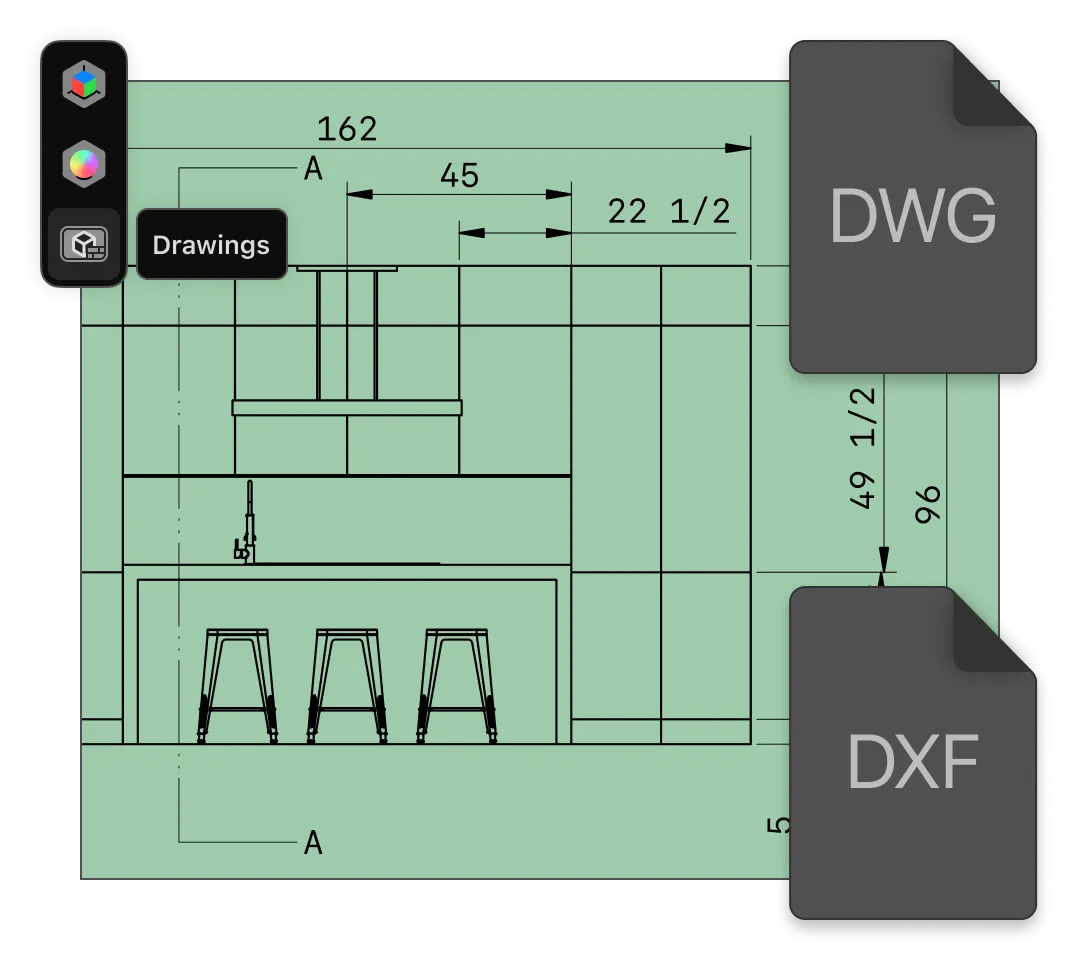
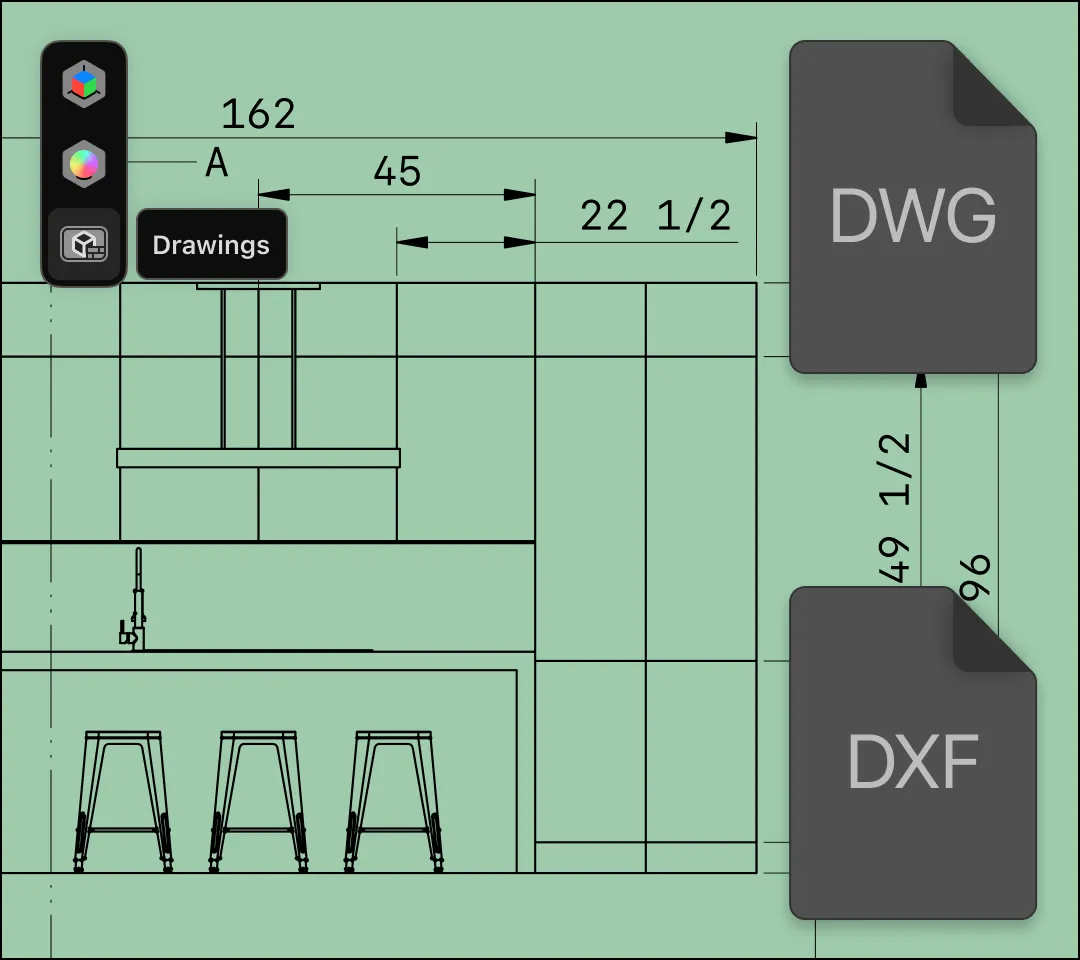
Generate 2D drawings from your 3D model in an instant. Annotate dimensions, add notes, and adjust tolerances on your drawing, and export in 2D formats like DWG, DXF, and more.
3D woodworking software gives professional furniture makers, hobbyists, and DIY enthusiasts the tools to design their projects digitally. With Shapr3D, you can create an accurate 3D model of your design, use visualization and rendering features to see it with realistic materials and lighting, and convert your model into 2D drawings for construction.
Shapr3D is built on Siemens Parasolid, a high-precision CAD engine that gives you exact geometry needed for perfect-fit components.
At the same time, modeling is easy and quick to get started. You don’t have to worry about spending hours learning a new tool — with built-in tutorials and an adaptive user interface, Shapr3D makes it easy for you to jump right in and start designing with a slate of 3D modeling tools. Constraints and parametric modeling make it even easier to reduce errors and design more efficiently.

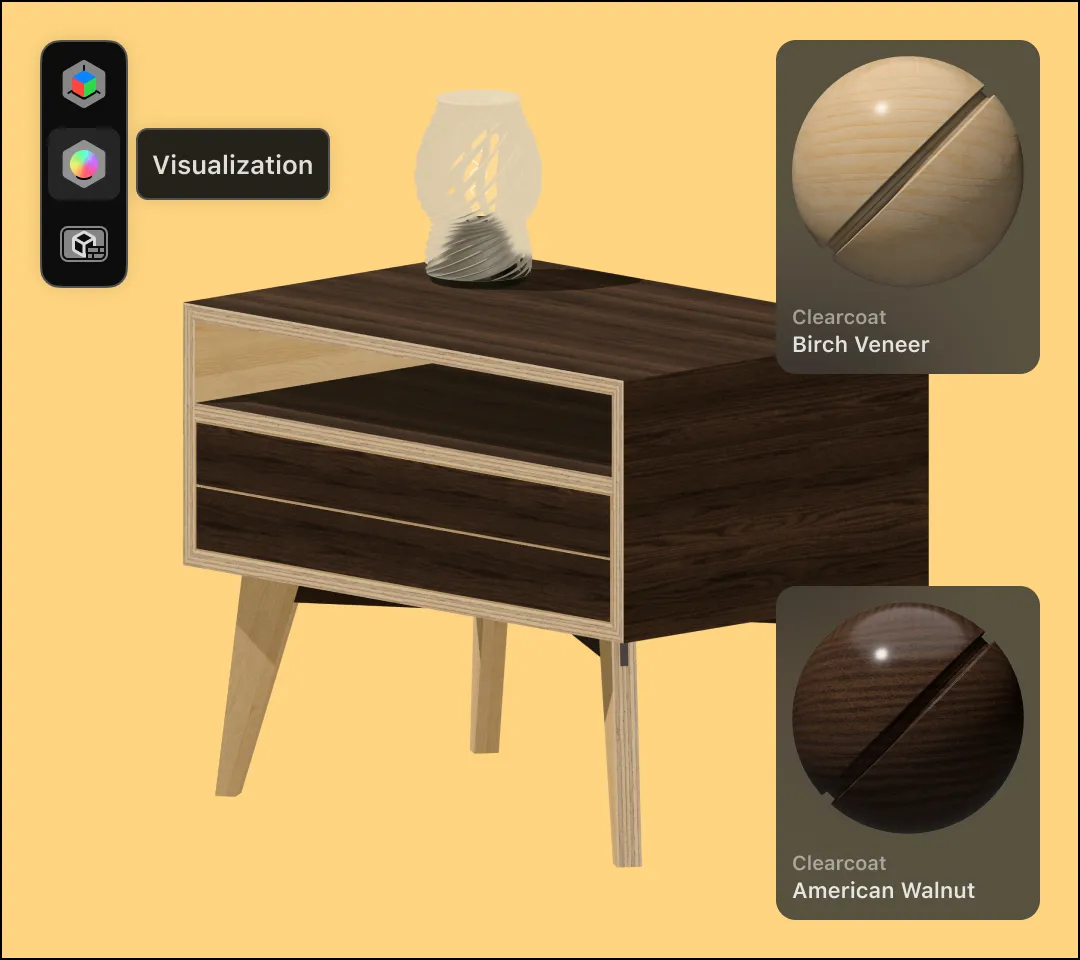
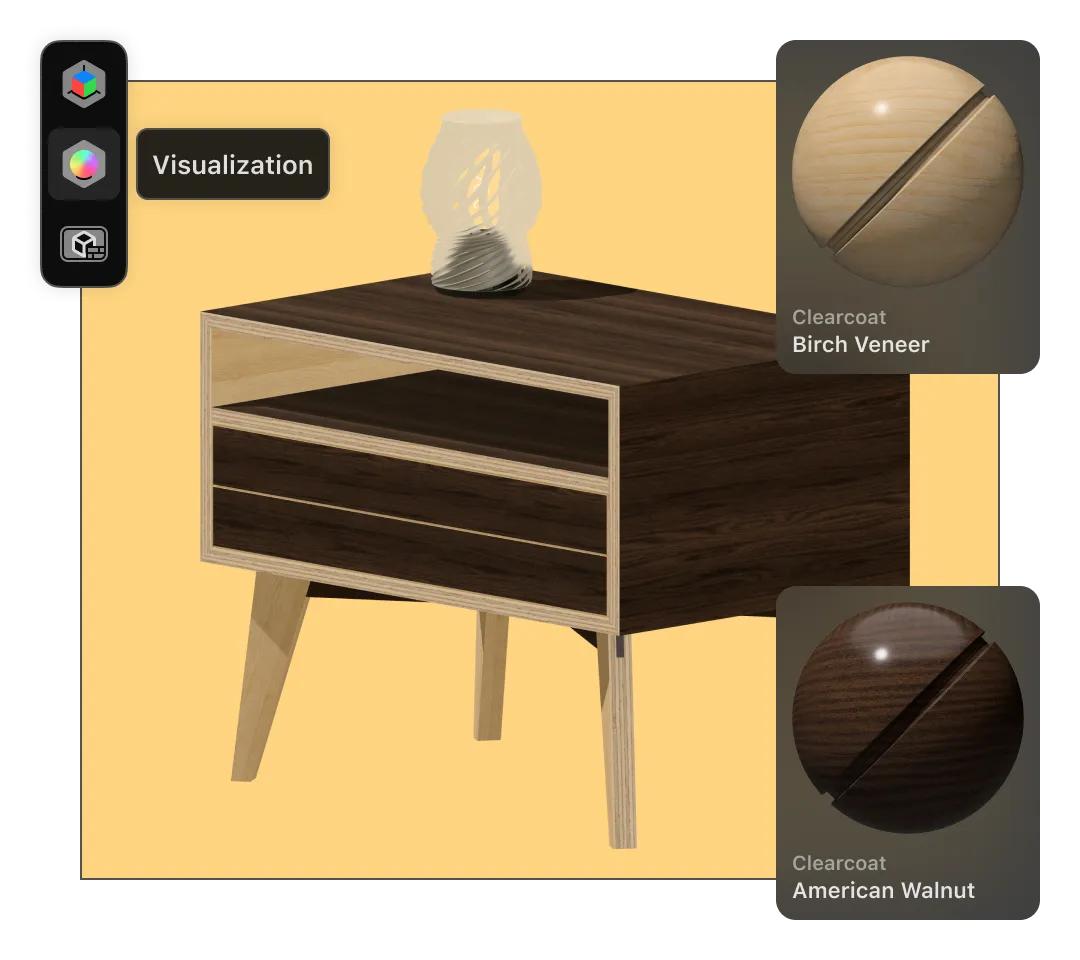
When you’re working on an idea for a client or for your own home, you want to get a sense of what the final product will look like.
In Shapr3D, visualization is just a click away:
Share your design with collaborators or clients for review using a simple, secure link. When you’re ready to start building, Shapr3D exports your model as a DXF, SVG, STL, STEP, and other formats for using with CAM software or CNC routers.
You can also create 2D technical drawings that show different views, dimensions, and geometries.
“When I was using SketchUp, I would start with a body, then draw around the body, and push and pull until I kinda shaped it. Shapr3D has made me build components and connect the components. It’s helped me break down how I would construct and join each piece of timber. It makes me think about actually building it rather than just a design.”
Marc T., Operations Manager, Eclipse Furniture
Start a free, 14-day trial of Shapr3D Pro to gain access to all the modeling, visualization, and export capabilities you need to design your next woodworking project.
Woodworking design software is a specialized CAD (computer-aided design) software used to create precise plans for furniture, cabinetry, and other woodworking projects. Unlike drawing designs freehand, which are prone to measurement errors and require manual revisions, CAD software allows you to build a virtual 3D model of your project. You can see exactly how joints fit together and how wood grain looks before you ever make the first cut, saving you from expensive mistakes in the shop.
Yes, although some 3D woodworking software options are more beginner-friendly than others. While Shapr3D is known as a CAD software with professional-level precision, it has a low barrier to entry for beginners to learn.
Shapr3D’s intuitive modeling experience helps beginners get started quickly, with push-pull modeling and an adaptive UI that predicts and shows the tools needed for your next move. We also have helpful video tutorials, step-by-step support articles, and a community forum to help you learn.
We believe your design process should move from the office to the workshop seamlessly. That’s why Shapr3D is available as a native application on iPad, Windows, and Mac operating systems. You don’t have to choose just one — our multi-device workflow and cloud sync allows you to start a model on your iPad while on the go, and finish it at your desktop.
Yes, Shapr3D can create 3D models and automatically generate 2D technical drawings with top, side, front, and isometric views.
Shapr3D is a direct modeler with history-based parametric modeling capabilities. You can choose to use either or both depending on the needs of your woodworking project.
Collaboration is built into Shapr3D. You can export your designs in several formats with the Shapr3D Pro license:
We offer a 14-day full-feature free trial. You get access to every tool, including 3D rendering, high-fidelity exports, and cloud collaboration. This allows you to complete a small project from start to finish to see if the software fits your workflow.
Using CAD software for woodworking design allows you to create models that will become physical objects. Setting constraints and using parametric modeling to update models (rather than having to rebuild the model yourself after editing one dimension) help to minimize human error.