Download Shapr3D.
Download in seconds and get to your first model in 15 minutes.
Available for iPadOS, macOS, and Windows, and fully supported on Wacom tablets.
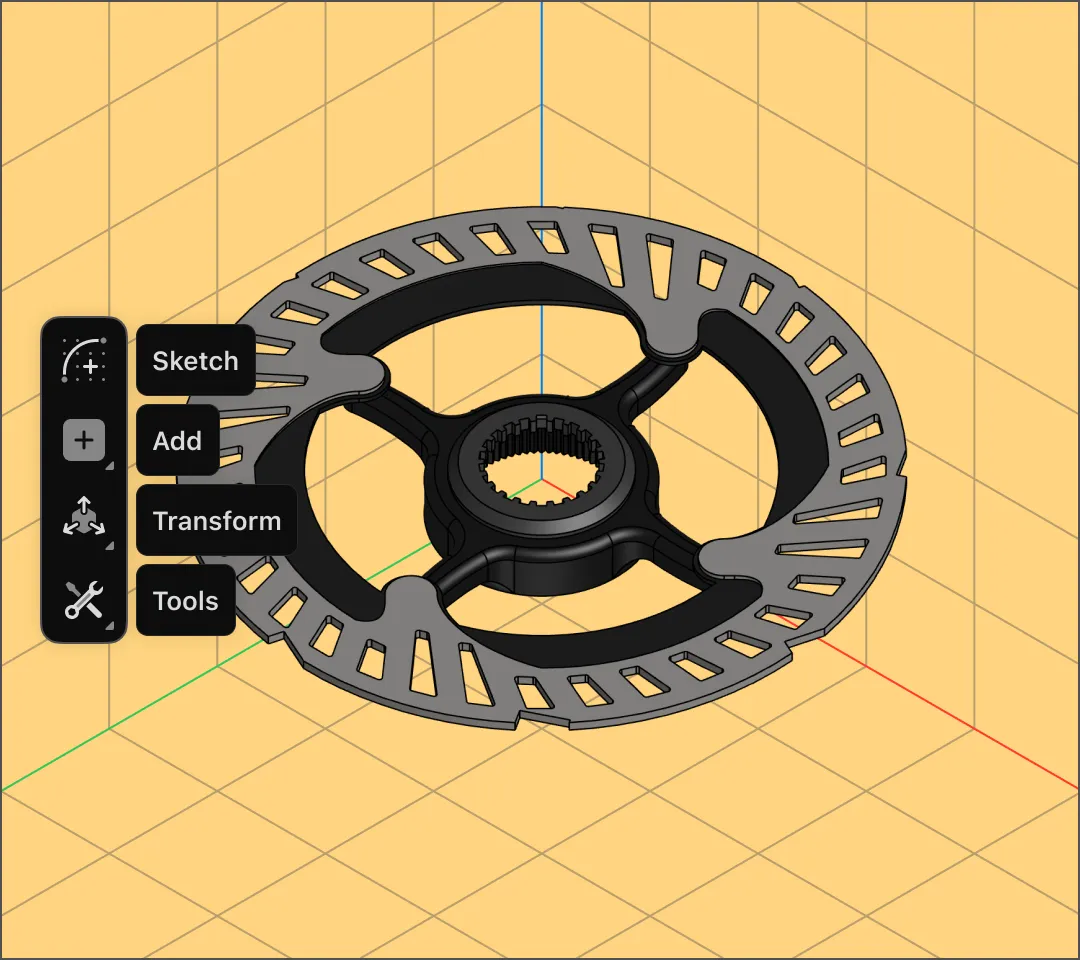
Experience greater efficiency in your manufacturing operations with MCAD software that flows from iPad to desktop Mac and Windows.
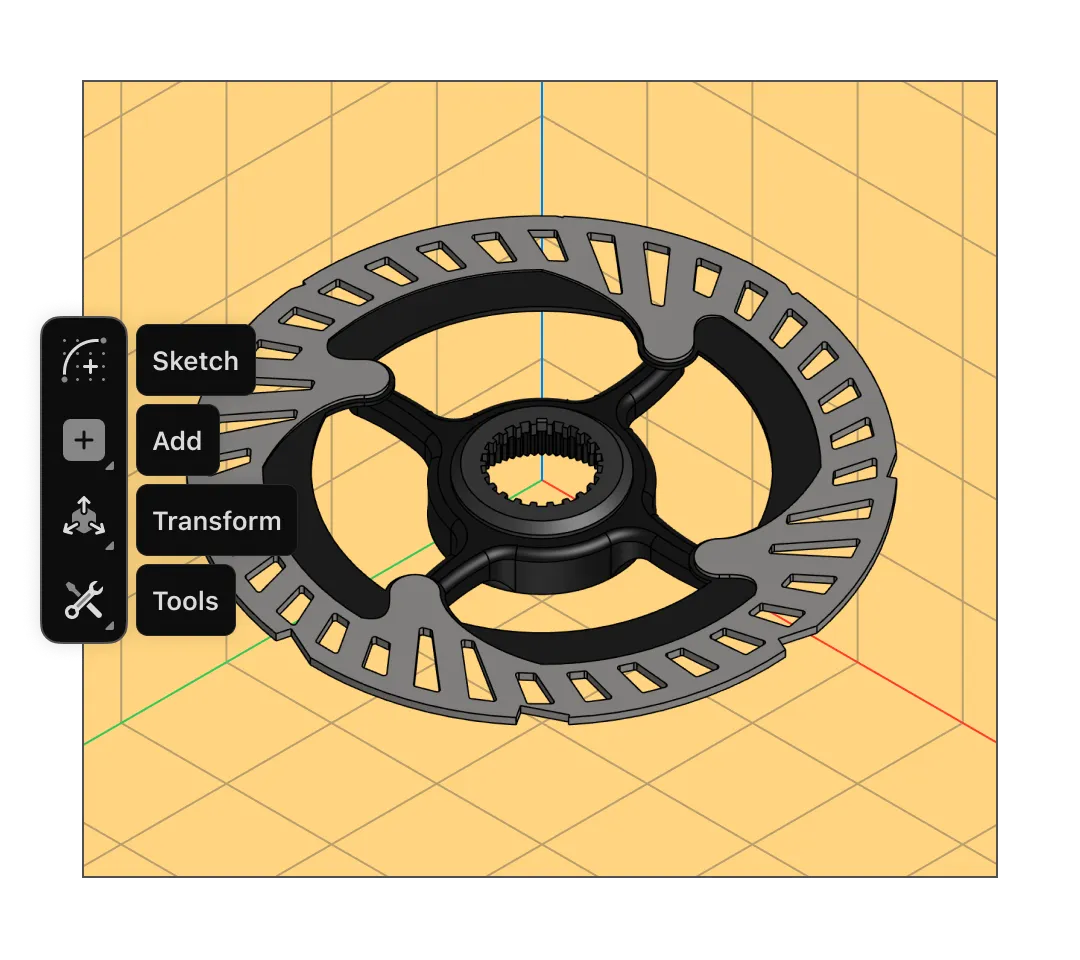
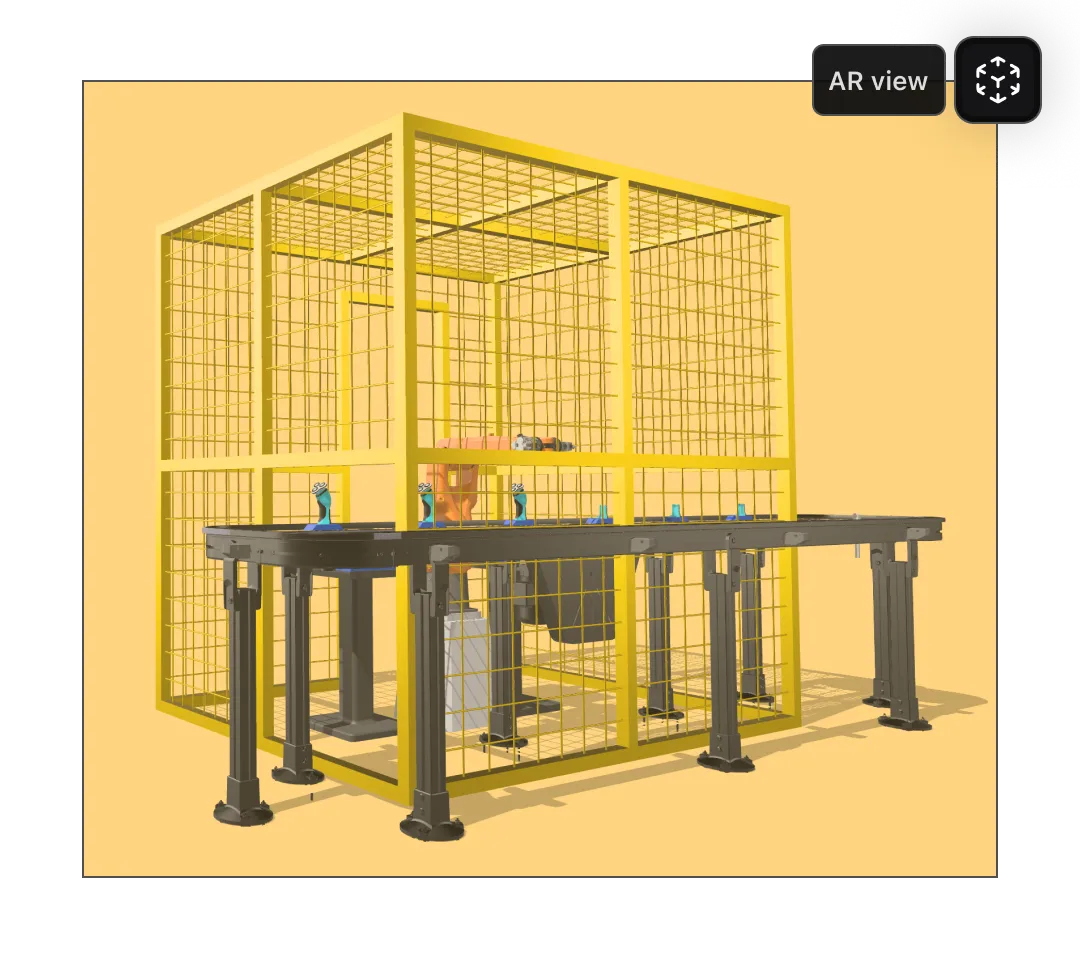
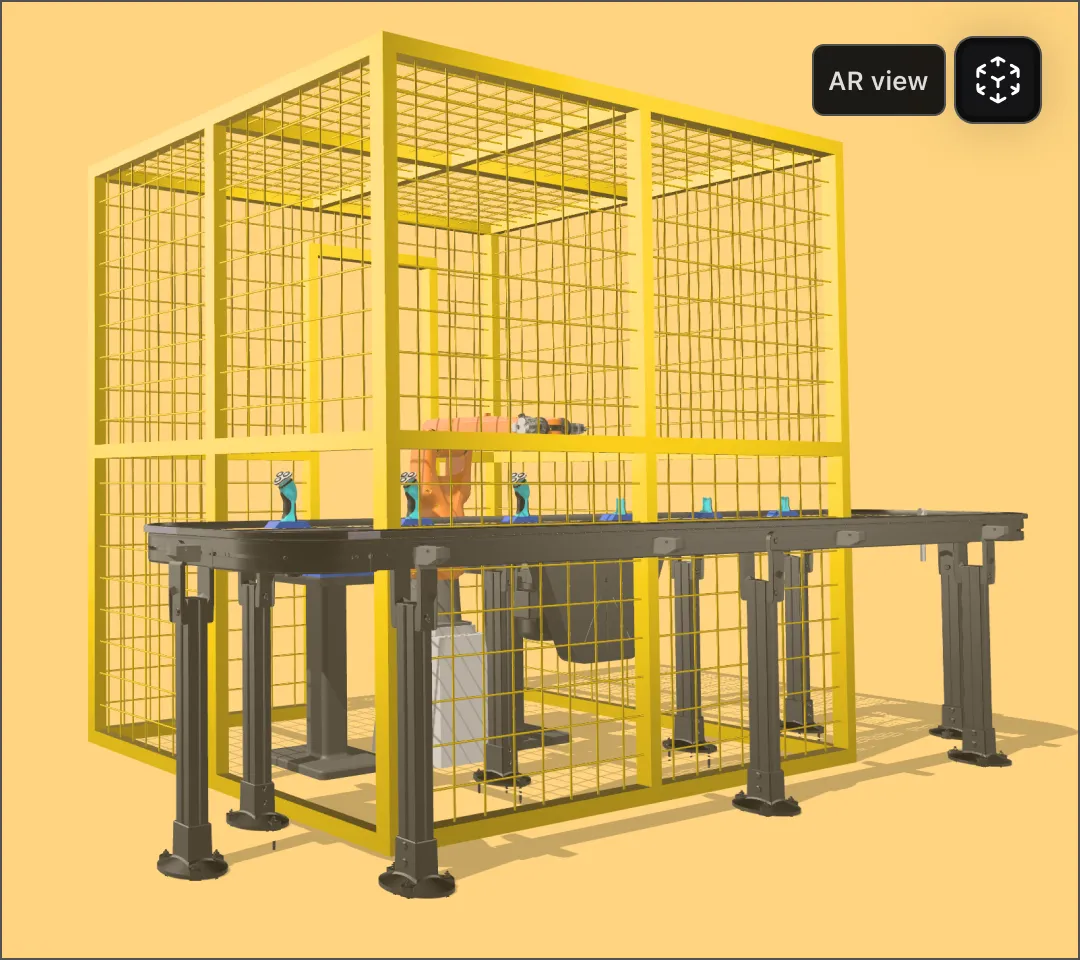
Flexible, mobile CAD helps you implement quick fixes and reduce downtime. With Shapr3D on the iPad, you can model parts and validate fit on the production line with integrated AR.
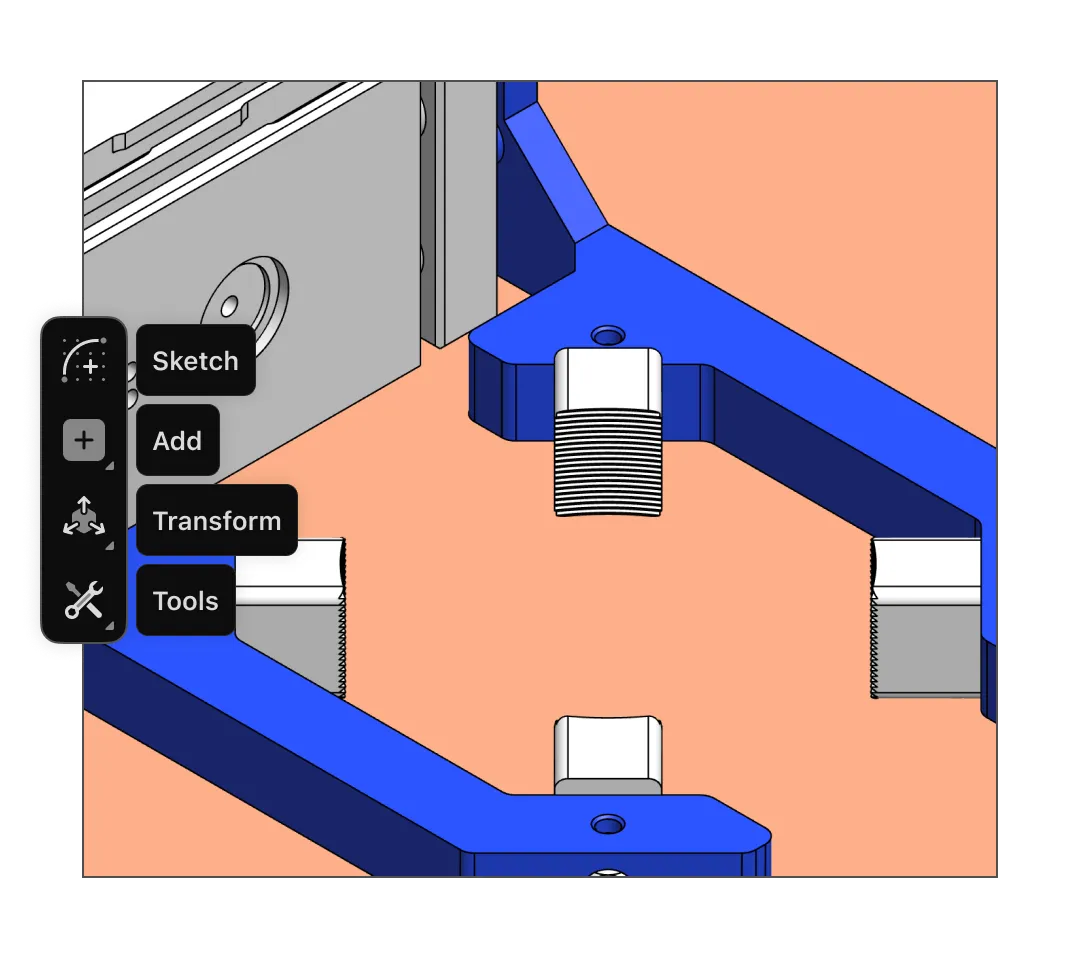
Shapr3D gives you the best of both worlds: model faster with direct modeling for quick concepts, and use parametric modeling to make edits that preserve design intent.
Built on the Siemens Parasolid kernel, Shapr3D uses b-rep (boundary representation) to give you precise, manufacturable geometry.
Shapr3D is easy for the entire team to use and compatible with existing tools. Import and export Parasolid (XT/XB) or STEP files to continue your manufacturing workflows.
Mechanical computer-aided design, or MCAD software, is a high-precision solution used by manufacturing teams large and small throughout the product development process. Here’s how Shapr3D integrates into your manufacturing workflows:
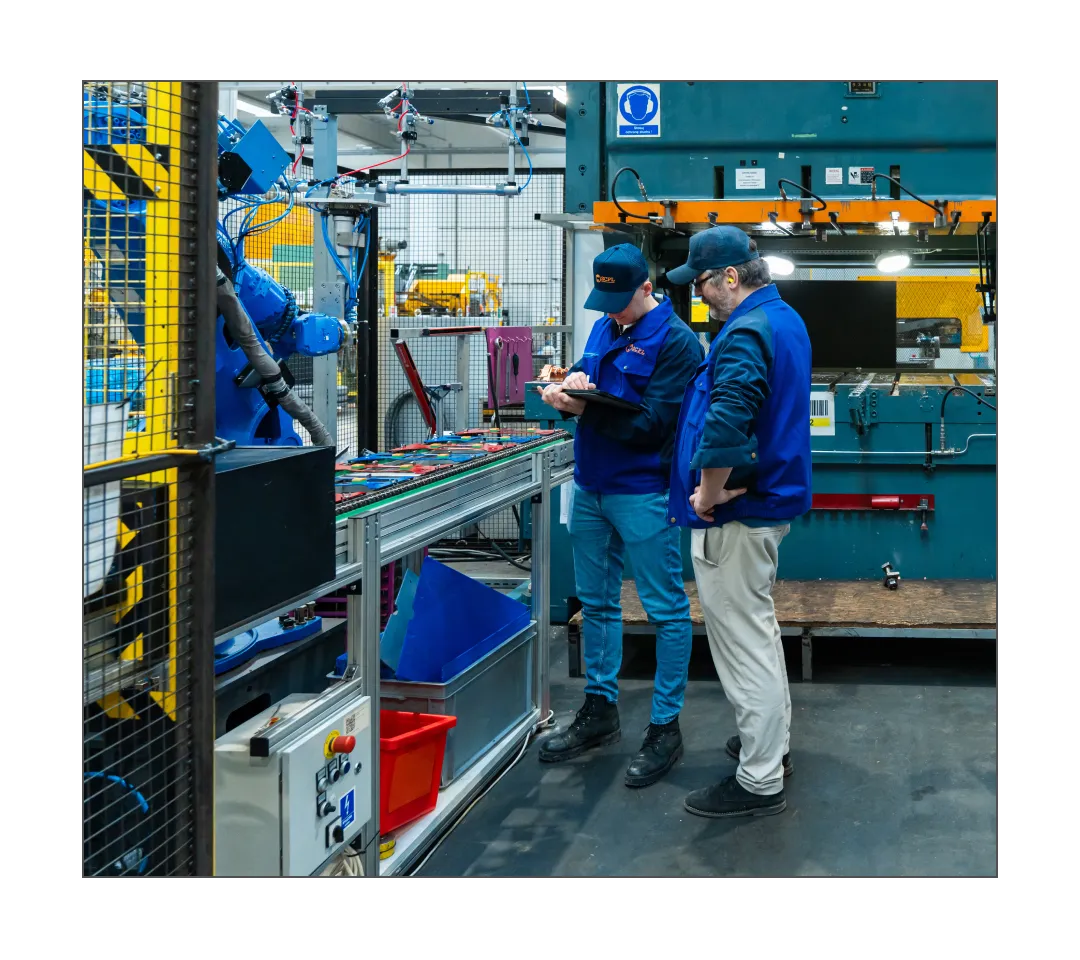
Traditional MCAD platforms often require specialized hardware to run and months of training to gain proficiency. Shapr3D is a lightweight MCAD tool that you can learn in an afternoon and operate on an iPad or laptop. Quickly pull up models, edit them, and review in meetings or on the shop floor.
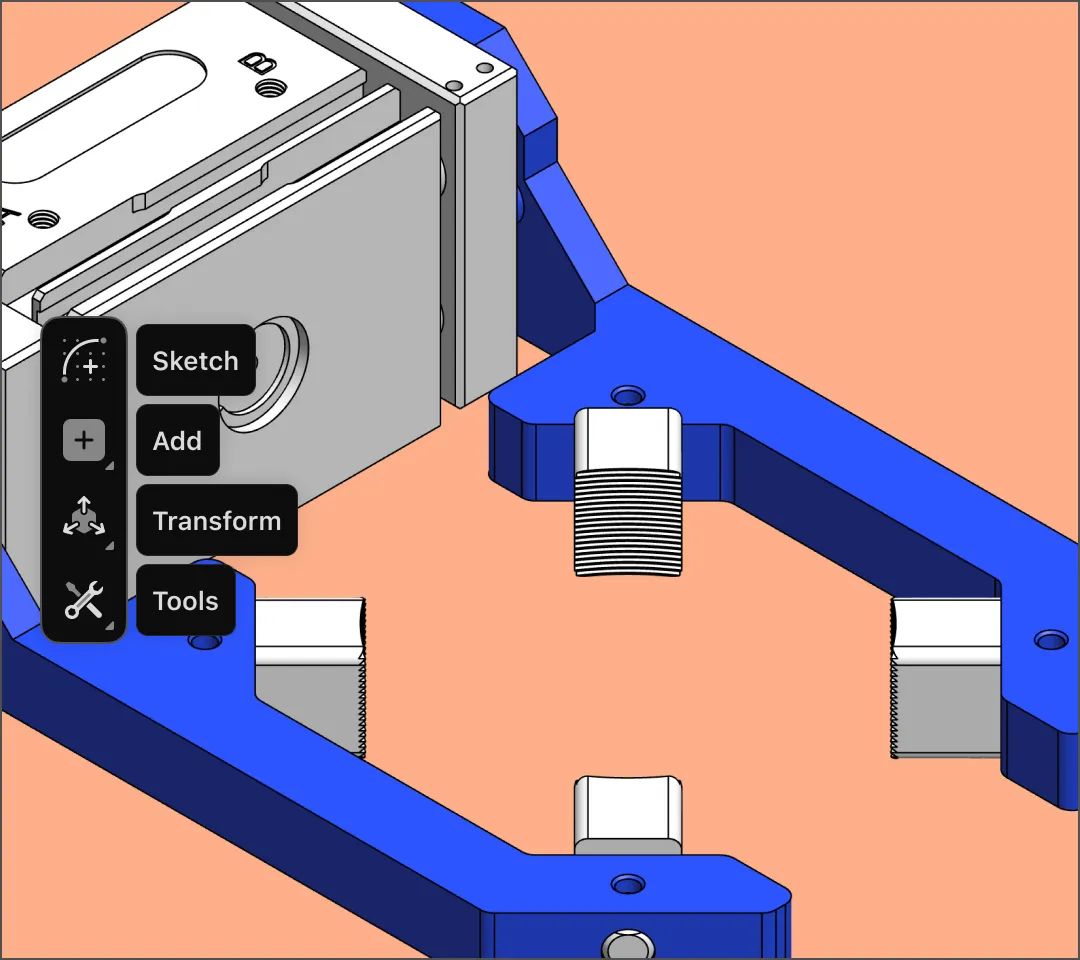
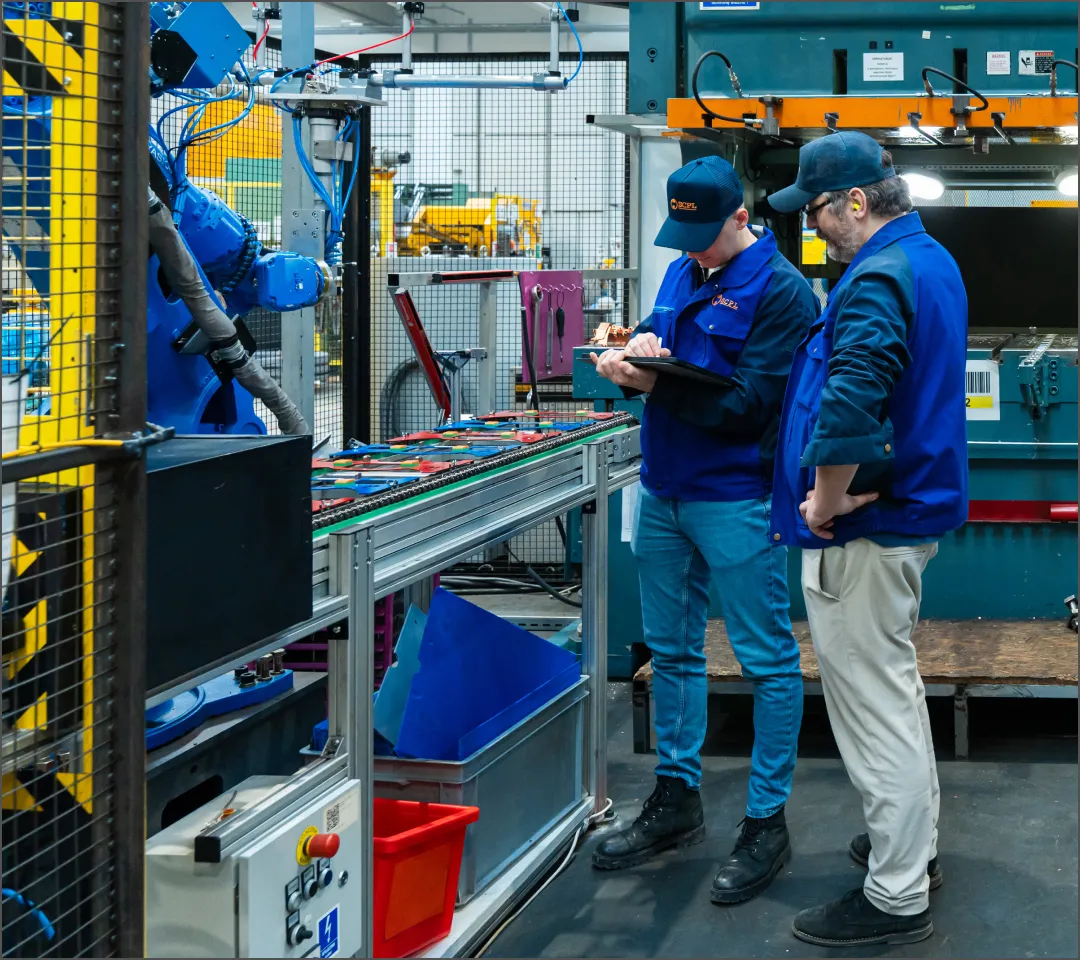
Design tooling, jigs, and fixtures with CAD software that travels with you to the factory floor. If your assembly line needs a simple tool or bracket, sketch it on the iPad with your Apple Pencil, validate the fit with AR, and export a file your 3D slicer can read.
Design and manufacturing teams working closely together use Shapr3D to align on ideas and communicate clearly through visuals. Reviewing, rotating, and moving 3D shapes in real time helps teams iterate faster and make quicker, more informed design and manufacturing decisions.
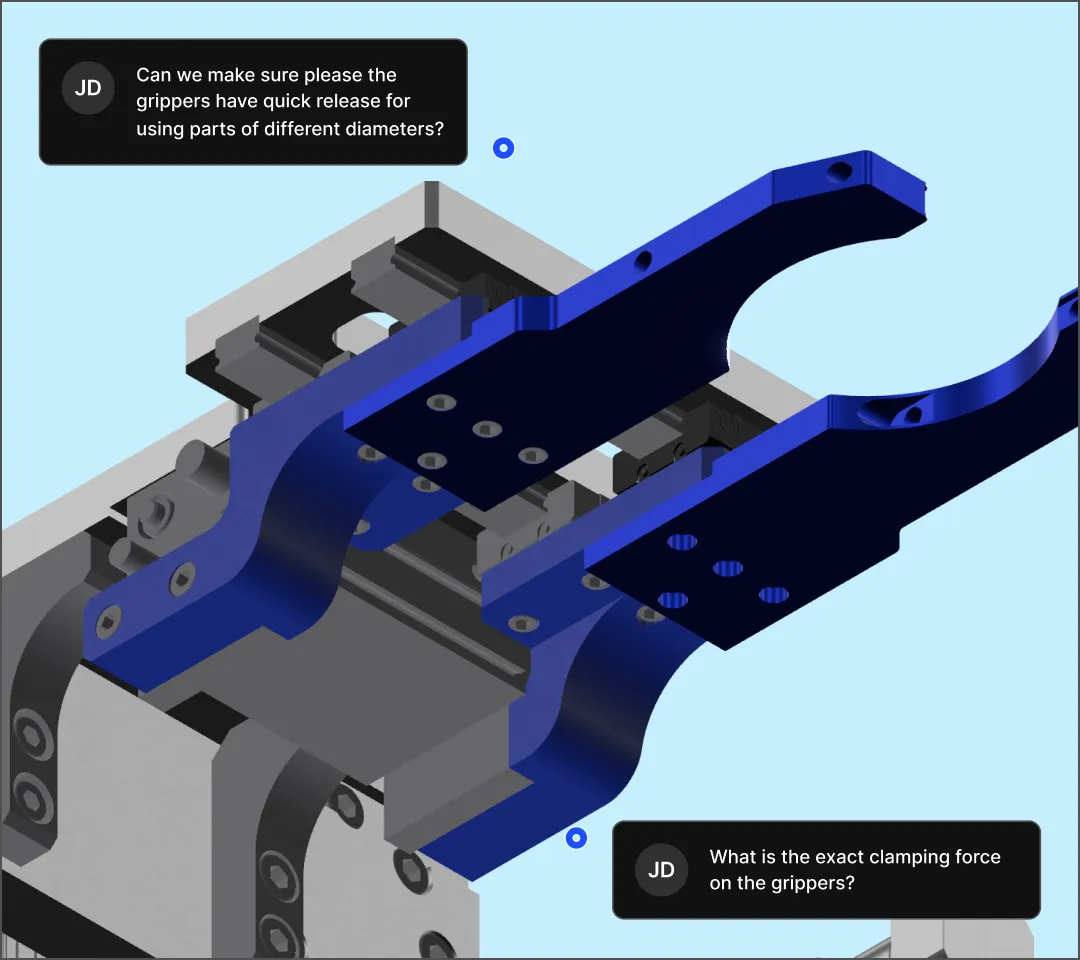
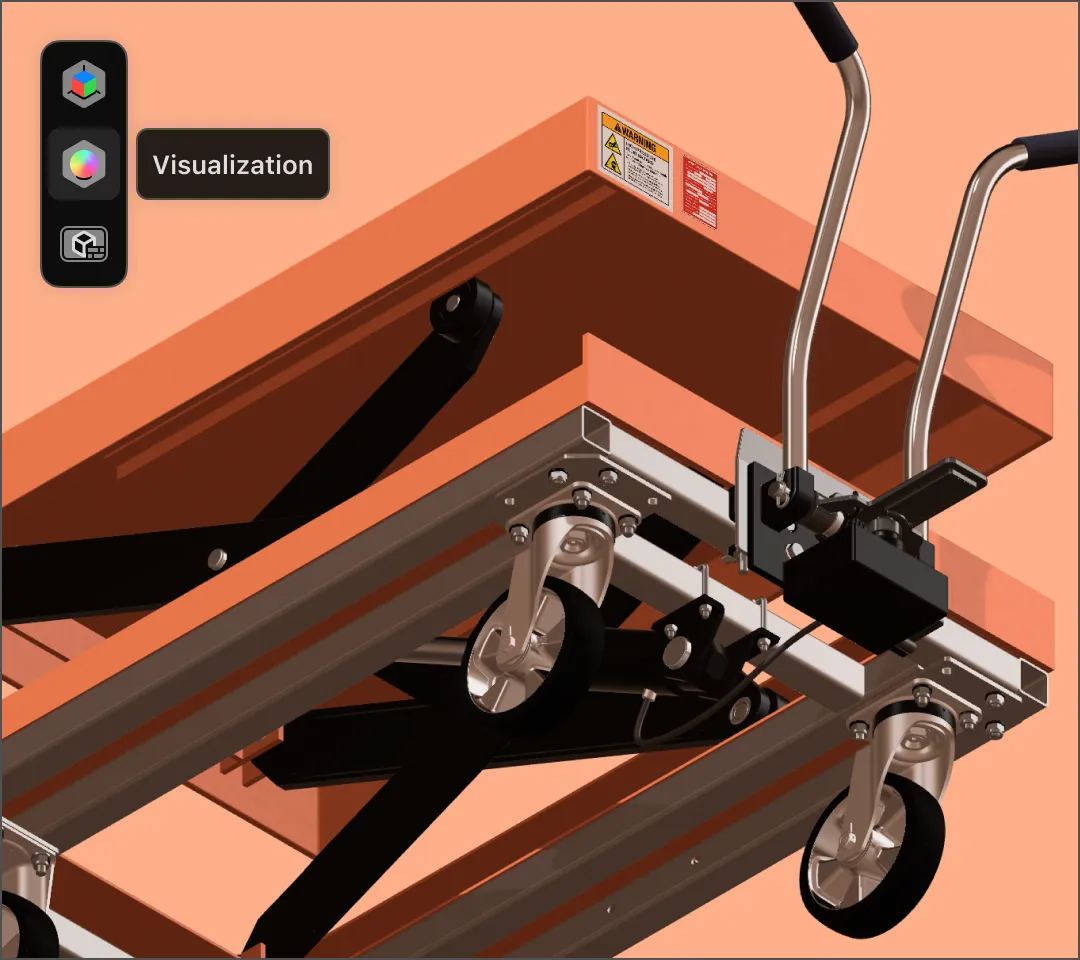
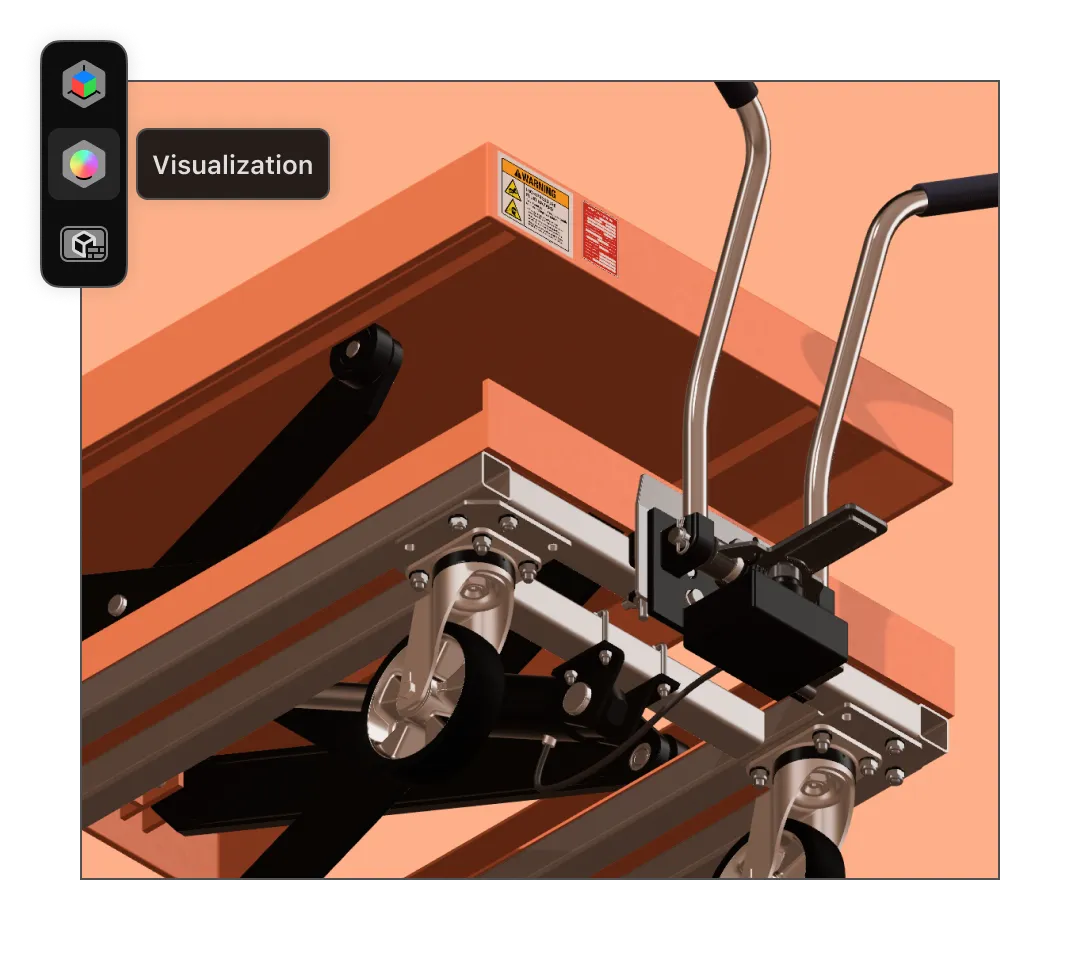
Automotive companies and OEMs (original equipment manufacturers) producing braking systems, engines, and other car parts, use Shapr3D for early prototypes, quick concepts, and full-scale AR reviews. One European OEM reduced equipment design timelines by 50%, completing projects in six weeks instead of 12.
Shapr3D provides a quick modeling platform for iteration and rapid prototyping that can also be exported to heavyweight MCAD software like CATIA and Siemens NX for simulation and CAE.
Teams designing heavy machinery for production lines can build models in 3D and validate their fit on the shop floor using AR. Shapr3D’s integrated AR viewer means this can be done in an instant — no need to export files or use third-party apps to view models live in full scale.
“We could place [the 3D model] there in front of them, and they could physically check fit and scale and say: okay, the spacing is fine.”
Mark Waudby, Director, Waudcray
Manufacturing teams at global companies use Shapr3D’s MCAD software from design to production line. Start a free trial to see how your team can benefit from 3D modeling software that’s easy to learn and use.
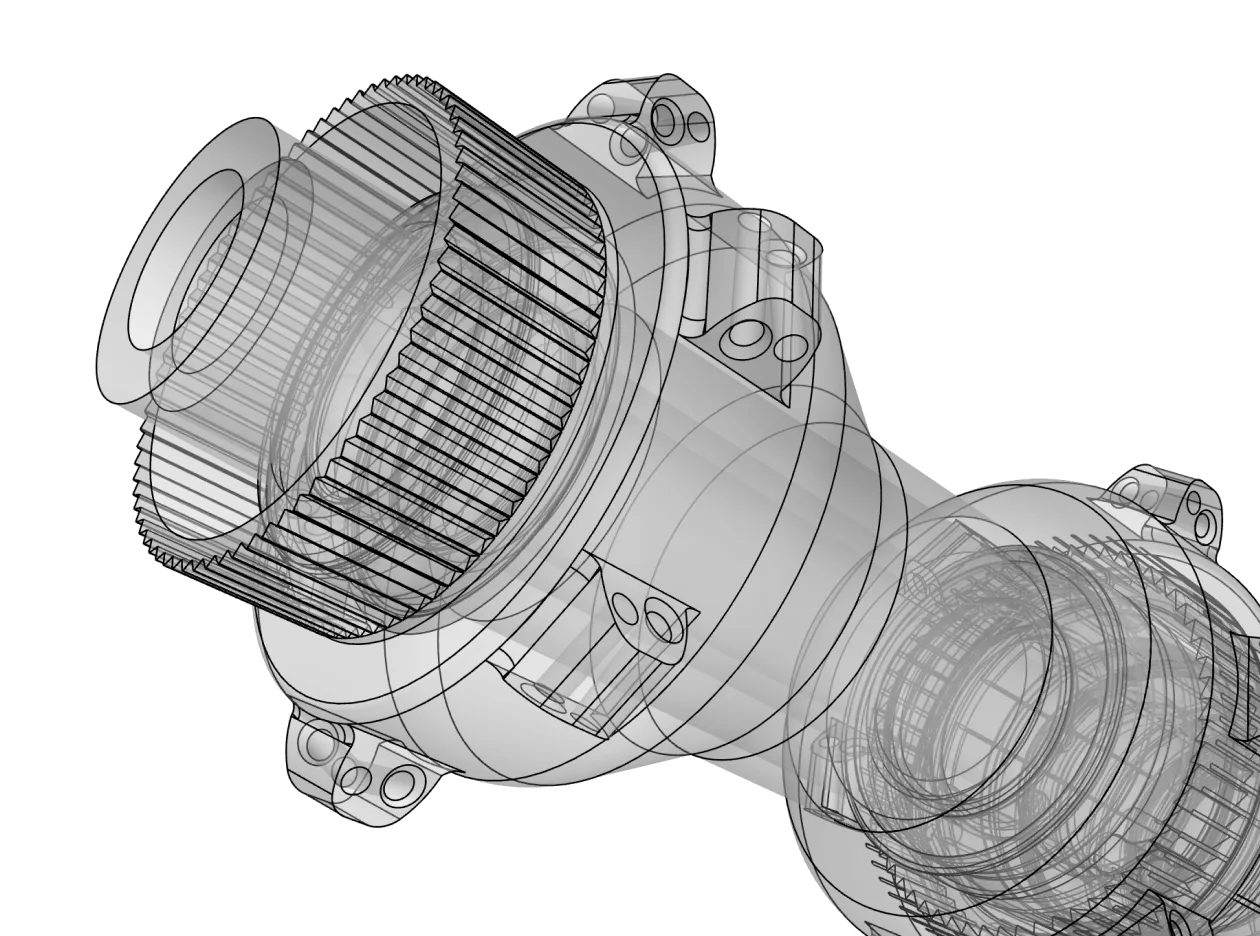
MCAD software (mechanical computer-aided design) allows engineers to create precise 3D models and 2D drawings of mechanical components. It has many benefits over pen and paper drafting or 3D design software that focuses more on visuals than mechanical precision:
Modern MCAD software uses cloud-based sync and multi-device support so teams can collaborate on the most up-to-date models in real time. Whether it’s an engineer at a desk or a technician on the factory floor with an iPad, everyone stays connected, reducing communication silos and ensuring design intent is never lost.
Because of its versatility, MCAD software is the backbone of several major sectors, including automotive and aerospace, industrial equipment, consumer electronics, and healthcare.
Interoperability is crucial for a modern manufacturing workflow. Shapr3D and other leading MCAD tools are designed to fit into a larger ecosystem that includes:
Yes. By using MCAD software for virtual prototyping, teams can identify design flaws and interference issues before manufacturing begins. This reduces the need for expensive physical prototypes, optimizes material usage through precise volume calculations, and minimizes scrap during the production phase.
Yes. While traditional MCAD was once reserved for large enterprises, modern solutions like Shapr3D have made professional-grade tools accessible for smaller businesses, educational use, and hobbyists. With flexible licensing and an intuitive interface, small design shops and students can achieve the same level of precision as Tier 1 suppliers without a steep learning curve.
To ensure seamless collaboration, Shapr3D supports industry-standard CAD formats.
Take a look at our import/export page to see all supported file types.
While both are essential to product development, they focus on different disciplines. MCAD (mechanical CAD is used to design physical parts, assemblies, and housings, while ECAD (electronic CAD) is used to design integrated circuits, PCBs, and electrical schematics.
Shapr3D combines the security of local storage with the convenience of cloud sync. This means you can work offline with your data saved locally, while our synchronization features ensure that your team always has access to the latest version of a project.
Unlike legacy MCAD software that requires specialized hardware and workstations, Shapr3D is built to be lightweight yet powerful. It runs natively on Windows, Mac, and iPad. This cross-platform compatibility allows you to start a design on your desktop at the office and finish it on a tablet while onsite at a manufacturing facility.