Download Shapr3D.
Download in seconds and get to your first model in 15 minutes.
Available for iPadOS, macOS, and Windows, and fully supported on Wacom tablets.
You don’t need to spend hours learning CAD — but you don’t have to settle for basic designs, either. While other tools make you choose between ease of use and complexity, Shapr3D combines pro tools with intuitive modeling so you can build whatever you want, fast.

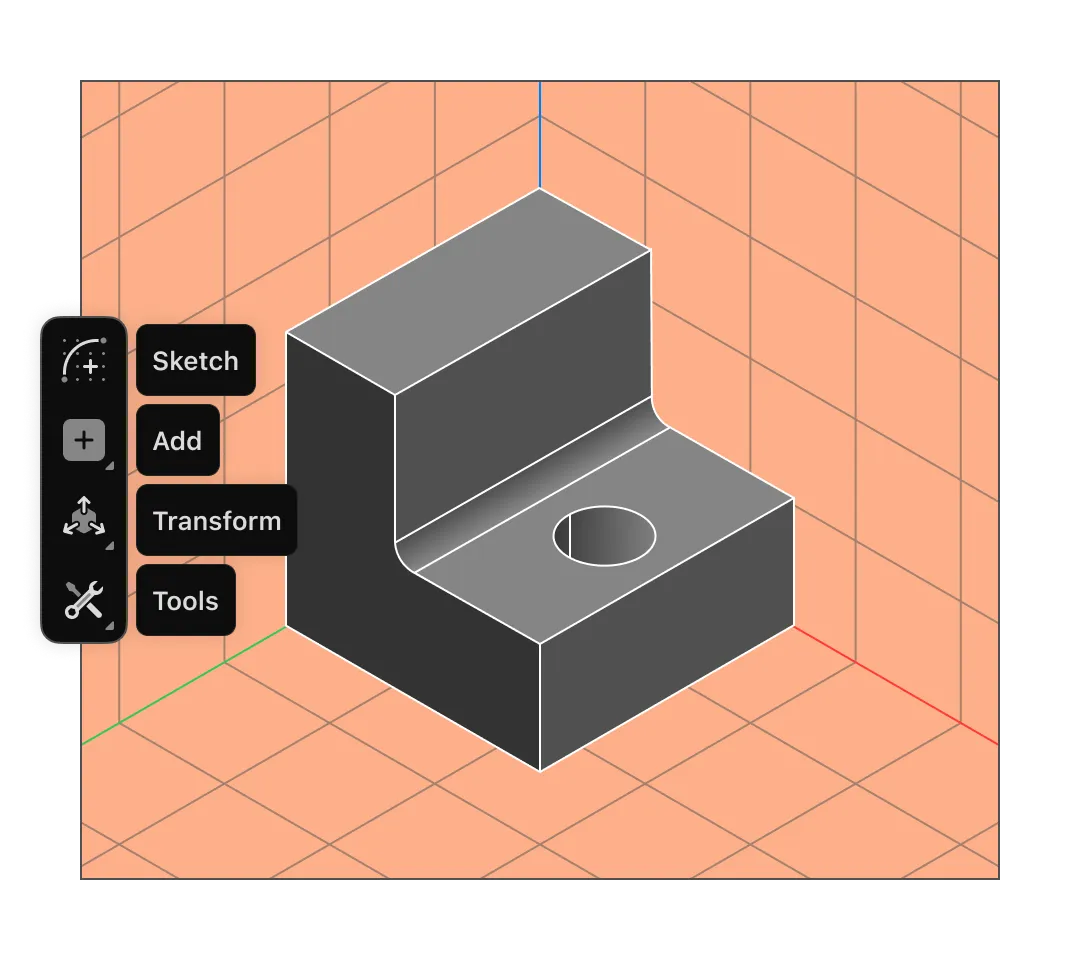
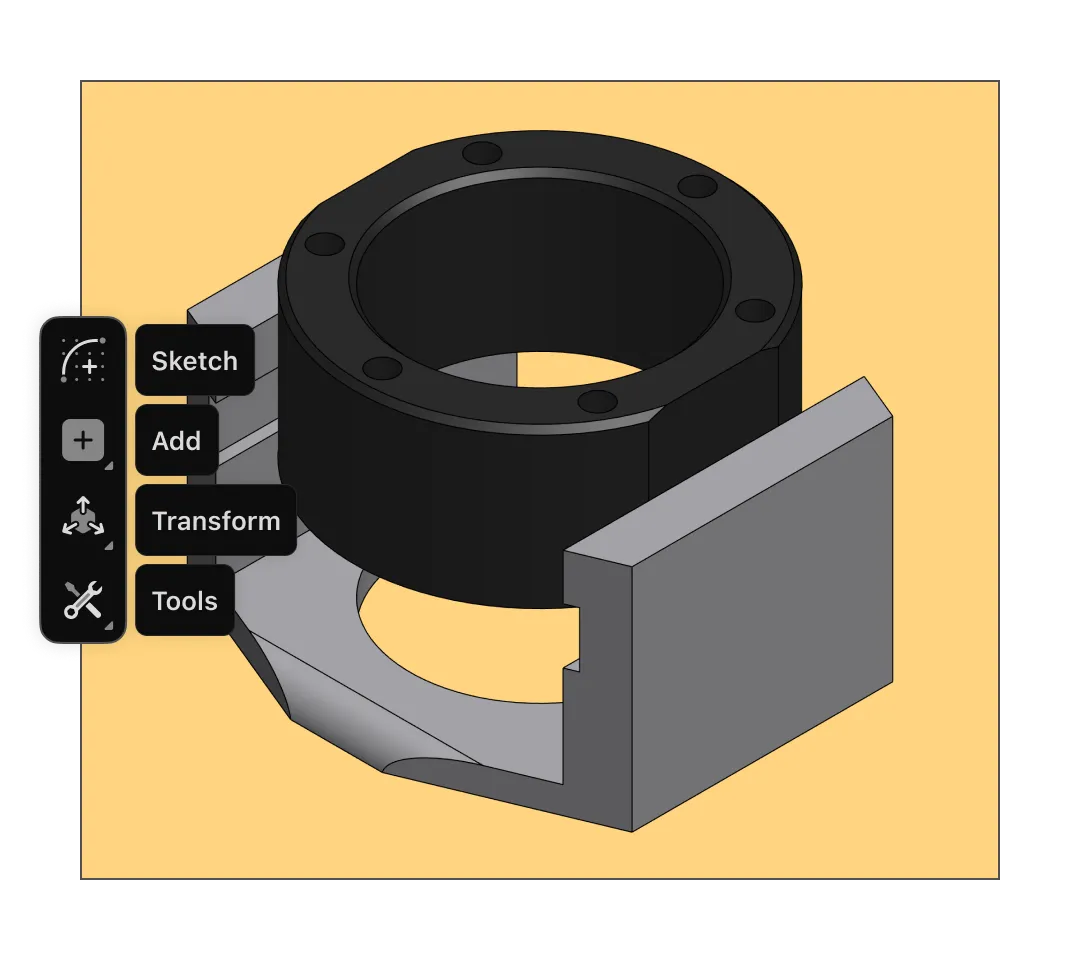
With built-in tutorials and an adaptive user interface that predicts the tools you need, Shapr3D is easy to learn in a single afternoon.
Modeling is fast and fun, making quick designs a breeze. But you’ve also got the tools for more complex modeling moves, allowing you to expand your ideas beyond simple shapes.
Shapr3D is a solid modeler built on Siemens Parasolid, the gold standard used by high-end CAD software, giving you precise, manifold 3D models every time.
3D printing design software allows you to bring your own ideas to life, instead of printing pre-built models. Create custom designs that are tailored to your space or fit exactly where you need them to.
Shapr3D is everything you want in a 3D printing design software: simple to learn, easy to use, and compatible with slicer software — no post processing required. You’ll be ready to print your creations on your own 3D printer or at a makerspace in your community in no time.
Create a model of the object you’re envisioning. Use Shapr3D on the iPad with an Apple Pencil, or Windows or Mac with a keyboard and mouse, to sketch and design.
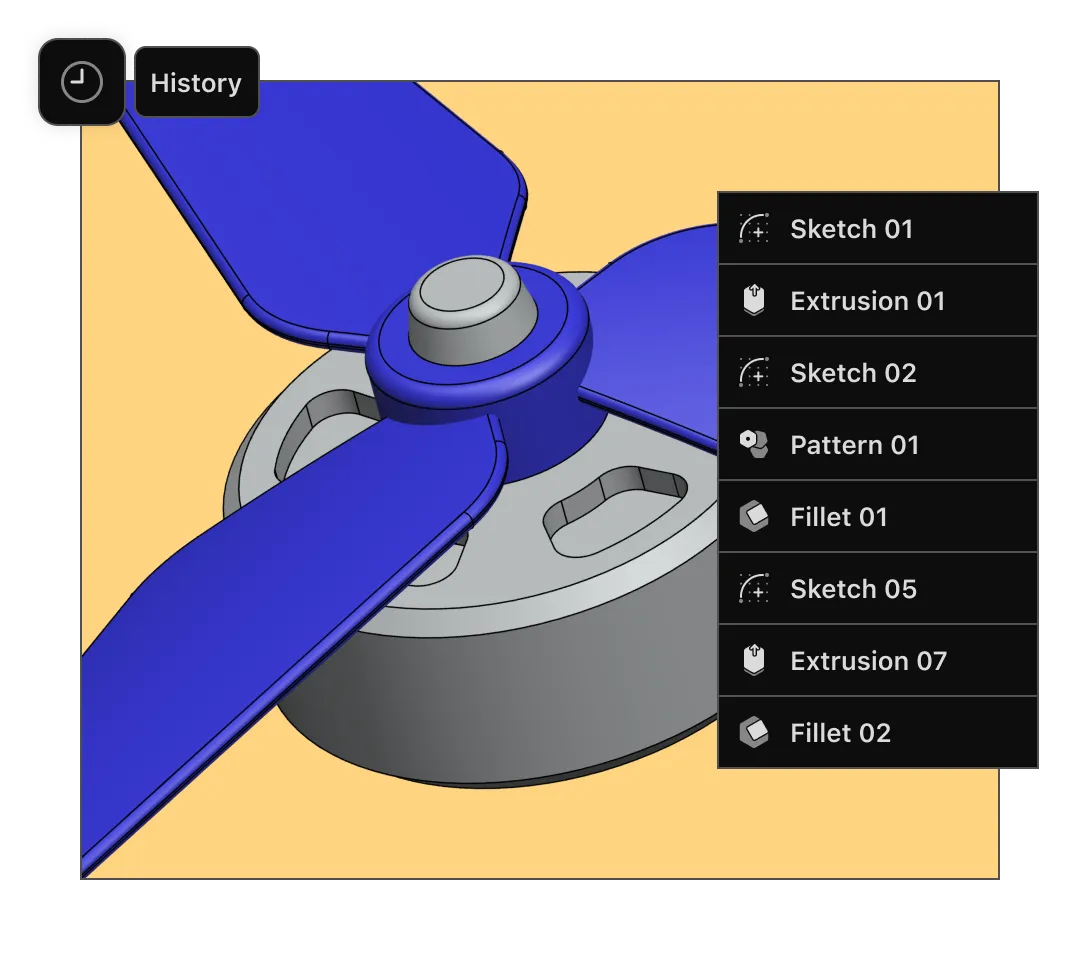
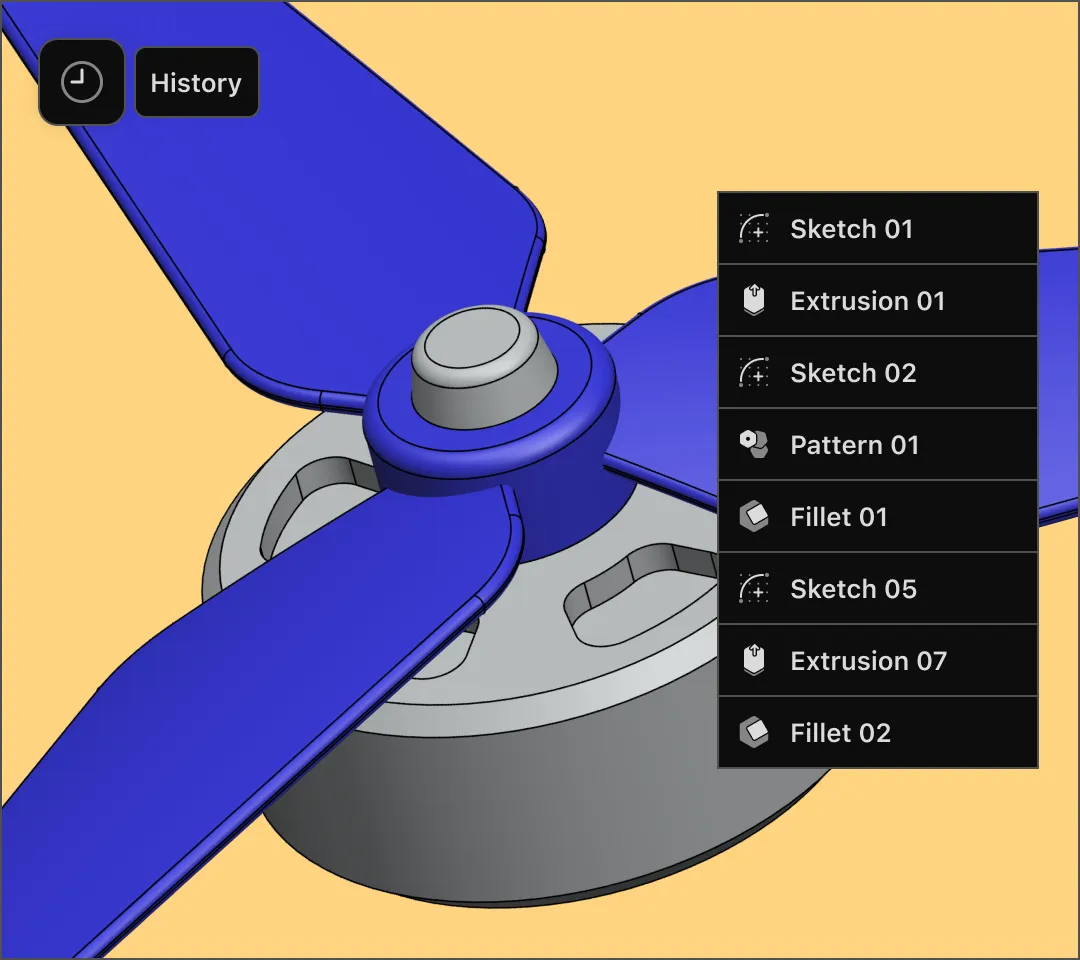
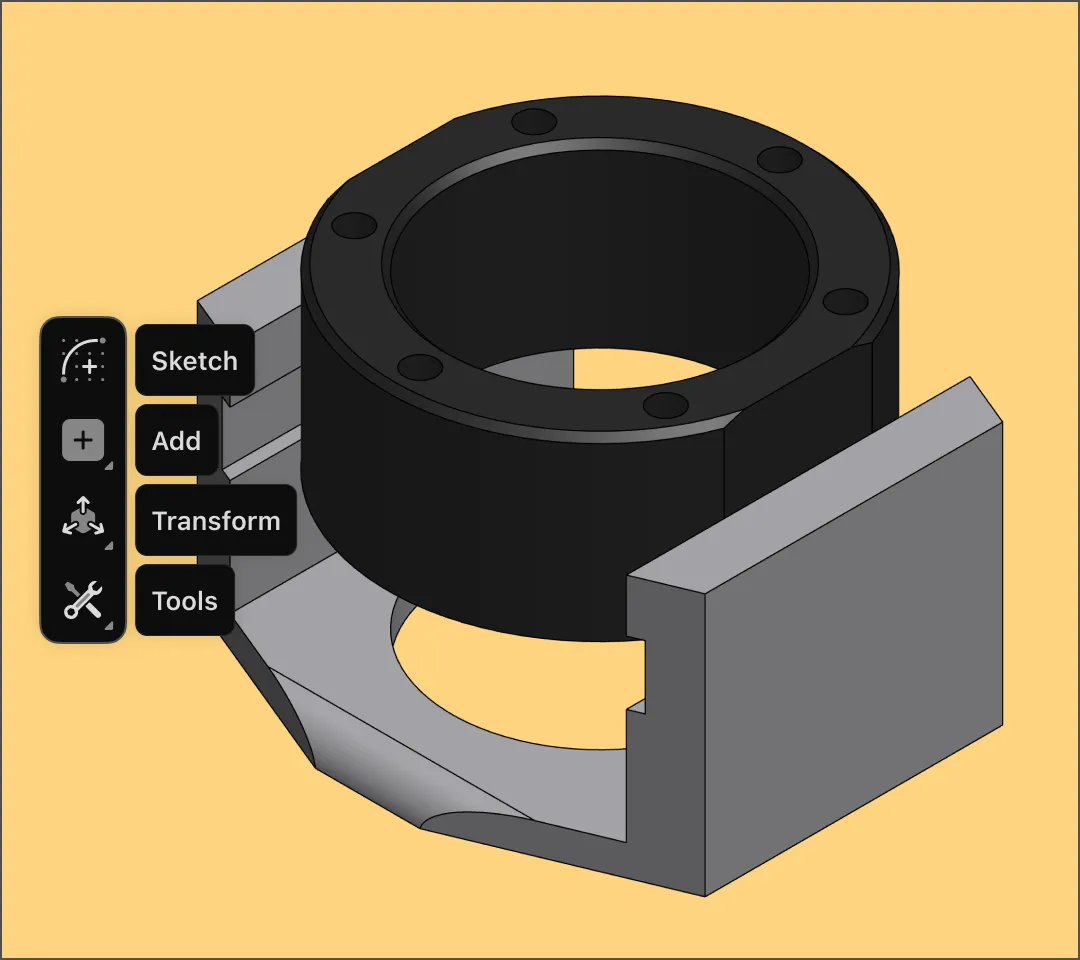
With our push-pull modeling approach, it’s easy to grab faces and edges to shape your model. If you want to edit a part of your model later, history-based parametric modeling updates the rest of the design automatically. You don’t have to spend days learning CAD, because modeling is intuitive and fun.
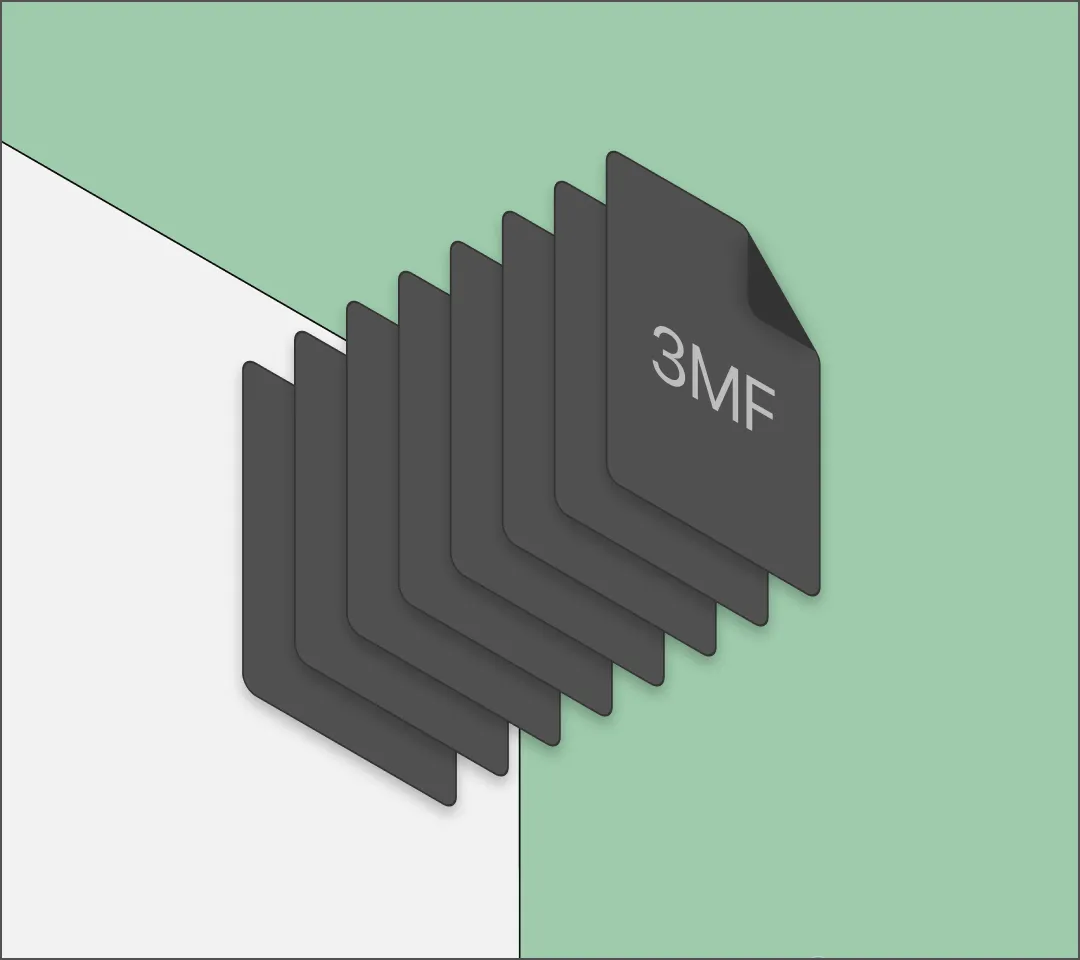
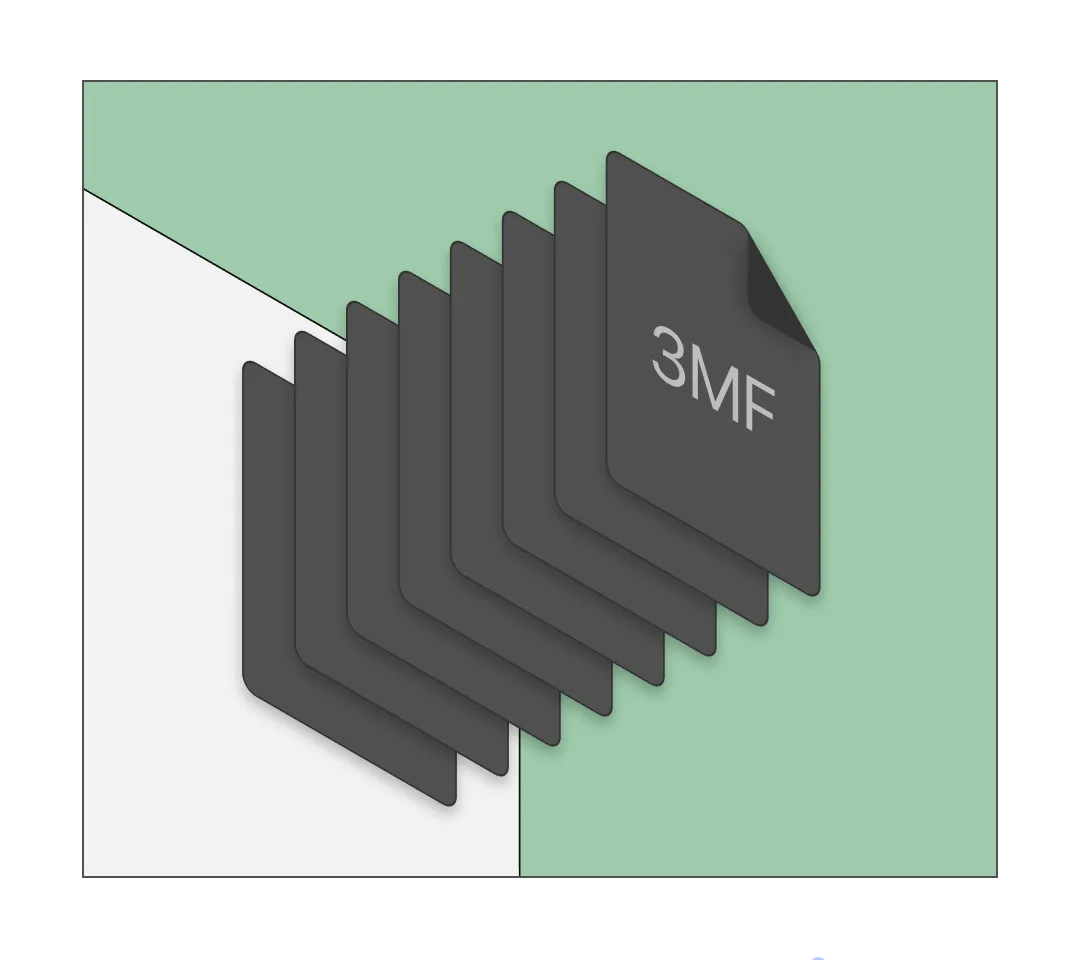
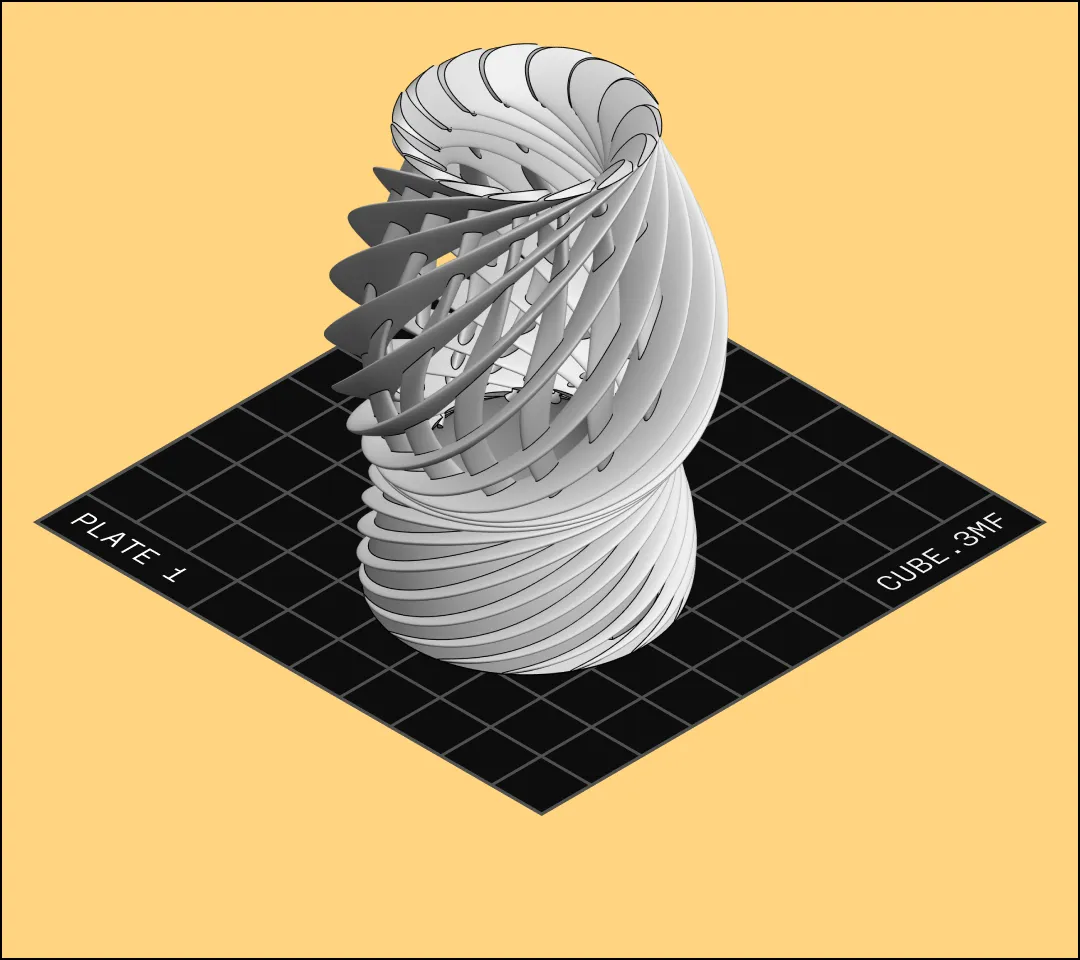
Once you have a final model, you need to export it in a file format that's compatible with a 3D printer slicer like PrusaSlicer or Bambu Studio. Shapr3D exports 3MF, STL, and OBJ, the most common file formats for slicers.
Shapr3D represents geometry using boundary representation (b-rep), meaning curves and shapes are precise. Models are watertight (also known as manifold), without gaps or leaks that can happen with mesh modeling software.
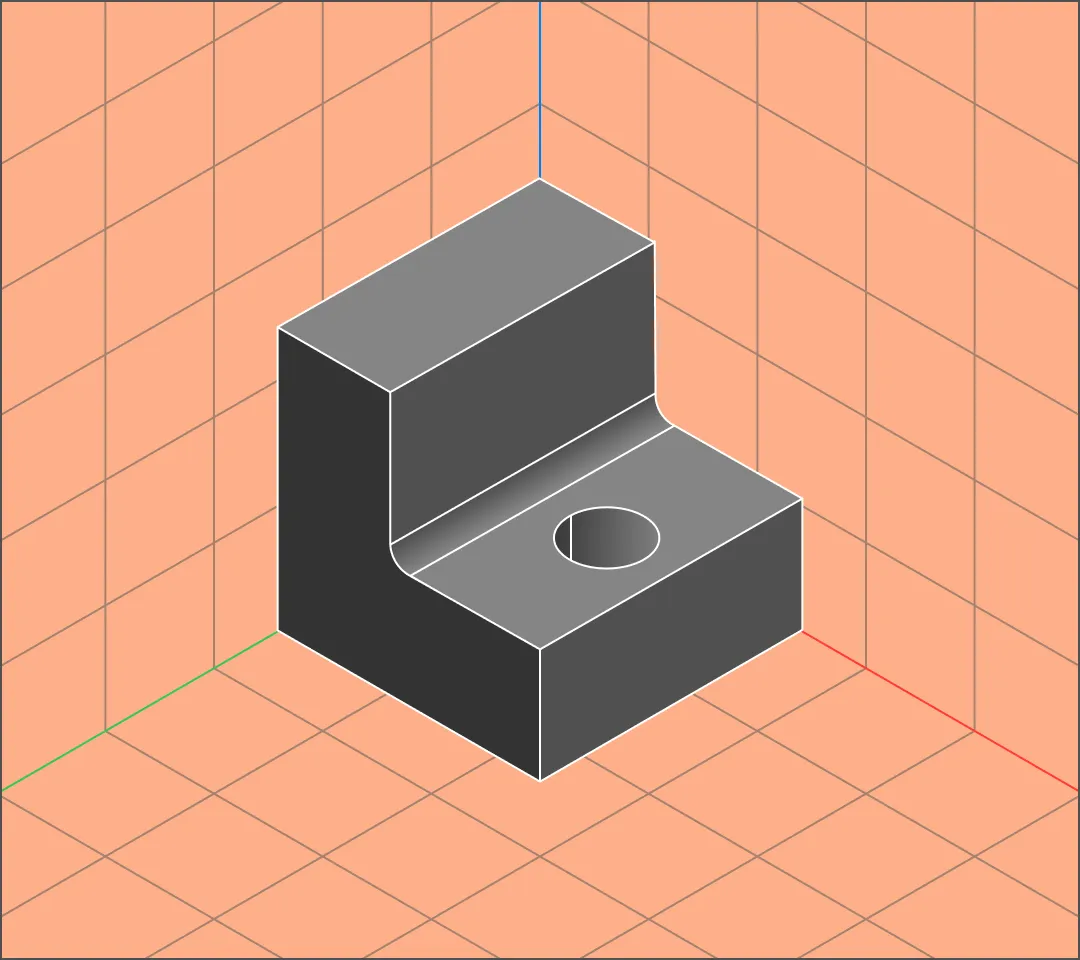
3D printing is used by hobbyists, home DIYers, designers, and manufacturers to create objects for many different purposes. Shapr3D can help you design exactly what you need.
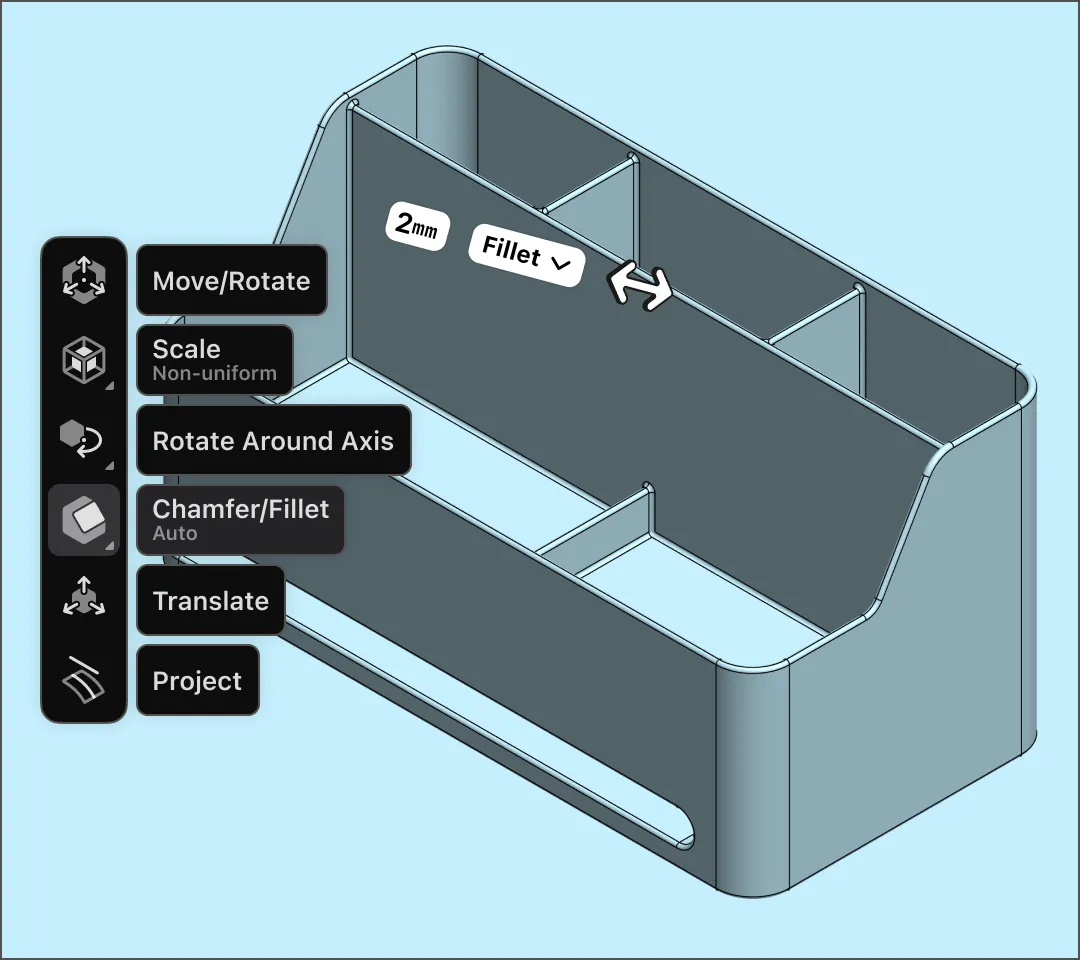
Brackets, clips, fasteners, and other objects for home improvement or storage can be 3D printed to match your exact specifications. Create a desk organizer with the number of compartments and sizes you need. Design a hook to hold your wires and cables out of the way at a fraction of the cost of a similar product from the hardware store. Measure, model, and customize each object to fit.
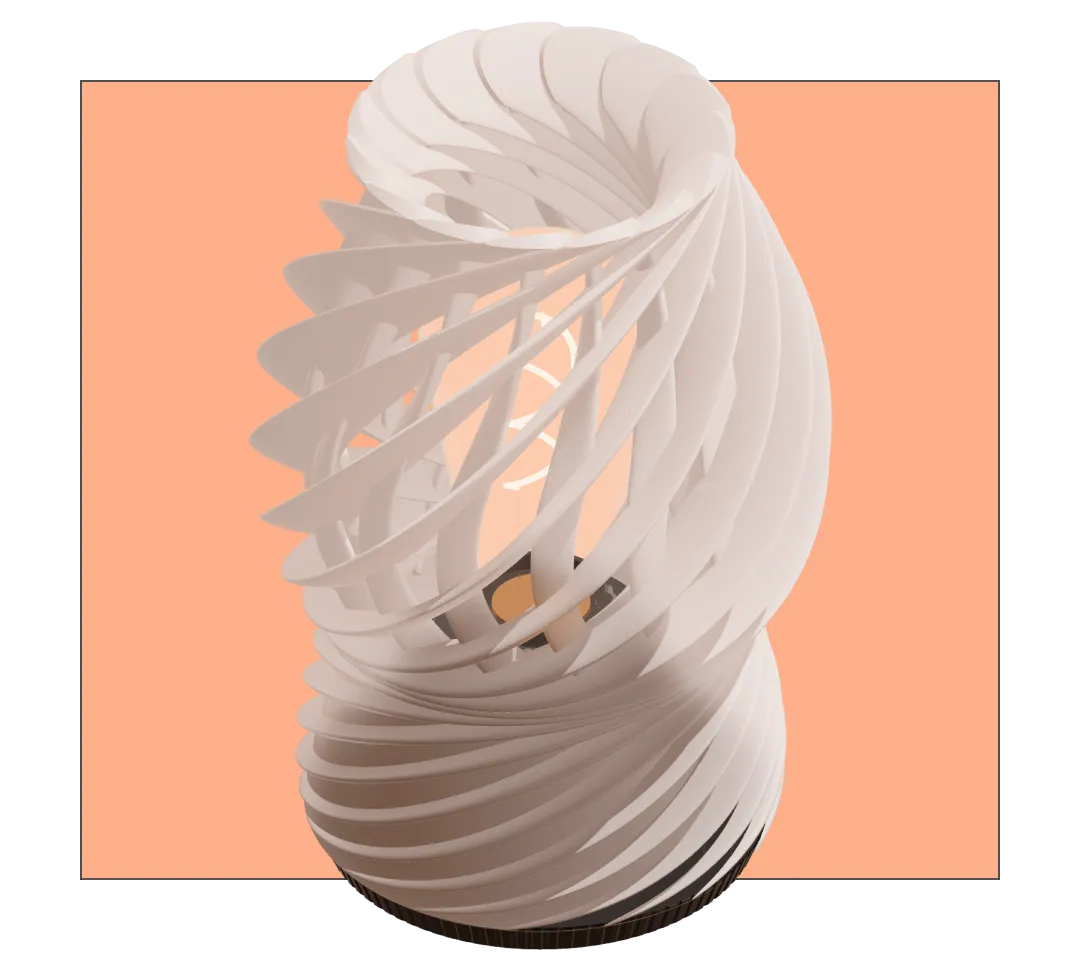
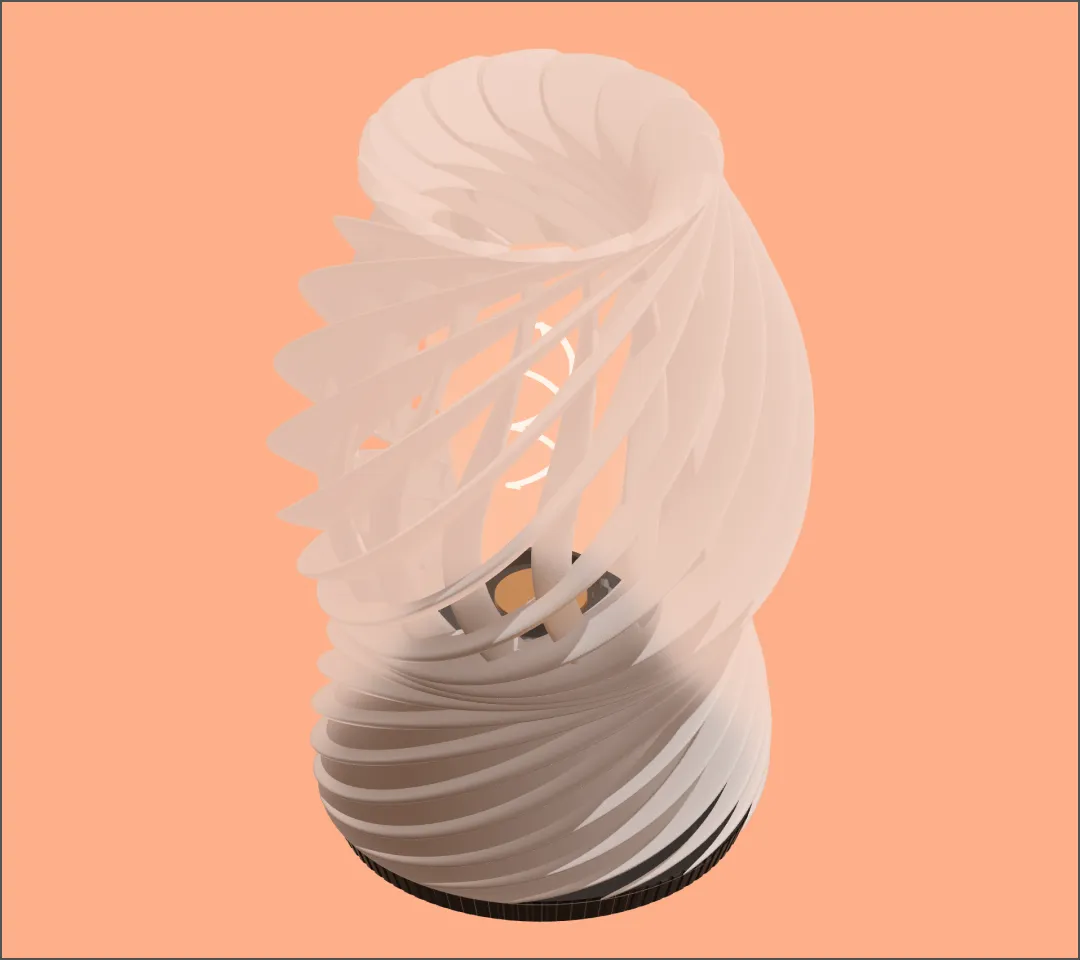
No need to go searching for the perfect lamp to match your living room when you can create it yourself. 3D printing allows you to turn your ideas into reality. Design lamps, vases, decorative objects, and other pieces, exactly as you envisioned them. Hobbyists also use 3D printers to create toys, jewelry, party favors, and more.
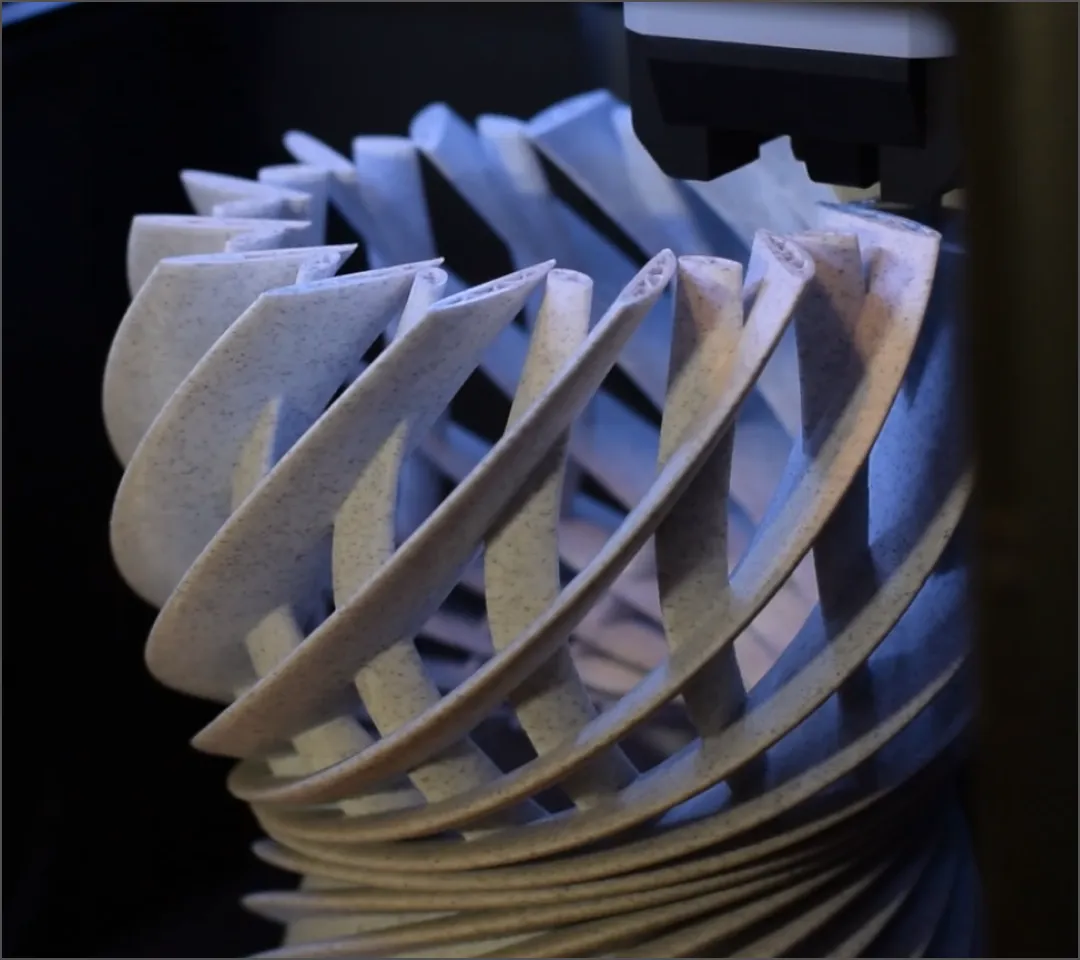
Ordering prototypes can take weeks to deliver. 3D printing allows for rapid prototyping that can be completed in a few hours. By using Shapr3D, industrial designers can quickly model several iterations of a concept and send them to the 3D printer, allowing them to test multiple ideas and get to a final design faster.
When an assembly line goes down, companies lose time and money. Technicians and manufacturing engineers use Shapr3D to design simple jigs and fixtures that hold or guide equipment into place, which can be a quick fix for some line issues. These components can often be 3D printed in an afternoon, getting you back up and running in hours, not days.
Try Shapr3D for free to start turning your ideas into 3D print-ready models.
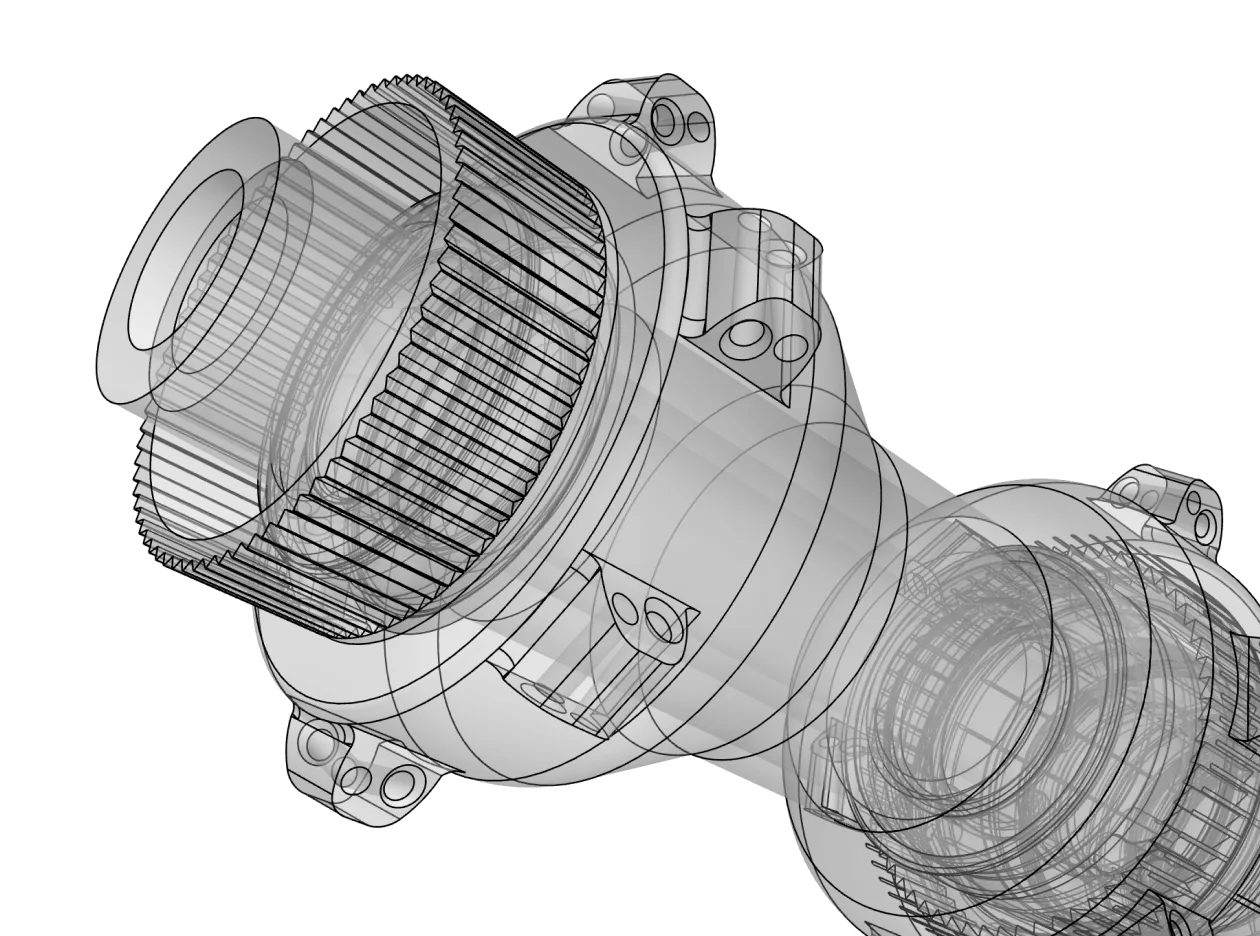
3D printing design software is a CAD (computer-aided design) tool used to build three-dimensional digital models. It allows you to define the exact geometry, dimensions, and features of an object. In the 3D printing process, this software helps you create a digital model that will eventually be converted into physical layers by your printer.
To move from design to print, you will need to export your model into a format that a 3D printer slicer can understand. Common file formats include:
3D modeling software like Shapr3D allows you to create your 3D design using shapes and modeling tools or commands.
Slicing software like Cura, PrusaSlicer, or Bambu Studio takes your finished 3D model and slices it into thin layers. It generates G-code, which are instructions that tell the printer exactly where to move, how hot to get, and how much plastic to extrude.
For those just starting, browser-based tools like Tinkercad are good for learning the basics of combining simple shapes. For beginners who want to transition quickly into professional-grade design, Shapr3D offers an intuitive, touch-and-pencil-first interface that removes the steep learning curve of traditional legacy CAD.
Yes. Many hobbyists start with free 3D printing design software like Tinkercad, Blender, or FreeCAD. If these software options become limiting as your skill level and project complexity grows, many CAD programs like Shapr3D or Autodesk Fusion 360 offer free versions or free trials so you can try out different software to find the best fit.
That depends on the software. Shapr3D fully supports Mac, Windows, and iPad devices. Chromebooks typically require browser-based solutions like Onshape or Tinkercad.
Here are a few basic features that you should look for when choosing 3D modeling software for 3D printing:
For multicolor prints, you must define the different color sections as separate bodies or parts within your design software. When exporting as a 3MF file, these parts stay grouped together, allowing your slicing software to assign a specific filament or extruder to each distinct section.
It depends on the software. Professional CAD software like Shapr3D is built on industrial-grade kernels (like Parasolid) to ensure the precision required for manufacturing, aerospace, and medical applications. Shapr3D’s paid licenses are suitable for commercial use.
Some design software might have maker or personal licenses, which don’t allow commercial usage. Check the terms of your CAD software’s license if you plan to create designs to sell.