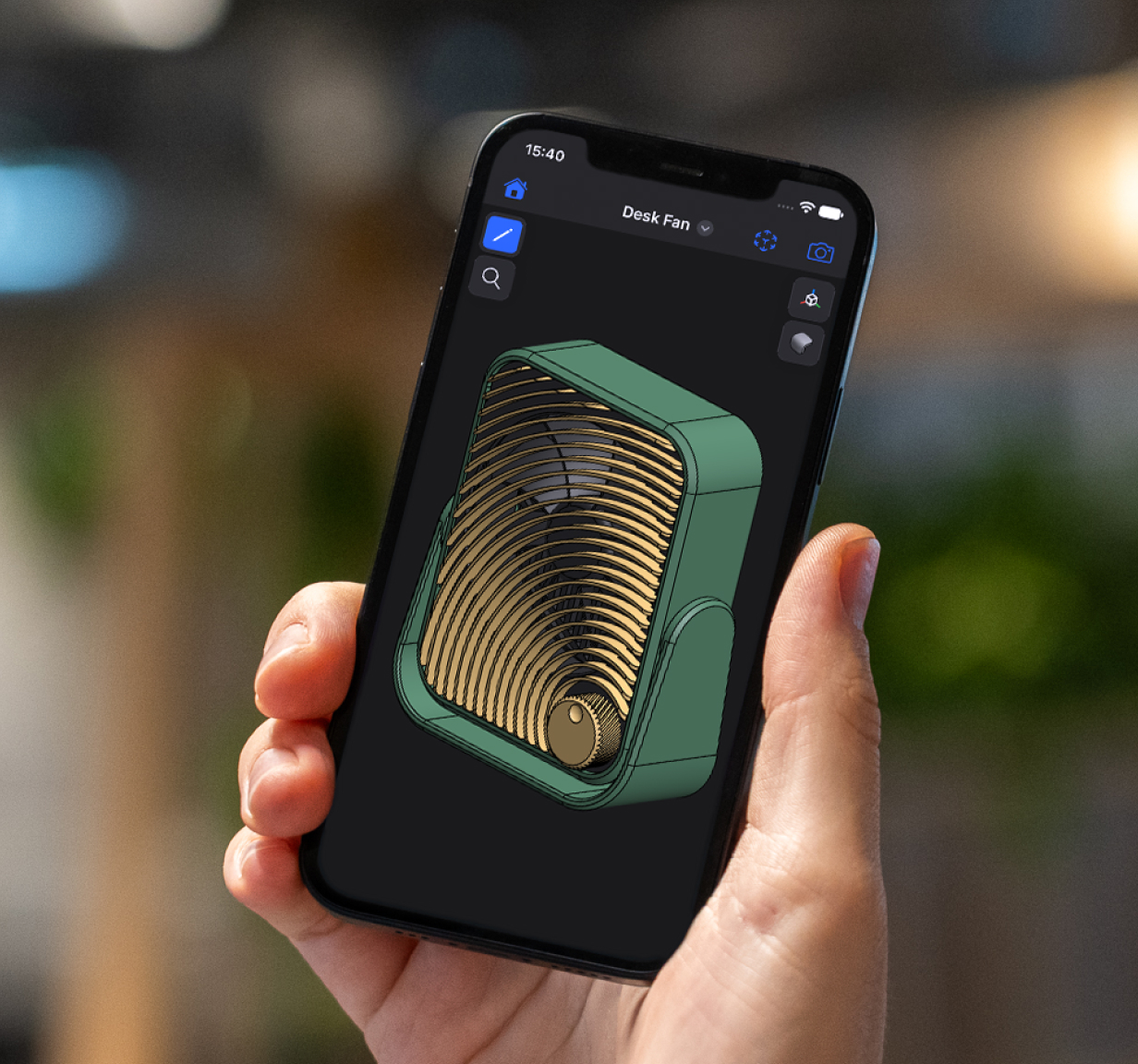
Download Shapr3D.
Download in seconds and get to your first model in 15 minutes.
Sketch with Apple Pencil, model in detail, and send production-ready files, all on Duo. It runs on the same Parasolid engine you use on iPad, Mac, and Windows.
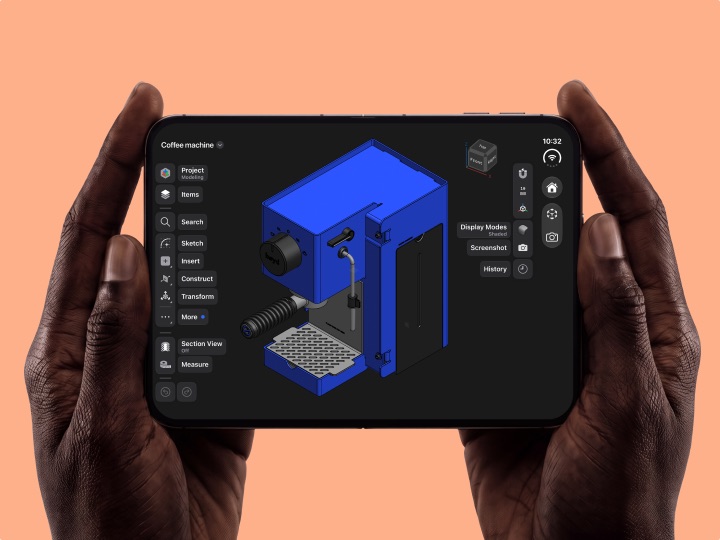

Everything you make in Shapr3D on iPad, Mac, or Windows syncs to your iPhone, always up to date. No Shapr3D on another device? Open STEP, X_T, STL, DWG, and more, and use it as a standalone viewer.
Check a measurement at the hardware store. Show the machinist exactly what you need. Walk a client through your latest version over coffee.
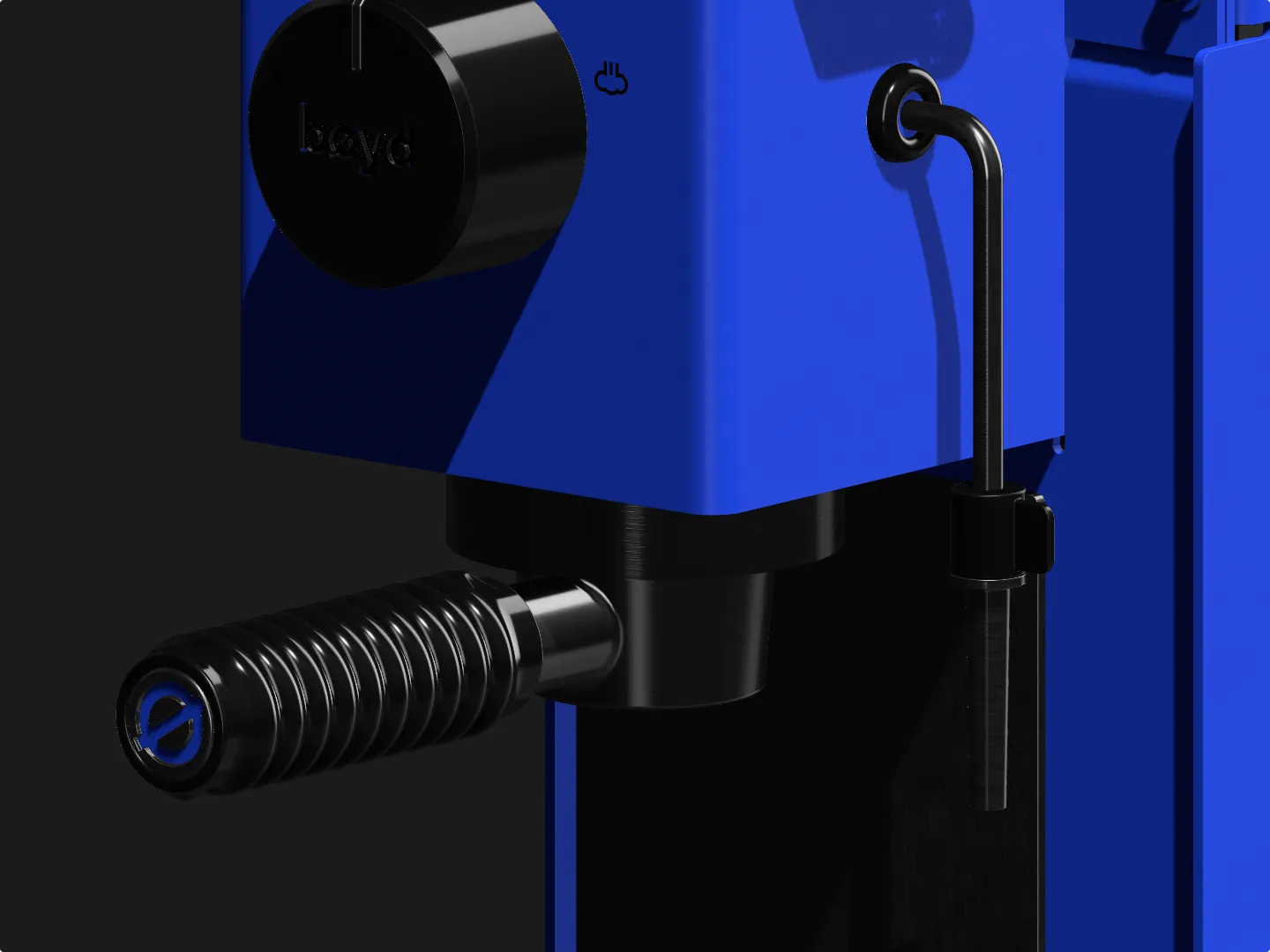
Switch between visualized, wireframe, and X-ray views in a tap. Place your design at full scale in the room with AR, and save high-res screenshots from any angle. On Duo, add materials, custom materials, and decals for lifelike presentations.
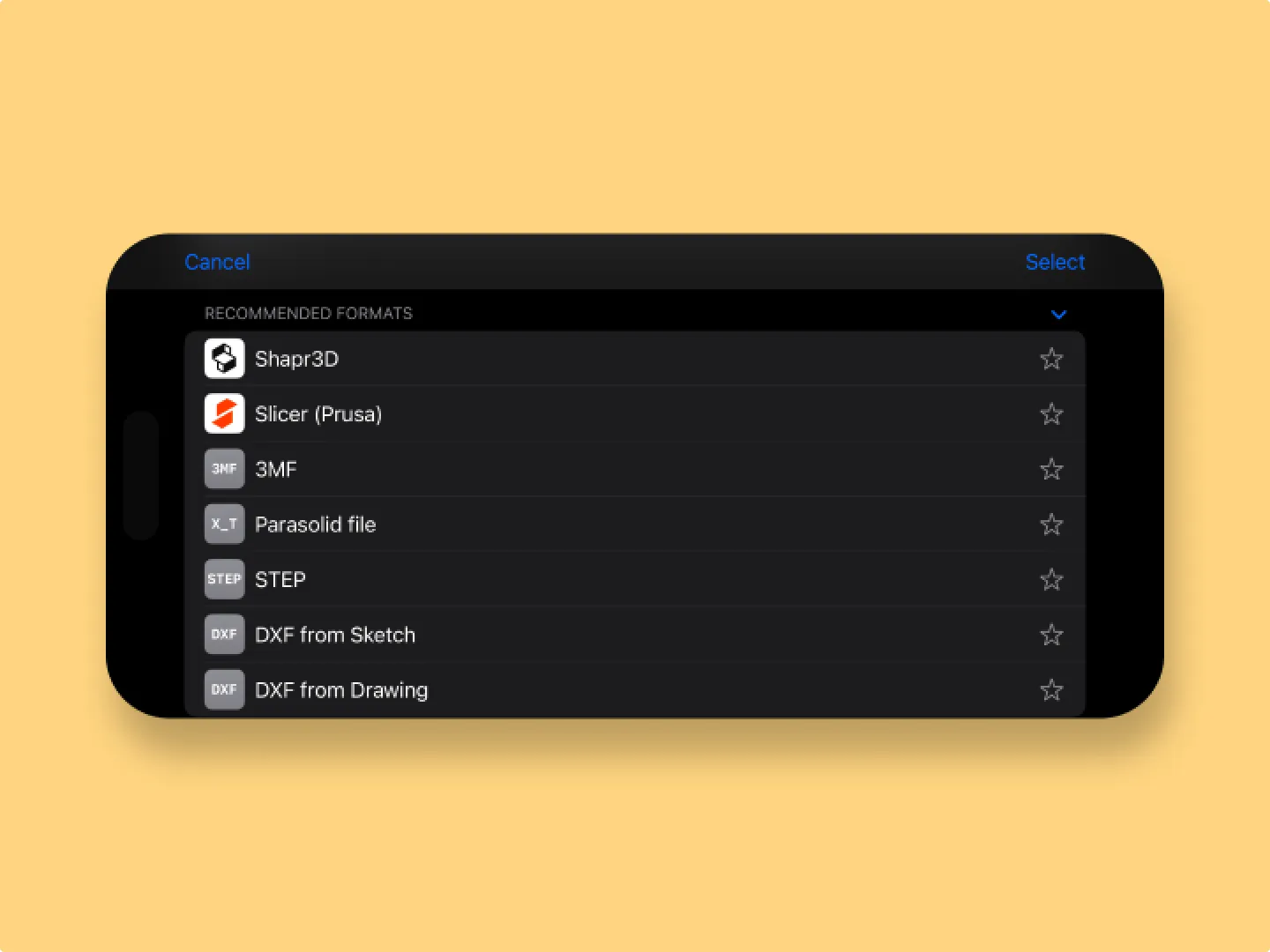
Send STEP or X_T to manufacturing, STL or 3MF to your 3D printer, and USDZ to any AR viewer. Export 2D manufacturing drawings as PDF, DWG, or DXF. All from your phone.
Shapr3D projects and imported files, from STEP and SLDPRT to STL and DWG, all in one place. Everything stays synced across iPhone, iPad, Mac, and Windows.
Export to STEP, IGES, X_T, STL, 3MF, and USDZ. Built-in Prusa EasyPrint integration sends designs straight to the slicer.
Visualized, wireframe, and X-ray. See the finished look, the structure, or what’s inside.
Frame the perfect angle and save crisp images for decks, posts, and client updates.
See your design in the real world to check size, fit, and proportions before it’s made.
Describe a scene and AI places your design in it. Get a photorealistic render in seconds.

Also available on iPad, Mac, Windows, and Vision Pro.
Not yet. On iPhone, you can view, visualize, and export your designs. Full modeling with Apple Pencil is coming to Duo. Until then, design on iPad, Mac, or Windows, and your work syncs to your phone.
No. You can use the iPhone app on its own to open and view STEP, X_T, STL, DWG, and other CAD files.
STEP, IGES, X_T, STL, 3MF, and USDZ for 3D models, plus PDF, DWG, and DXF for 2D drawings.
Modeling, materials, custom materials, and decals. Generative Render, AR, display modes, screenshots, and export work on every supported iPhone.
*All paid features are free from launch until November 15th, 2026, when the promotion ends. After that, paid features you used during the promotion, such as Generative Render and exports, will require a paid plan.