Download Shapr3D.
Download in seconds and get to your first model in 15 minutes.
Available for iPadOS, macOS, and Windows, and fully supported on Wacom tablets.
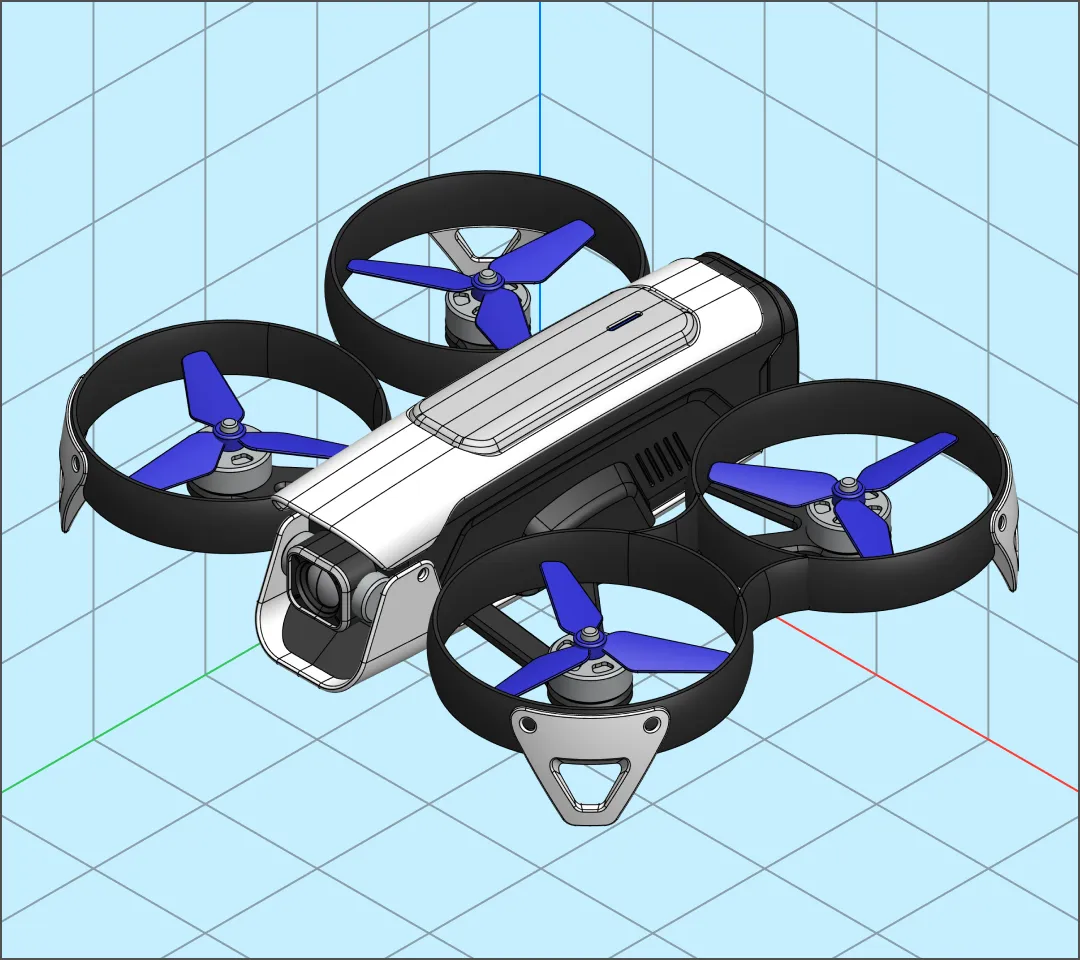
Iterate and design for fit, form, and functionality with 3D industrial design software so intuitive it feeds your creativity. Shapr3D is perfect as a standalone design thinking tool or as part of your design-for-manufacturing workflow.

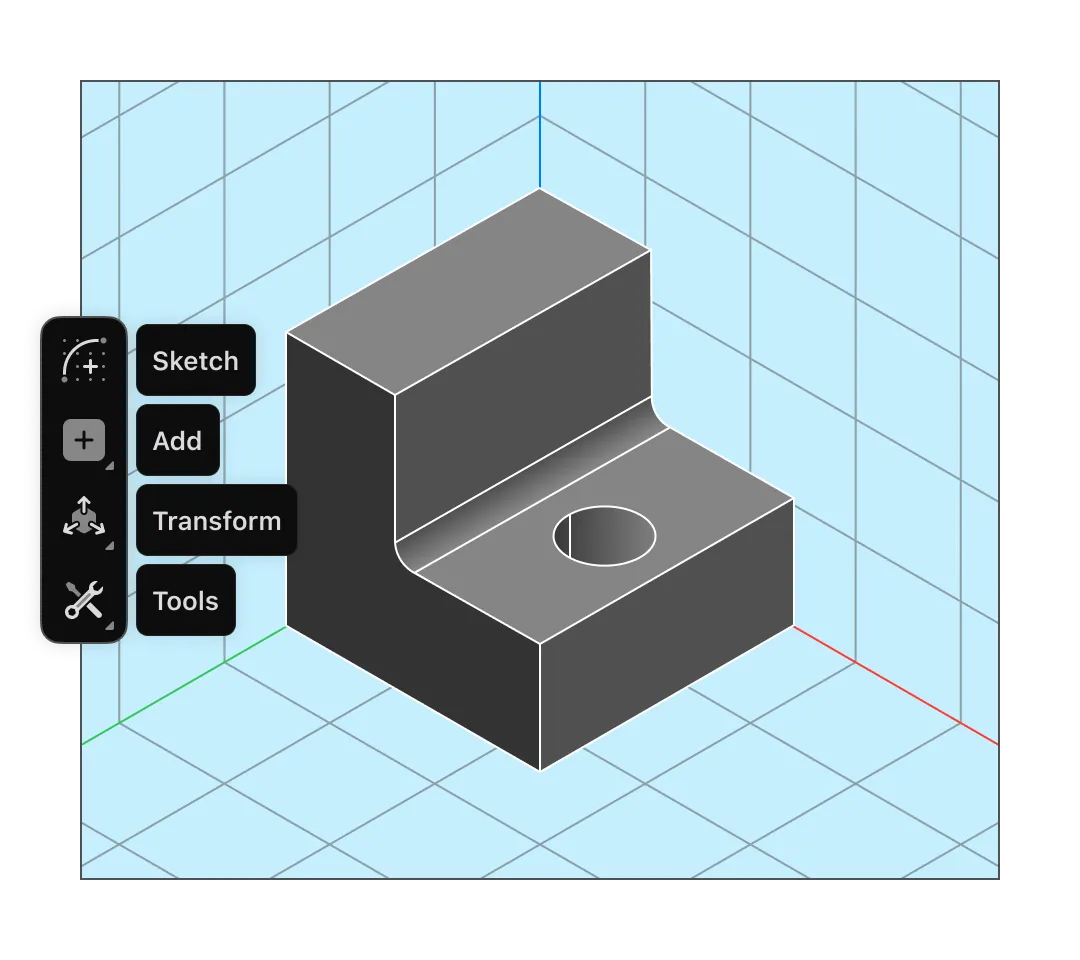
Shapr3D is built for modeling with the iPad and Apple Pencil. Sketch ideas on the go and push and pull shapes to model faster than you ever could with traditional CAD.
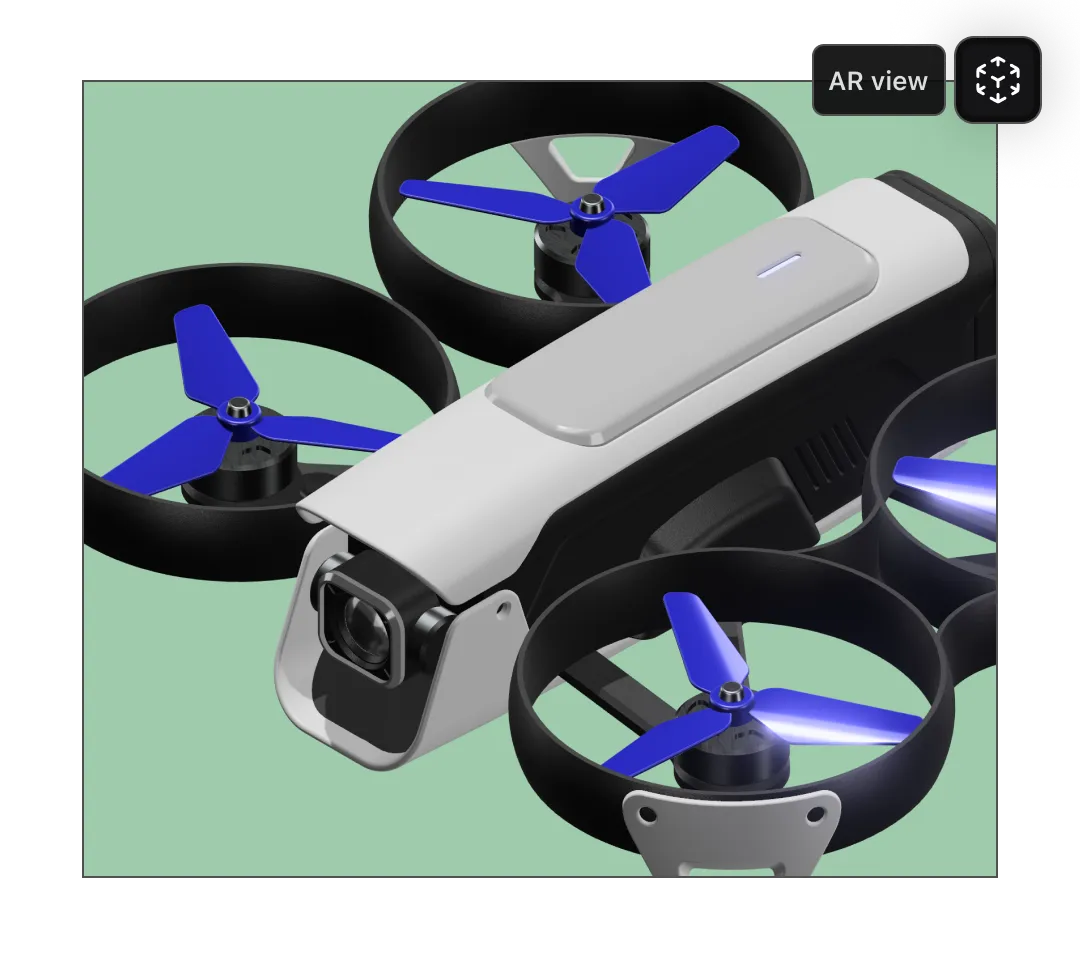
Switch between different modalities with a click: 3D modeling, visualization, 2D drawings. AR is built right in and accessible with the push of a button.
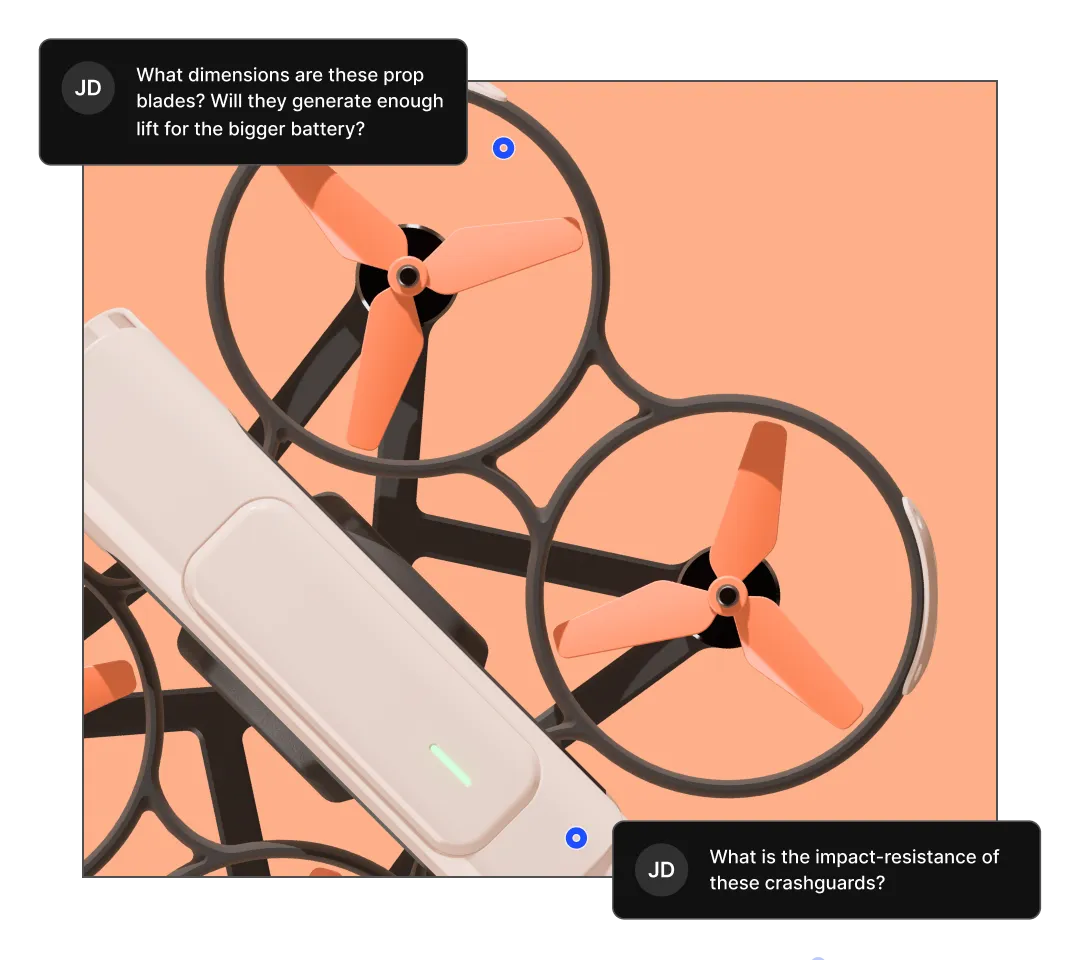
Turn your static screenshots into dynamic, 3D design reviews where collaborators can rotate and zoom in on the model, or view it at full scale with integrated AR. Make live edits in the meeting and reach a decision faster.
Traditional CAD slows down iteration and early concepting. Shapr3D gives you the precision of CAD with the flow of push-pull 3D modeling for a design experience that actually keeps pace with your ideas.
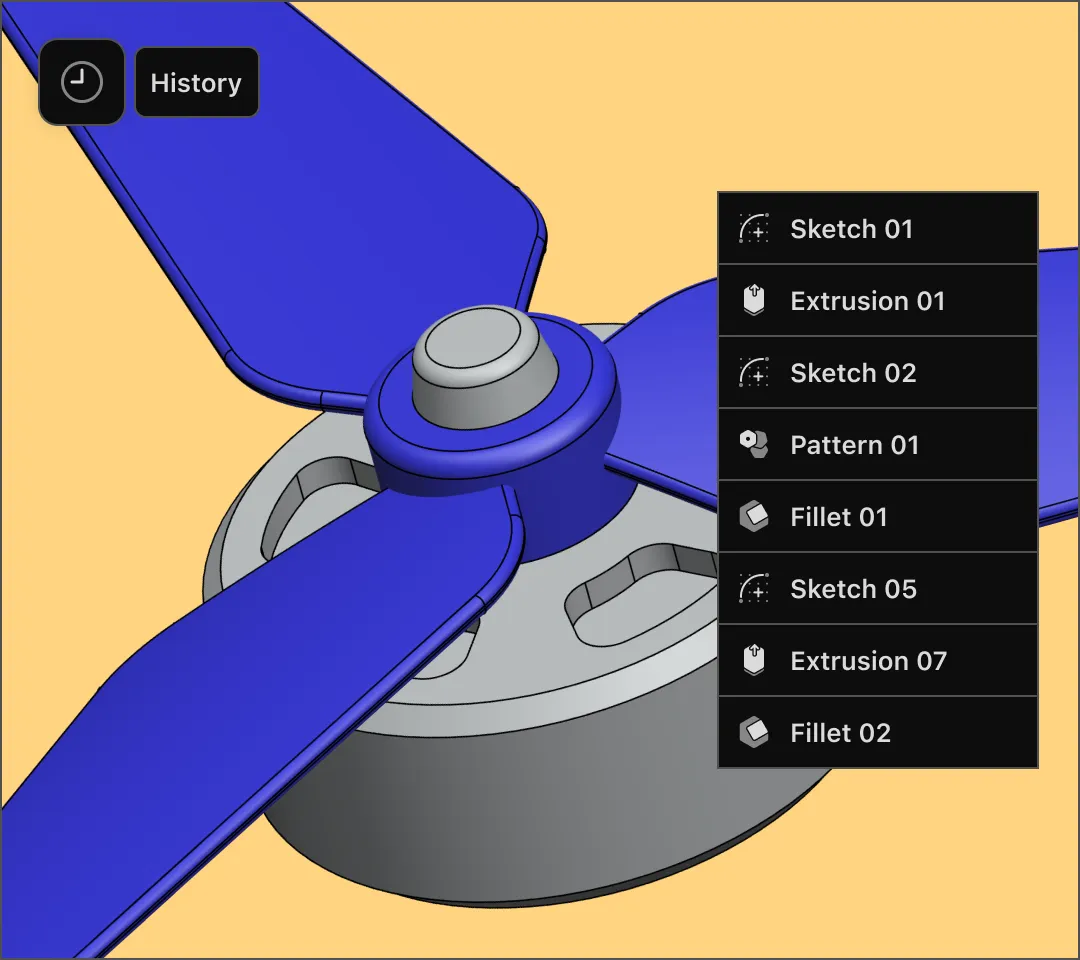
Parametric modeling requires you to think through each step, which isn’t always useful in the early stages of design.
Shapr3D was built as a direct modeler, so you can start fluid and design without parameters if it suits you. But it also has parametric modeling capabilities, allowing you to make edits while preserving design intent.

When you’re creating multiple iterations of a design concept, prototyping can get expensive and time-consuming. For rapid prototyping, use integrated AR or immersive VR on Apple Vision Pro to view a life-sized, digital replica of your model in the actual environment.
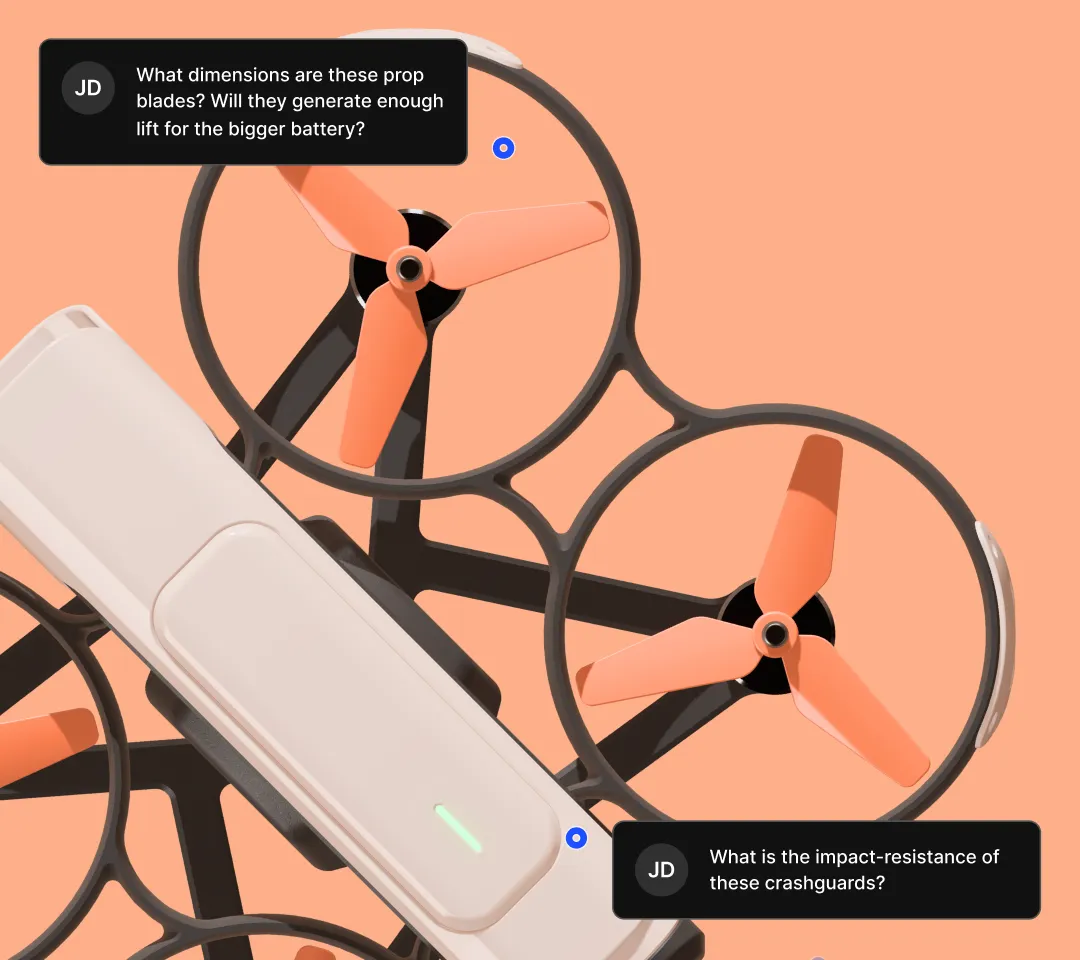
Design reviews can be a bottleneck for progress. But with Shapr3D, they become active sessions. Stakeholders can see the entire model in 3D and view it at any angle. Suggested changes happen in real time, with designers editing on an iPad or laptop right there in the meeting until everyone agrees.
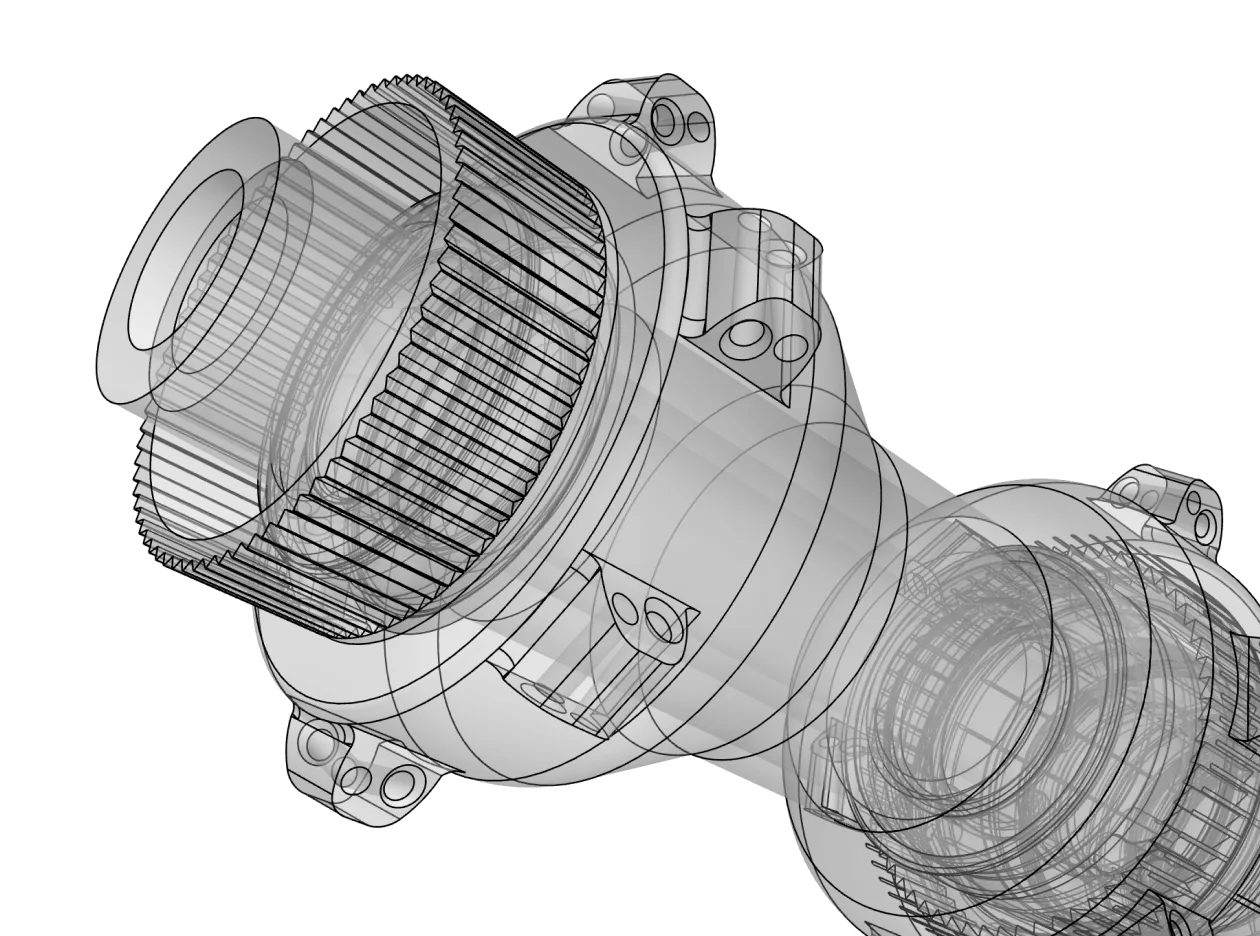
Shapr3D is built on Siemens Parasolid, the most common CAD engine. Import and export Parasolid and STEP to collaborate with engineering and open files in other CAD software. Geometry is precise and accurate for simulation and manufacturing processes.
Start your free, 14-day trial of Shapr3D to experience CAD that doesn’t get in the way of creative design.
3D industrial design software is a category of CAD (computer-aided design) used to create and visualize physical products before they are manufactured. Unlike 3D design software more often used by artists and animators, it prioritizes mechanical accuracy and manufacturability.
While traditional CAD is often used by engineering, modern industrial design software bridges the gap between artistic form and functional engineering. It is used by industrial designers, product developers, and mechanical engineers to transform a concept into a precise digital prototype.
Traditional CAD software uses parametric modeling, which requires a complex history tree where every step depends on the one before it. If you change a dimension at the start, the whole model might break.
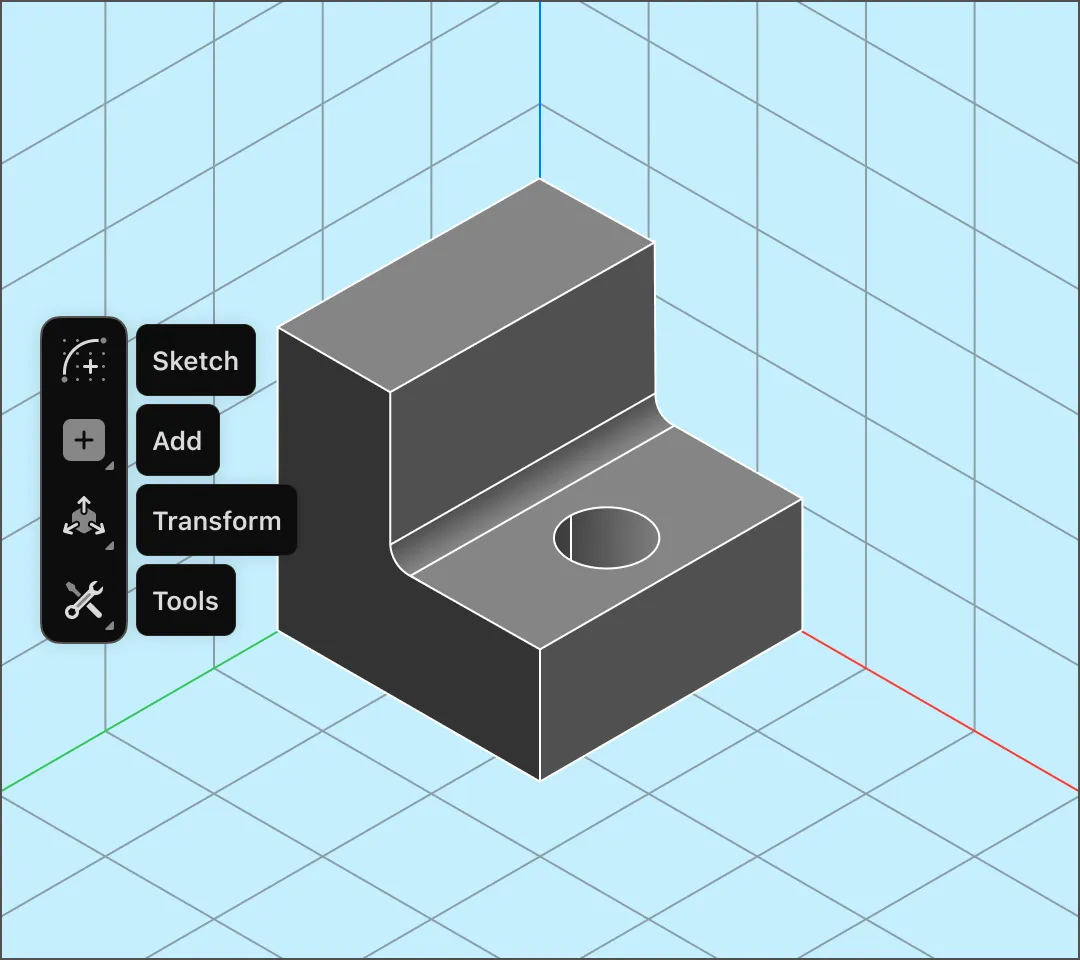
Shapr3D uses a hybrid direct and parametric modeling approach, which allows you to interact directly with geometry by pushing, pulling, and moving faces without worrying about history constraints. You can iterate faster, making it ideal for early-stage concepting where ideas change quickly.
Yes, Shapr3D is designed to be the link between concept design and engineering. Start with low-fidelity sketches or rapid direct modeling to explore shapes. Use precise 3D modeling tools to turn those shapes into detailed models.
Because Shapr3D uses the Siemens Parasolid kernel your files are production-ready. You can export high-quality STEP or XT files for seamless engineering handoff.
Shapr3D is a multidevice ecosystem. You can start a design or pick up where you left off on the iPad with Apple Pencil, Mac, and Windows, and experience your model in 3D XR with Apple Vision Pro.
Visualizing a product on a flat screen can be deceiving. Shapr3D’s integrated augmented reality (AR) and native VR app on the Apple Vision Pro allow you to verify scale and get instant design validation. You can identify errors or conflicts with fit and form, and speed up feedback cycles by giving reviewers a full-scale digital prototype.
Yes. Collaboration is built into the workflow through cloud sync, allowing you and collaborators to access up-to-date files in a shared Team space. You can share review links with clients or teammates so they can view and rotate your 3D model in a web browser — no software installation required.
Since Shapr3D uses standard formats like STEP, your teammates can open your models in any major CAD software without data loss.
Shapr3D supports the industry standards required for professional manufacturing pipelines:
Learn about all supported file types here.
Shapr3D offers the best of both worlds: professional-grade tools and precision with an intuitive, beginner-friendly modeling experience. Our adaptive UI allows beginners and 3D design experts to model faster by showing you the tools you need based on what you select.
Shapr3D is used by designers and engineers in a variety of industries: