Download Shapr3D.
Download in seconds and get to your first model in 15 minutes.
Available for iPadOS, macOS, and Windows, and fully supported on Wacom tablets.
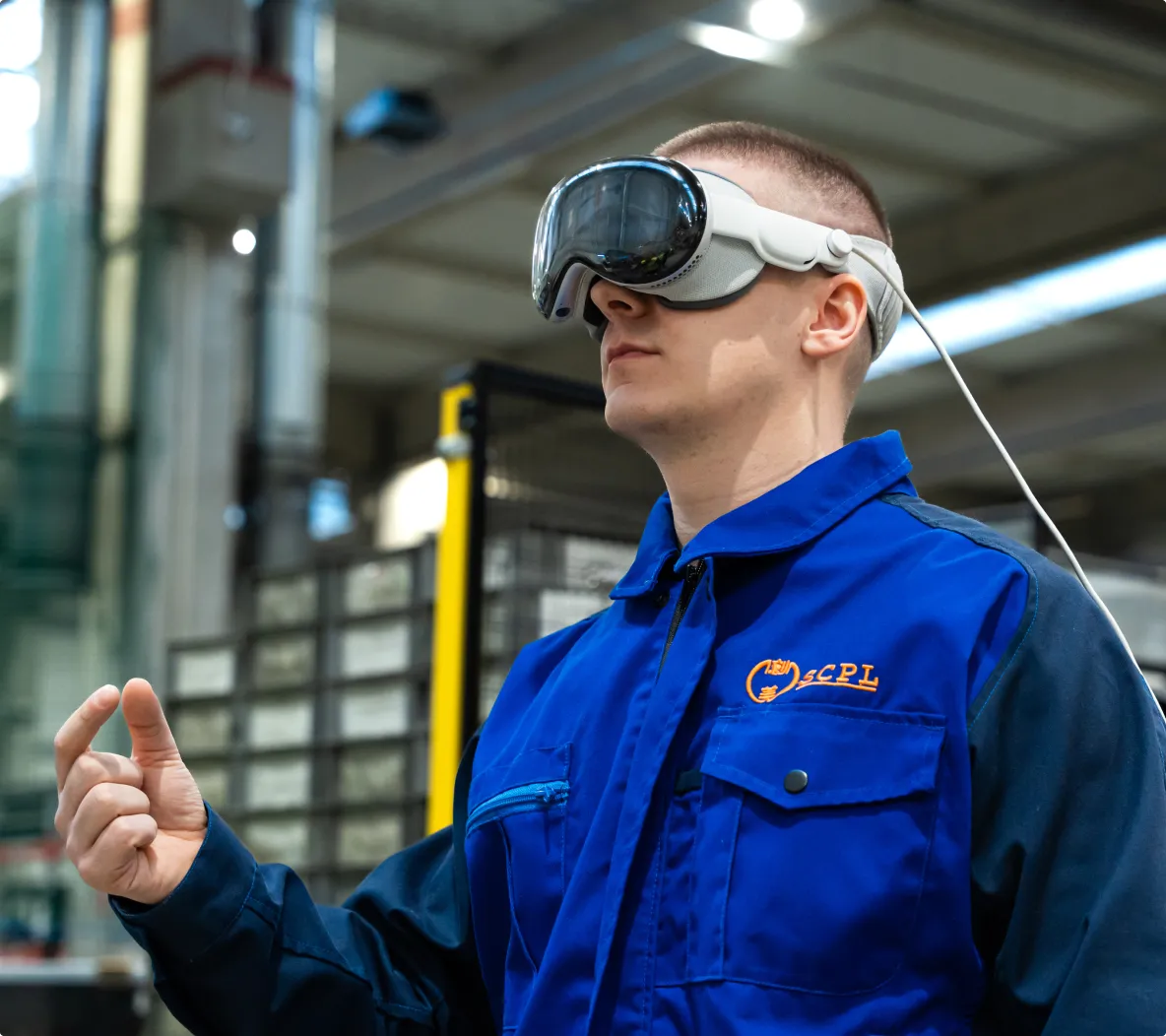
Experience a whole new way to design. Shapr3D runs natively on Apple Vision Pro as a fully integrated CAD-to-VR platform, turning your 3D model into a full-scale digital replica you can view and edit live.
Rotate your model, zoom in on details, and edit live without leaving the virtual reality space, so your design reviews end with everyone in alignment.
Physical prototypes require teams to be in the same location to review scale and design. With VR CAD, remote collaborators jump into an immersive 3D environment to interact with the model together.
Our VR CAD experience is fully integrated, meaning no plugins or exporting needed. You can interact with the model natively using Apple Vision Pro gestures and controls.
Just slip on your Apple Vision Pro headset and open your design in the Shapr3D app. Your model appears, in full scale, in the actual environment.
See your appliance design in a kitchen, a car in a showroom, or a piece of equipment on a factory floor. Instantly understand size, fit, and ergonomics in a way you never could on a computer screen.
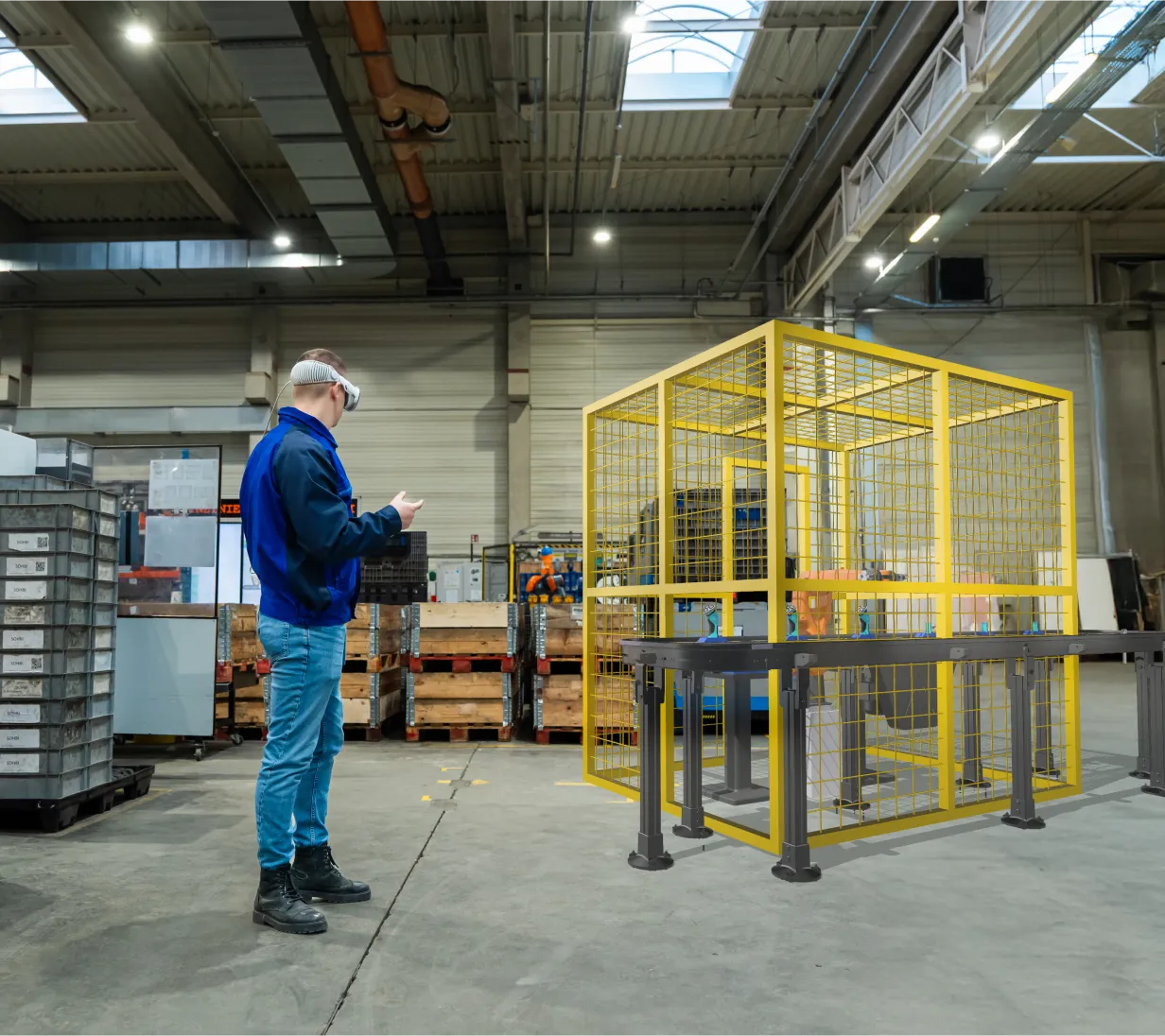
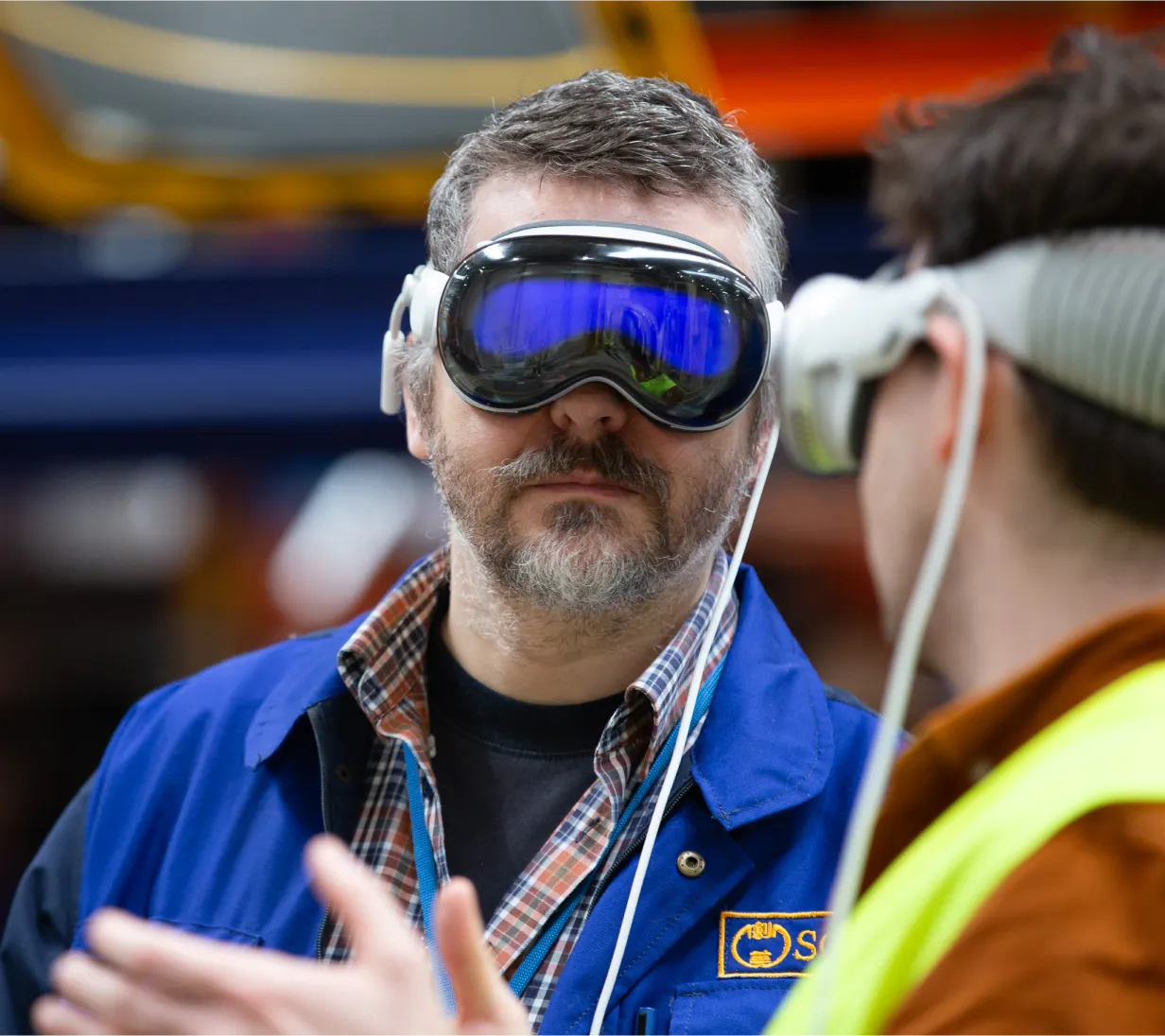
Location is no longer a barrier to collaboration. With Shapr3D on Apple Vision Pro, you can join immersive sessions within a shared 3D environment. Everyone can view and interact with the same 3D model together, in real time. This allows teams to make quick, informed decisions that keep projects moving forward.
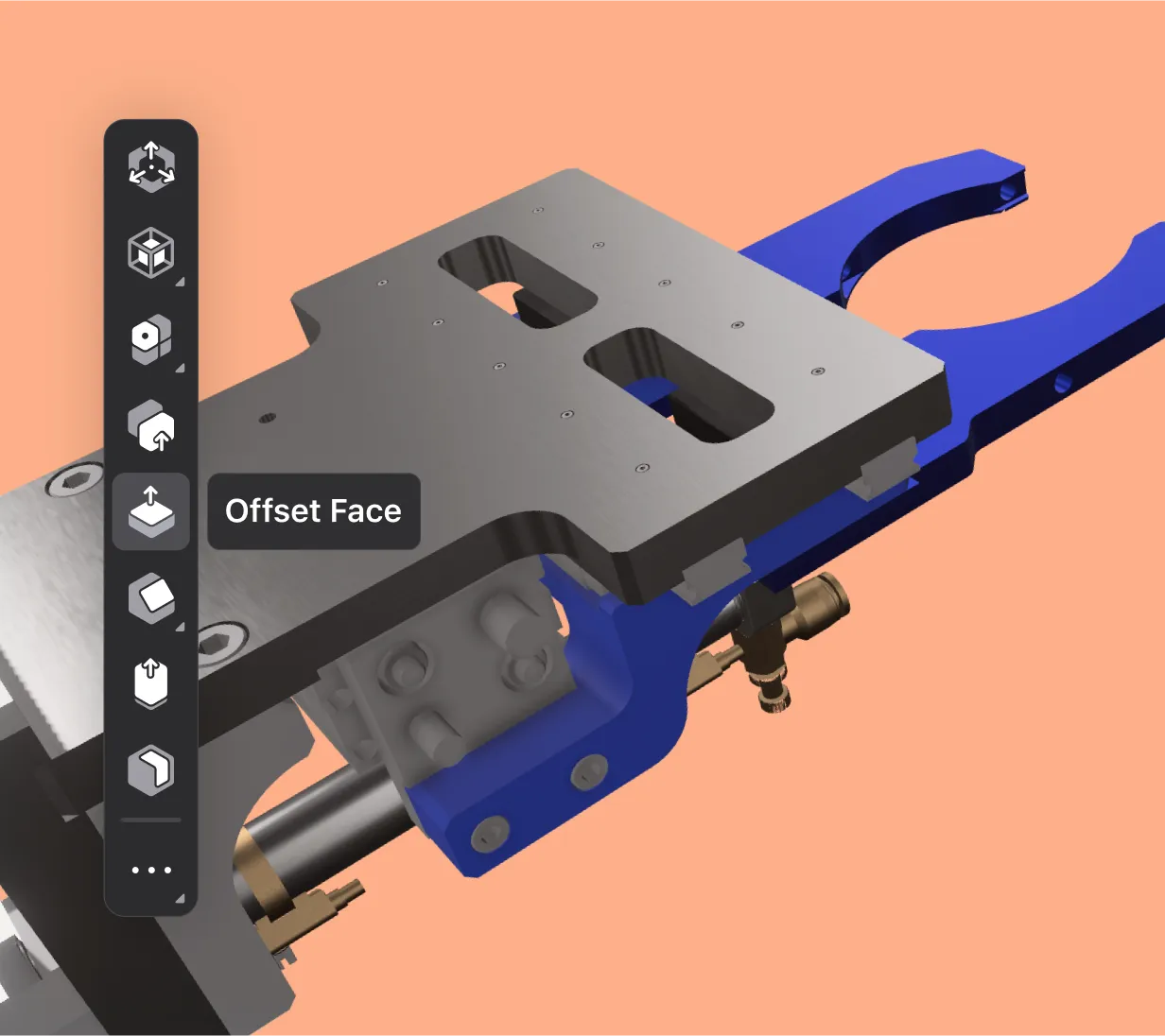
End your design reviews with clarity and approval, not a laundry list of to-dos. Viewing your design in VR with spatial computing allows everyone to get on the same page quicker and provide clear, precise feedback. Live-edit in the meeting with a Bluetooth-connected mouse and keyboard and see those changes reflected instantly.
Immersive viewing with Apple Vision Pro is available with our Studio and Enterprise plans. Start a free Studio trial today to test it for yourself.
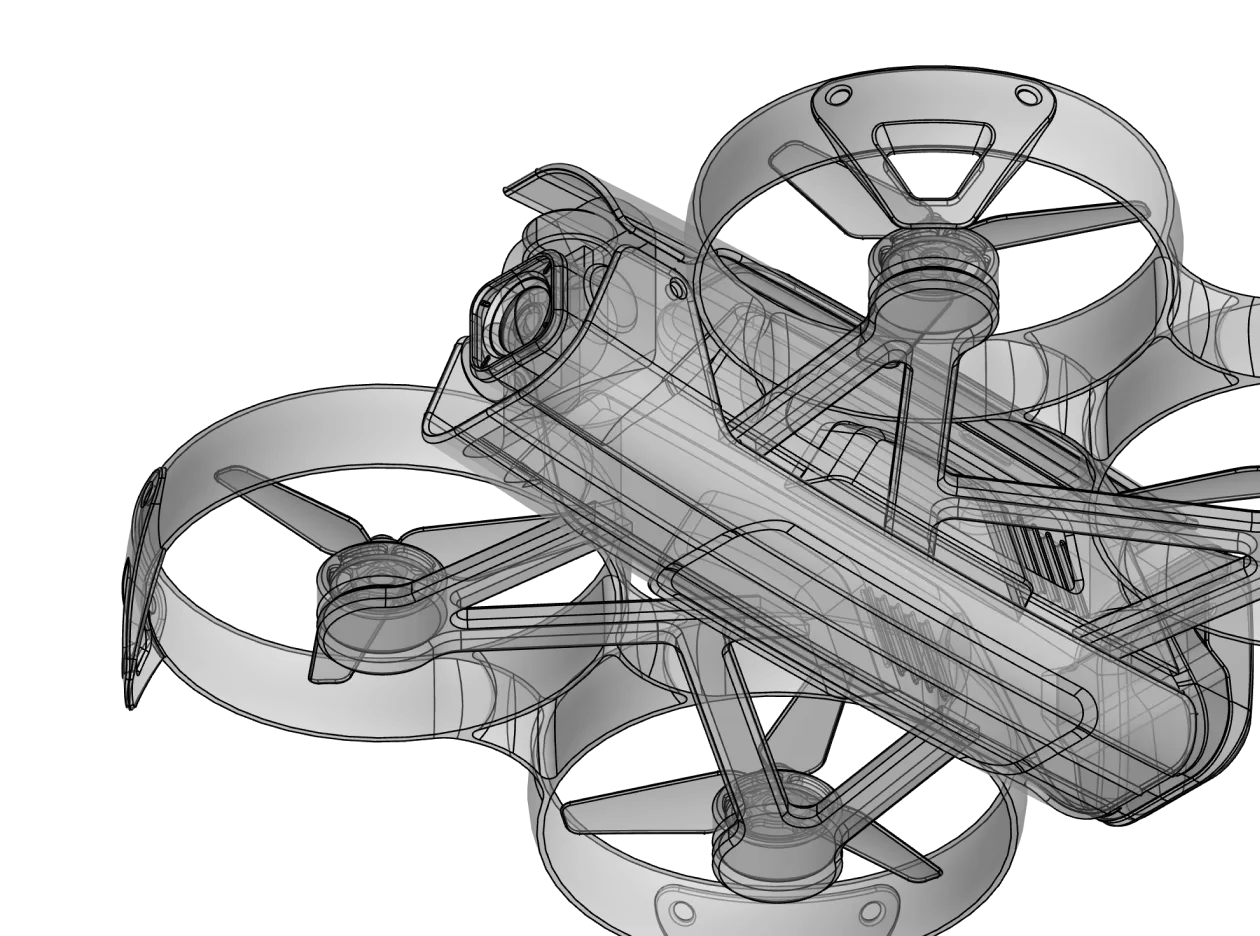
VR CAD software allows engineers and designers to interact with 3D models in a fully immersive or augmented environment. Instead of looking at a 3D object on a flat 2D monitor, users can walk around their designs, inspect them at a 1:1 scale, and manipulate geometry in 3D space. Shapr3D's VR CAD feature uses spatial computing to blend digital models with the physical world.
Even though traditional CAD software allows you to design 3D models, you're still only viewing them on a 2D screen. VR CAD software provides a true 3D experience. You can see the actual volume of a part and understand its scale instantly, leading to faster spatial problem solving, more effective decision-making, and fewer ergonomic errors.
Shapr3D's immersive view feature requires an Apple Vision Pro headset. Full editing capabilities on the Vision Pro also requires a Bluetooth-connected keyboard and mouse or trackpad. Without the keyboard and mouse, you have view access and limited real-time editing capabilities (visualization tools only) using Apple Vision Pro gestures and controls.
Yes. Shapr3D’s immersive environment allows teams to conduct VR design reviews, in which multiple stakeholders can view the same model simultaneously. Whether you are in the same room or working remotely, VR CAD enables everyone to review and discuss specific design details as if the physical prototype were sitting on the table in front of them.
No, you do not need to export or use plugins to view your Shapr3D model in VR. Unlike other VR CAD software that requires you to export your files to a gaming engine like Unity or Unreal or use a clunky third-party plugin, Shapr3D’s immersive view is native. All you have to do is open your project on the Shapr3D app in Vision Pro to get started.
VR CAD is particularly useful for things like ergonomic testing, factory layouts, consumer products, and client presentations. Any project that requires a close look at handle angles, design proportions, and large-scale assemblies could benefit from an immersive 3D experience.
While many VR tools are view-only, Shapr3D allows for active interaction. In the immersive view, you can manipulate components with a Bluetooth-connected mouse and keyboard, explore different configurations, and see the impact of design changes in real-time.
