Download Shapr3D.
Download in seconds and get to your first model in 15 minutes.
Available for iPadOS, macOS, and Windows, and fully supported on Wacom tablets.
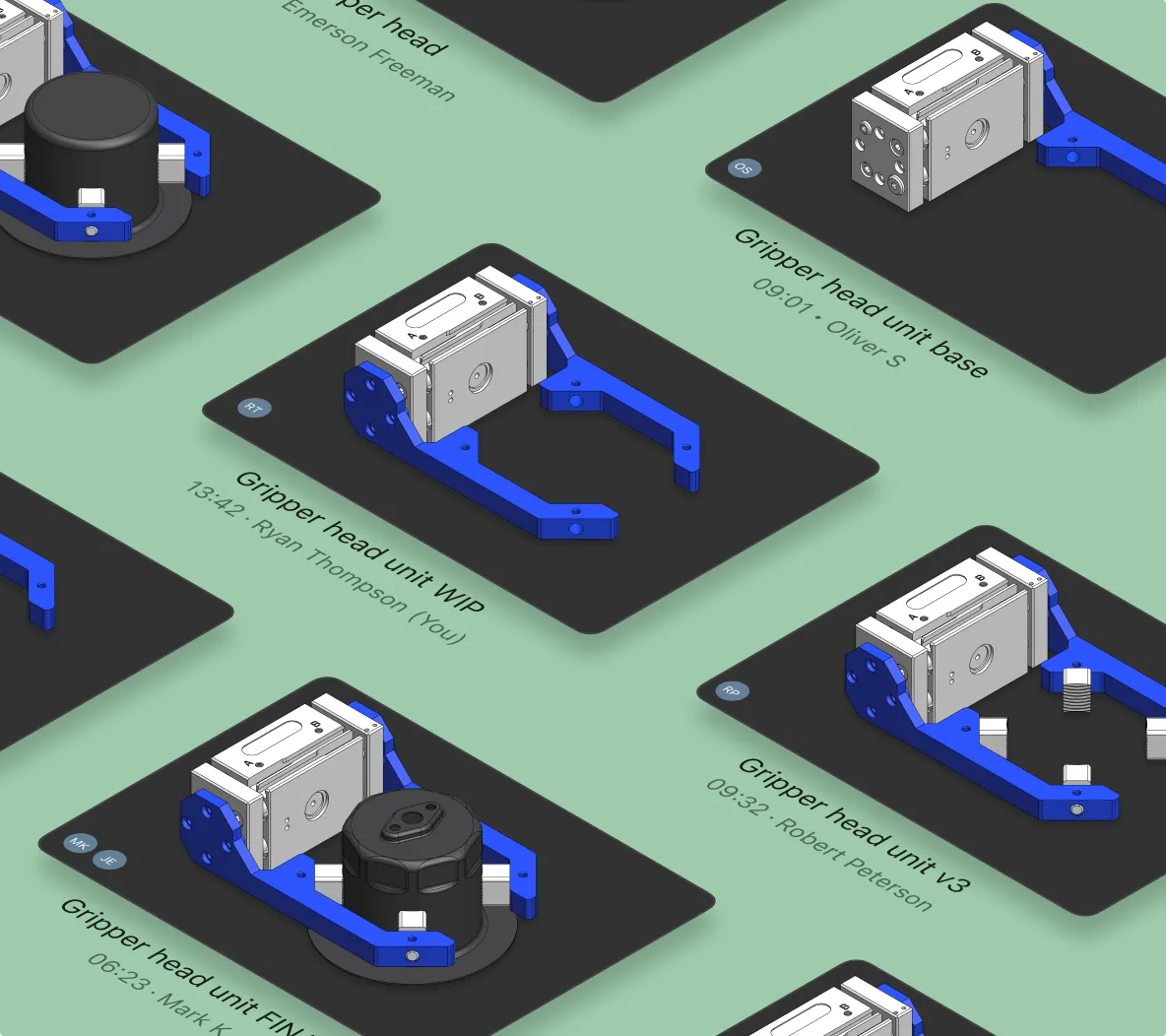
With Shapr3D, team-based CAD design is easy and efficient. Teams work in shared spaces and collaborate on designs while retaining control over access permissions and versions.
Your CAD projects are stored locally but sync to the Shapr3D cloud. You and your teammates can access them from any Windows, Mac, or iPad device for cloud-based PDM.
Team spaces give everyone on your team access to the latest CAD models in a shared project library. No need to waste time hunting through emails for the right file or worrying about version control.
You decide who gets to access your projects: team members, anyone with a link, or only those you invite directly by email. Assign “viewer,” “commenter,” and “editor” roles for even more control.
Whether you’re part of an in-house team or want to collaborate on a personal project with a friend, working together is an important part of the design process. Shapr3D’s collaboration capabilities let remote and hybrid teams share and co-edit designs remotely, while keeping track of each version.
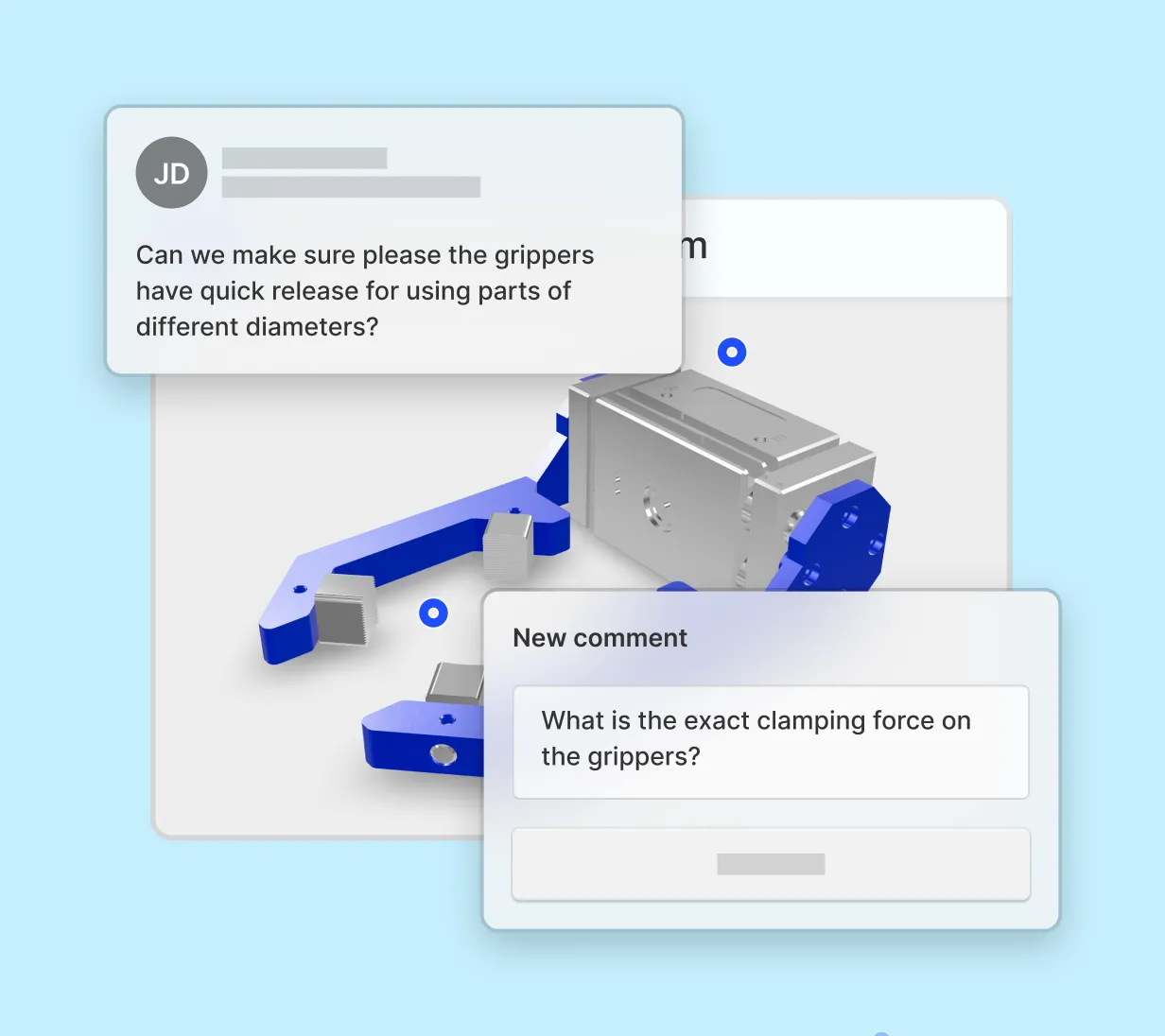
Design reviews and cross-functional collaboration can be painfully slow. Ditch the screenshots and email threads in favor of asynchronous collaborative tools that help speed up feedback cycles and design handoff.
“I can see ideas populating from different designers [in our shared space]. I’ll spot an interesting concept, duplicate it, and riff on it instantly. Before, we were sending files back and forth, opening emails, and importing. Now it’s live.”

Download Shapr3D on Mac, Windows, or iPad to get modeling in minutes, and start a free trial to collaborate and manage projects.
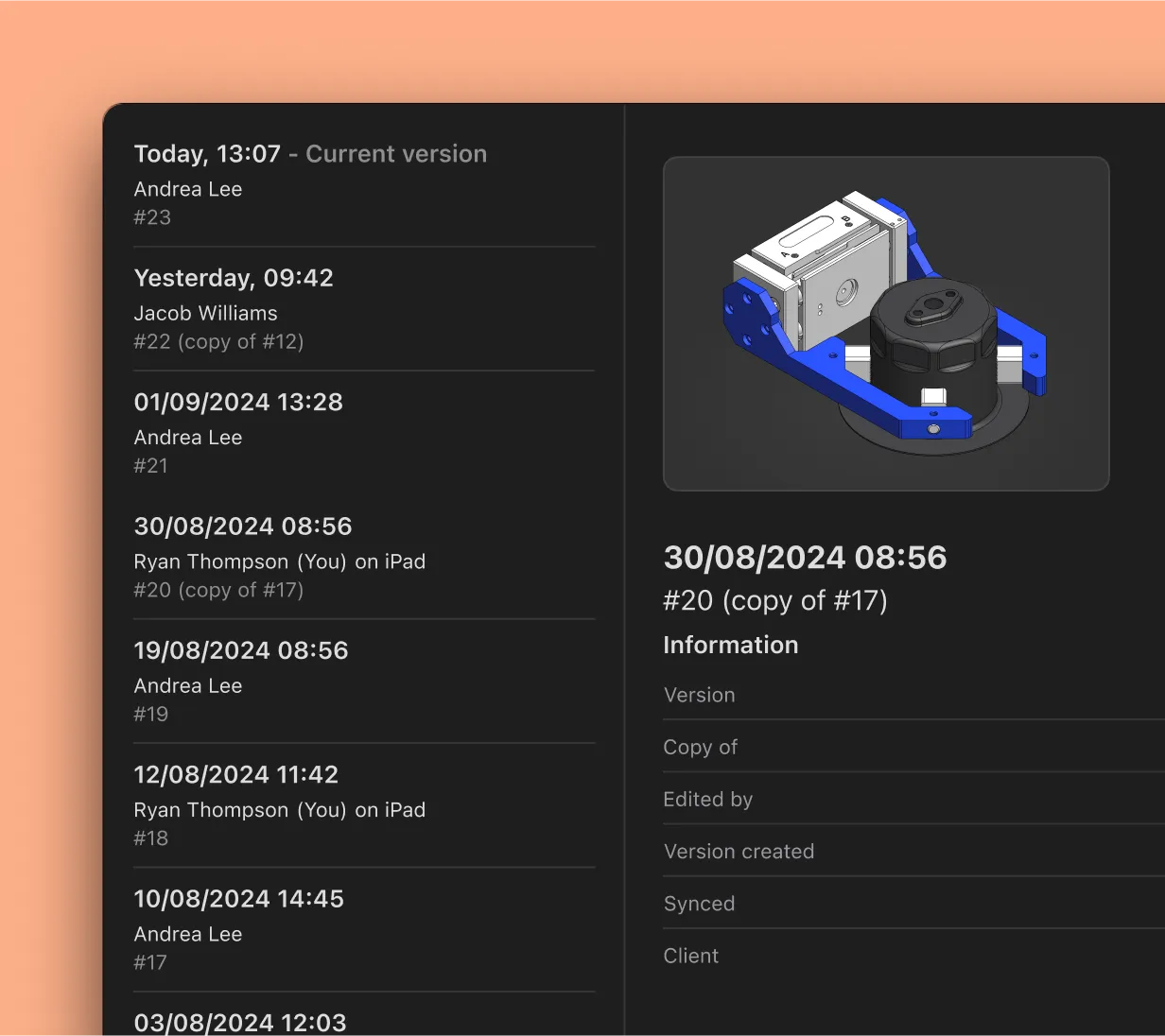
Product data management, or PDM, is a system that allows teams to manage CAD files and other data about a product from a centralized place. In Shapr3D, our Team spaces are designed with PDM features like version history and revision control, serving as a single source of truth for project versions.
The Shapr3D cloud enables CAD collaboration across Windows, Mac, iPad, and Apple Vision Pro devices. Your CAD projects are saved locally to your device, but sync to the cloud so they can be accessed on shared Team spaces and multiple devices. Learn more about compatible devices.
When sharing a published model, you can control roles and permissions for that model. Choose to limit access to your model to only people who have the link, only people invited by email, or all team members in your space.
You can also assign roles for even greater control. The “Viewer” role provides view-only access in the Shapr3D Webviewer, and the “Commenter” role allows the person to add comments directly on the model. An “Editor” can download and open your model in their Shapr3D app to edit it.
No, Shapr3D doesn’t support simultaneous CAD editing. Files should be edited by one person at a time to prevent version conflicts. You can always restore a previous version in your Version History by clicking “Restore as Latest.”
No, there is no additional cost for contributors. Shapr3D’s paid plans include up to two Contributor seats. Contributors can view and edit team projects, but cannot create or export models.
Shapr3D employs industry-standard security and data management practices for secure file management and data protection. Our platform is hosted on AWS with robust security protocols and employs AES-256 encryption for data at rest and TLS 1.2+ for data in transit.
Yes, you can review and comment on CAD models online without downloading or installing additional software using Shapr3D’s Webviewer. Clicking on a review link opens the model in your web browser. You do not need to have a Shapr3D license to review and comment on models in the Webviewer.
Go to your Project Versions to view all previously saved versions of your project. You can revert back to any previously saved version by selecting it and clicking “Restore as latest.”
