Download Shapr3D.
Download in seconds and get to your first model in 15 minutes.

Available for iPadOS, macOS, and Windows, and fully supported on Wacom tablets.
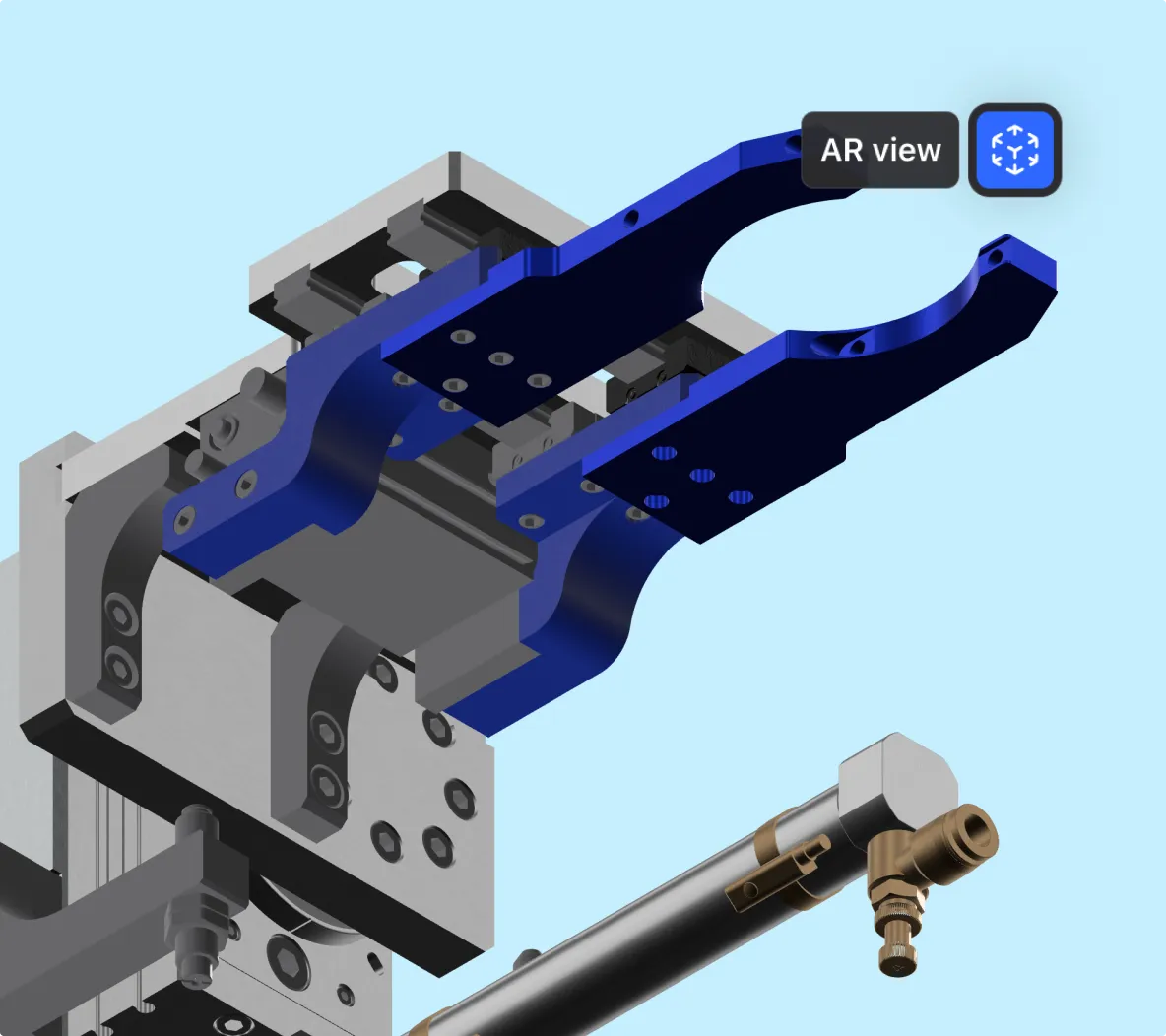
Augmented reality (AR) in Shapr3D lets you see your full-size 3D CAD model in a real-world environment, whether it's designed to live in your home or on a factory floor.
Want to see how that table will look in your living room, or whether a piece of equipment fits on an assembly line? AR takes the guesswork out of design validation, reducing errors and improving accuracy.
AR helps non-technical stakeholders improve their spatial understanding of a design, leading to better communication and smarter decision-making.
Shapr3D’s AR viewer is a native feature on our iPad app. Unlike some other CAD programs, you don’t have to export your model to a USDZ file to view it — just click the AR icon.
When you share a published design for review, anyone can view it in AR using our web app. No downloads or installation required.
Many companies incorporate AR workflows into their product lifecycle management processes, from concepting to design to manufacturing. Here’s what that looks like.
Quick concepts get drawn up and viewed in AR on the same day, eliminating the need to order expensive physical prototypes that take weeks to get delivered.
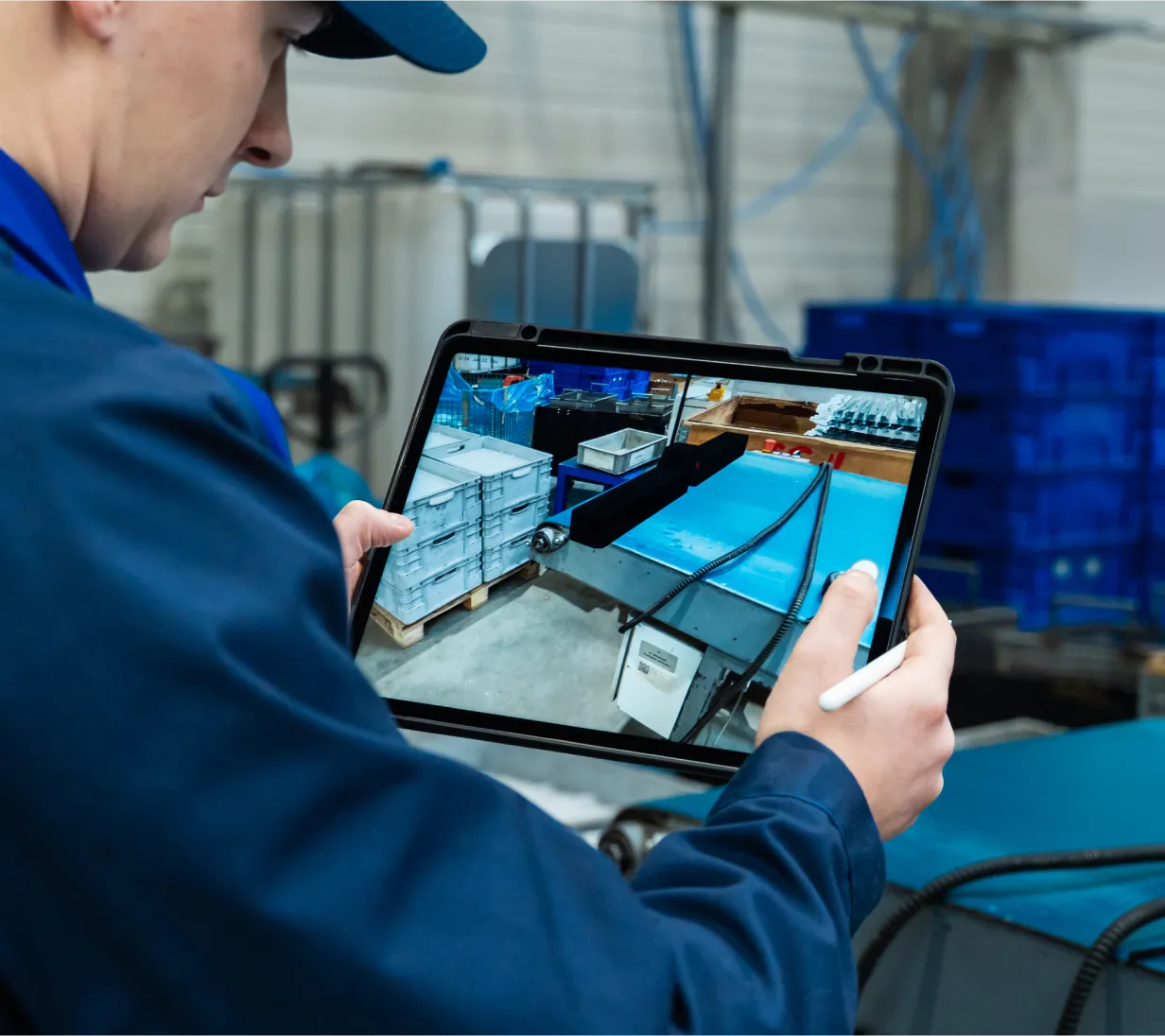
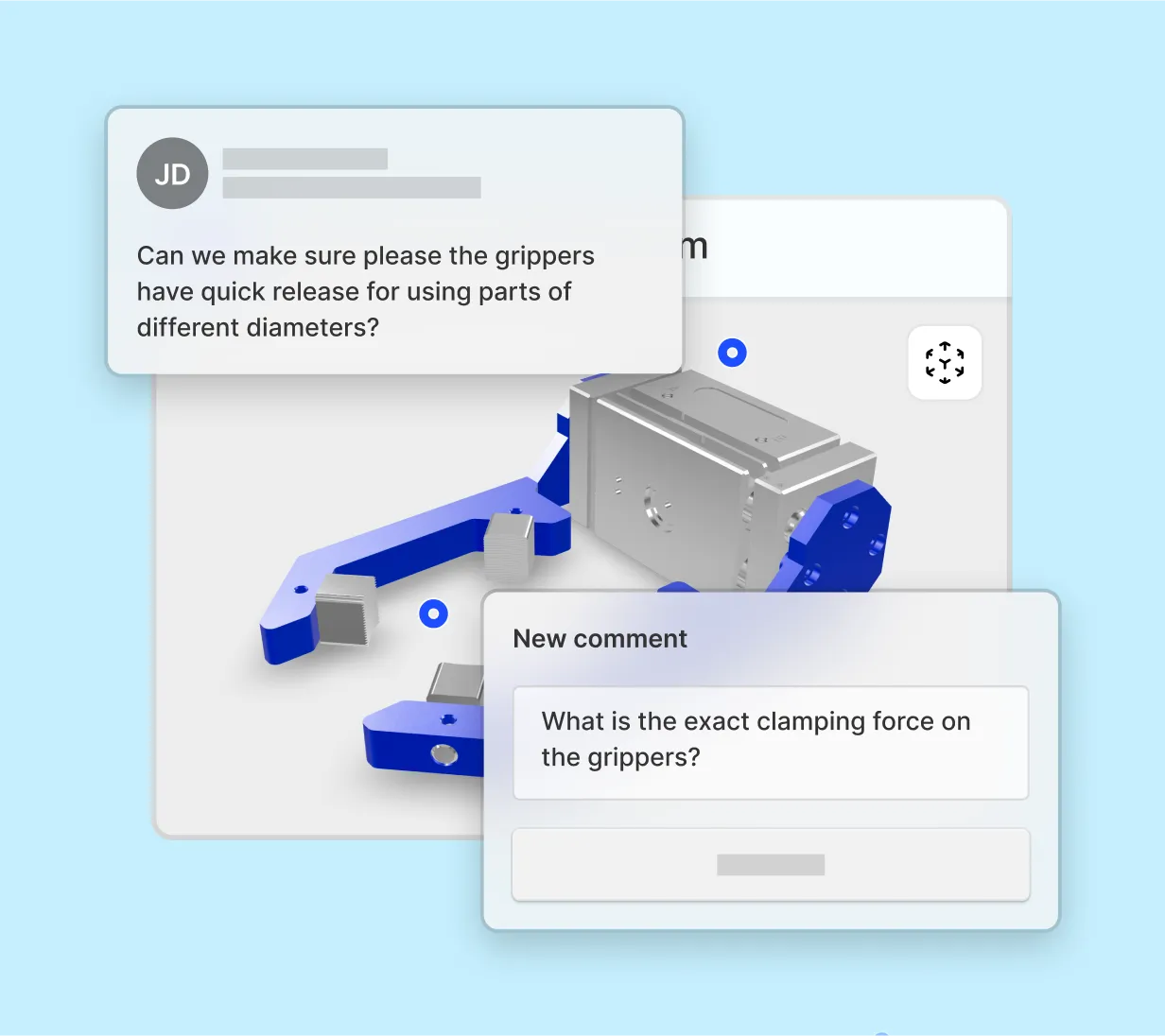
Stakeholders see and interact with full-scale models in AR design reviews. With Shapr3D’s integrated workflows, designers edit the model live so feedback happens in the meeting, not after.
Designers and engineers communicate more clearly and collaborate more effectively when they’re reviewing the actual, life-size model in AR — not a 3D image on a screen.
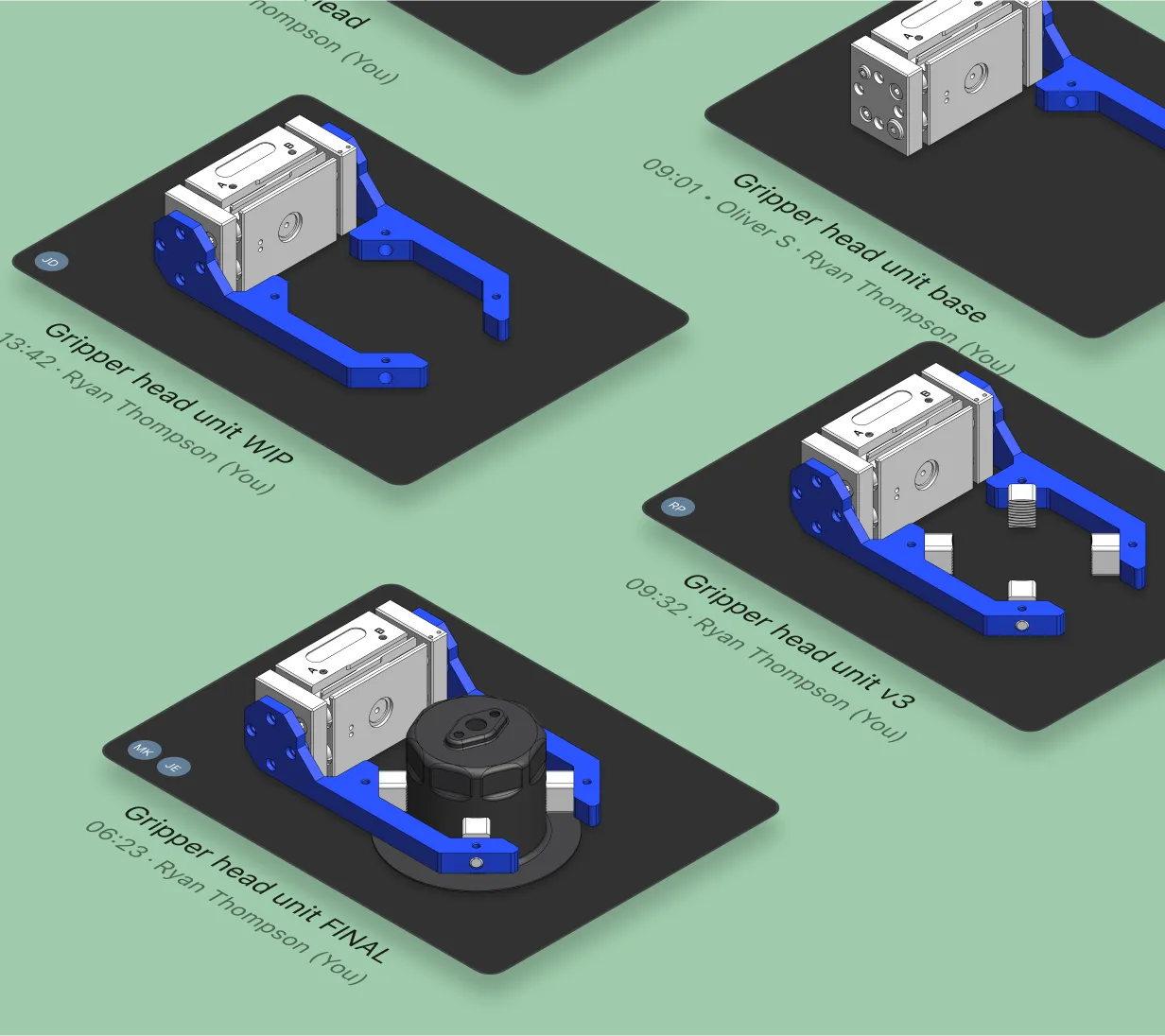
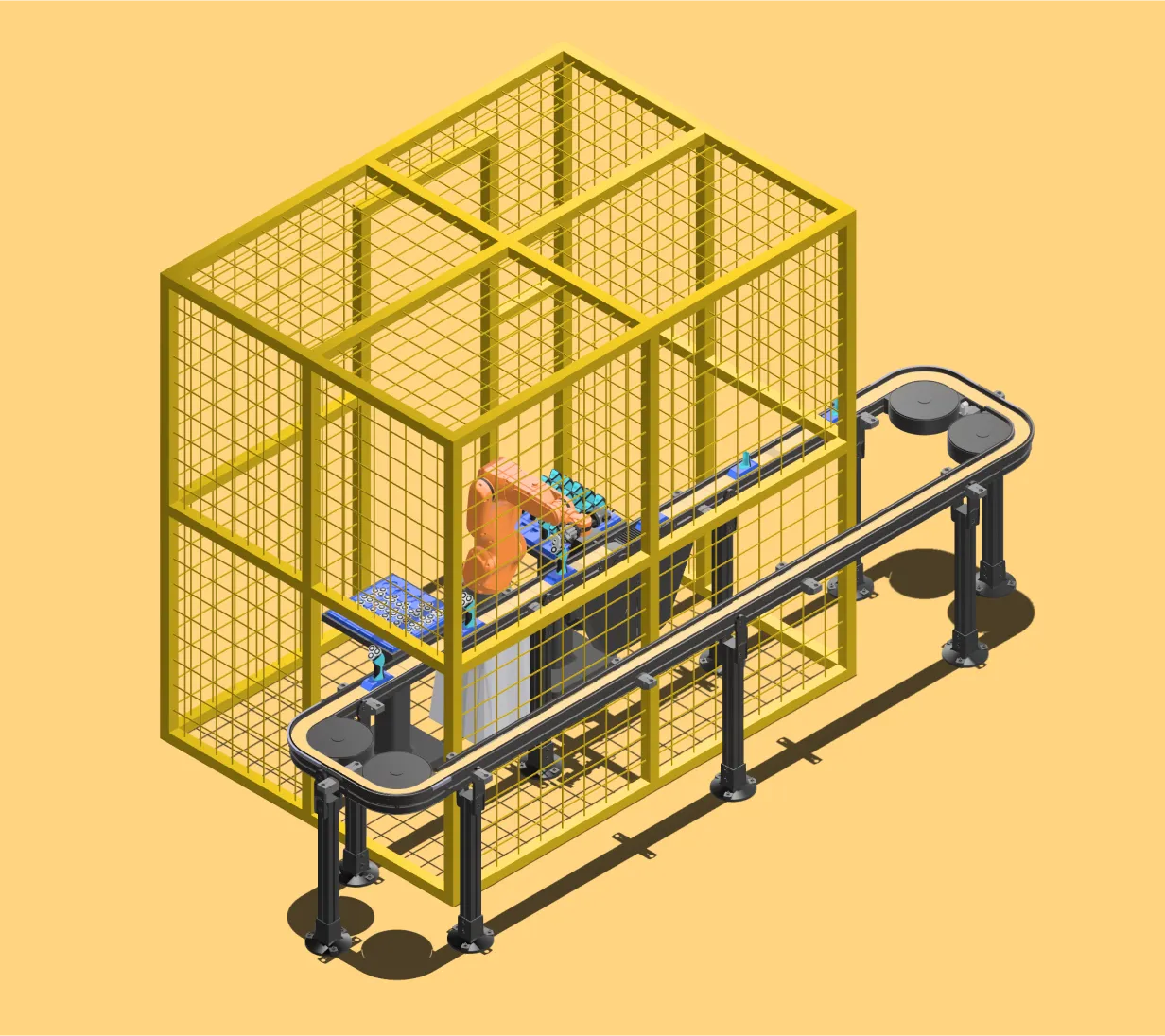
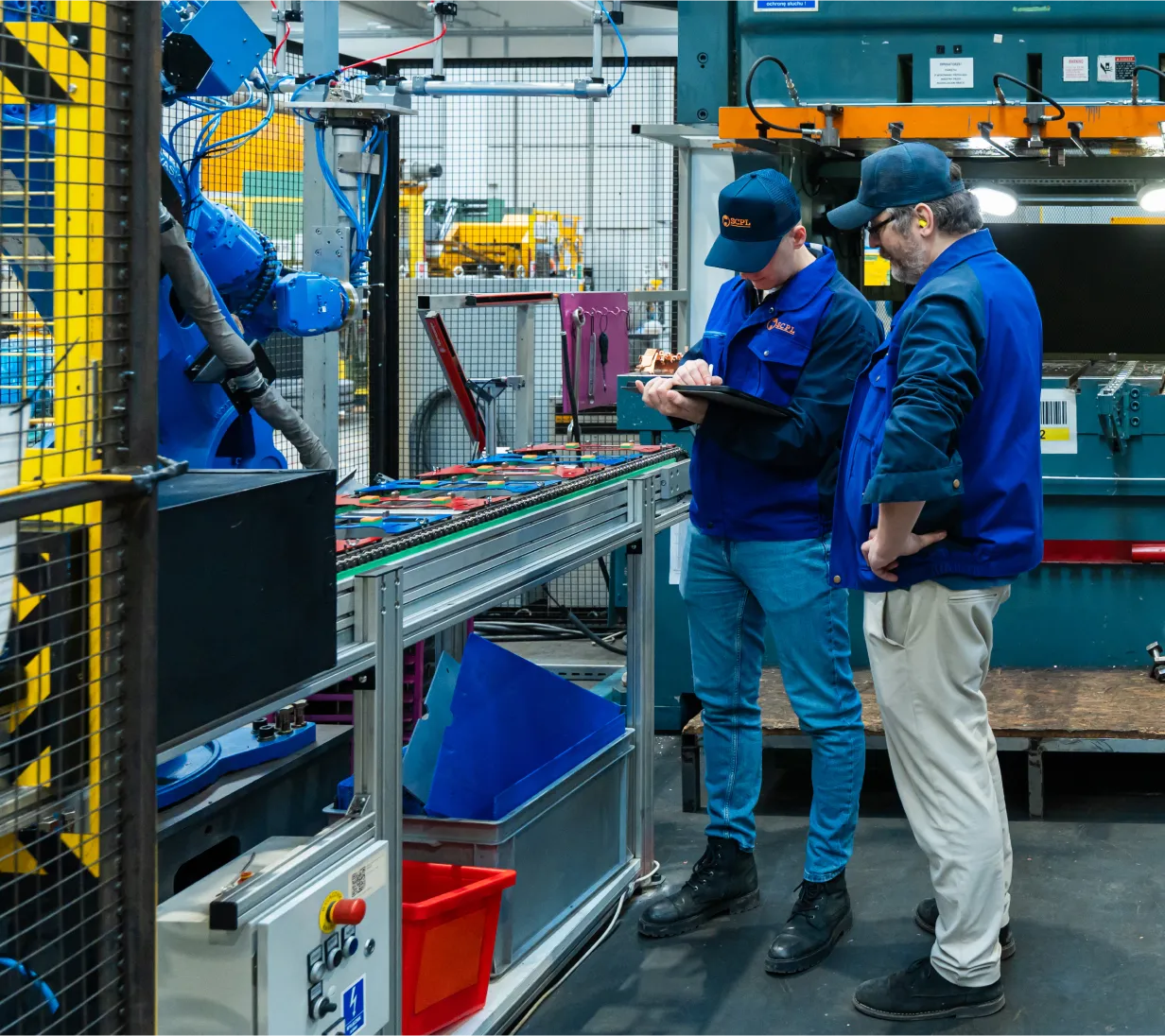
Manufacturing operations managers use AR to evaluate equipment fit, clearances, ergonomics, and safe workflows in the actual factory space.
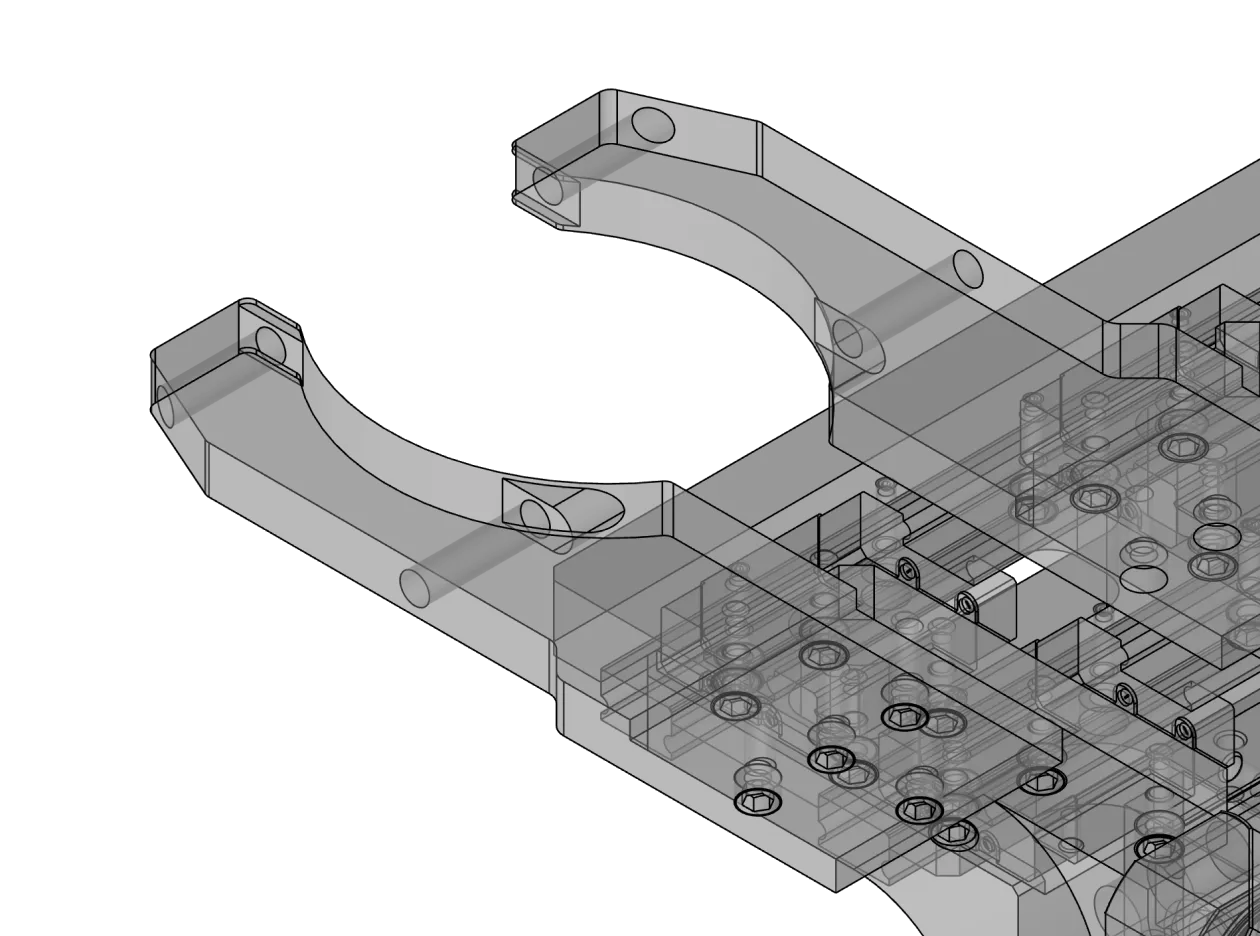
Technicians troubleshooting assembly line issues can design simple jigs and fixtures for equipment and validate their fit.
Start your free Shapr3D trial to build your first CAD model and bring it to life with AR.
Augmented reality CAD uses a smartphone camera, tablet camera, or AR headset to overlay a 3D image of your CAD model onto your real-world surroundings. After your 3D CAD model is placed in the environment, it can be inspected from all angles by walking around it. Many AR CAD features allow you to zoom in on the model or rotate it in the space.
Augmented reality CAD requires an AR-compatible device. Shapr3D’s AR CAD feature works with most smartphones, iPads, or other tablets with a rear-facing camera, and AR headsets like the Apple Vision Pro.
Some CAD software, like Autodesk Fusion 360, requires you to export your model to a special file format before it can be viewed in AR. Others, like Shapr3D, have an integrated AR viewer that allows you to view your model instantly in AR without exporting it.
USDZ, developed by Apple in collaboration with Pixar, is the most common file format for AR and 3D content sharing.
The benefits of AR in CAD include improved visualization, faster design validation, better collaboration, and reduced prototyping costs. With AR, you can instantly visualize and validate design components like fit and ergonomics by seeing them at full scale in their intended environment, improving the design review process. This allows teams to eliminate guesswork related to the size, shape, and scale of a model, enabling them to provide clearer, more accurate feedback. Virtual prototyping with AR also helps companies reduce costs and wait times associated with ordering physical prototypes.
Yes, non-technical stakeholders like clients, managers, and collaborators can easily view CAD models in AR. Simple AR workflows allow reviewers to click the AR icon in a review link or open a USDZ file in a dedicated AR viewer to view the model. AR technology often makes CAD models more accessible to non-technical reviewers by giving them a sense of the model’s scale and helping them visualize how a design will look as a finished product.
Common challenges associated with AR CAD include device compatibility. You need to make sure your device is compatible with AR technology and has a rear-facing camera.
If your CAD software does not have an integrated AR viewer, additional challenges may include training employees to use third-party AR apps and exporting files to USDZ for viewing.
Yes, AR CAD can provide a useful visual aid for assembly, maintenance, and troubleshooting use cases. Designing a jig or fixture and validating its fit in the equipment with AR can help teams reduce downtime and quickly get equipment back up and running.
If you’re a Shapr3D user, you can get started with AR CAD in the following ways:
Learn more about using augmented reality with Shapr3D by visiting our support page.
