Download Shapr3D.
Download in seconds and get to your first model in 15 minutes.
Available for iPadOS, macOS, and Windows, and fully supported on Wacom tablets.
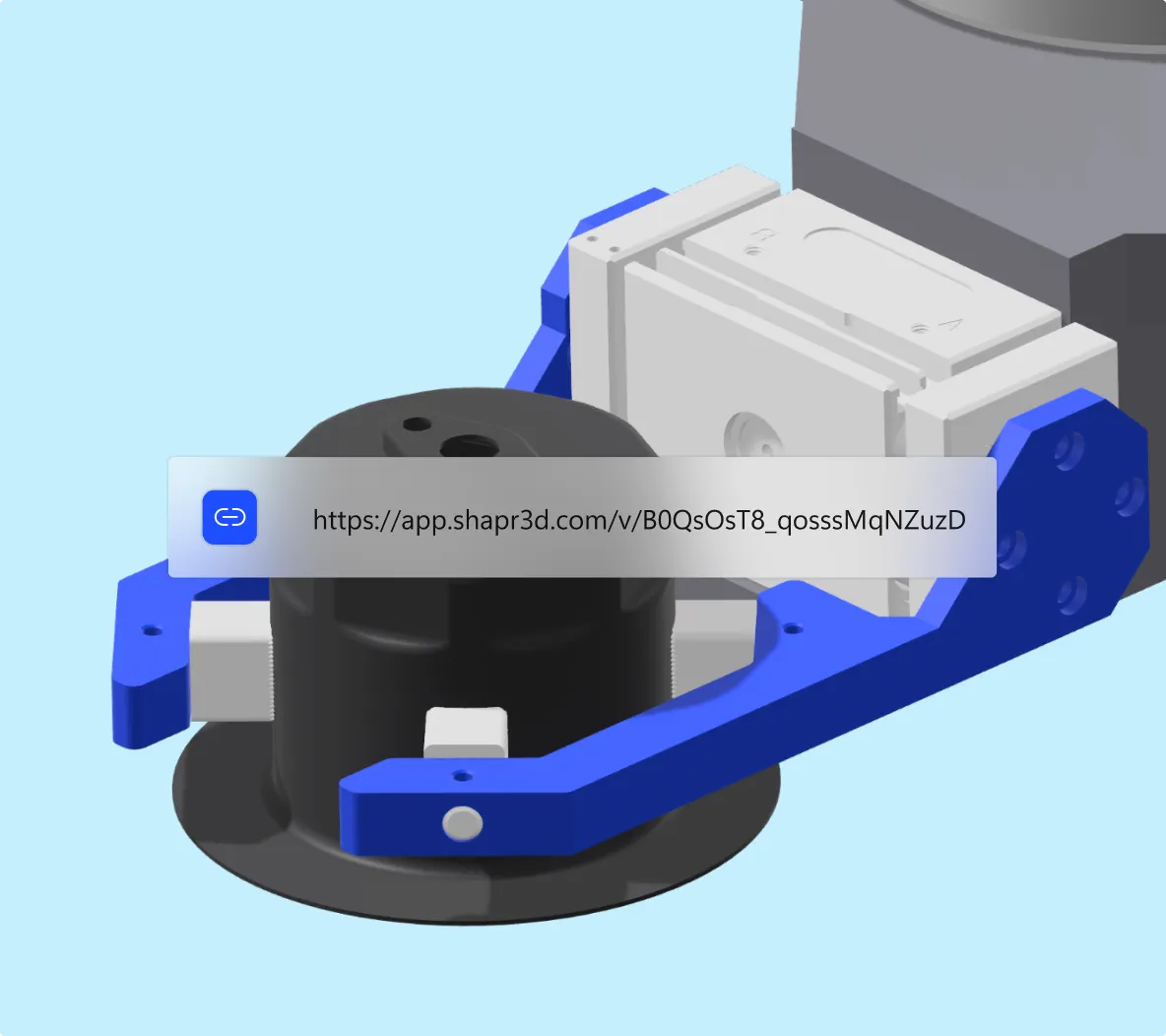
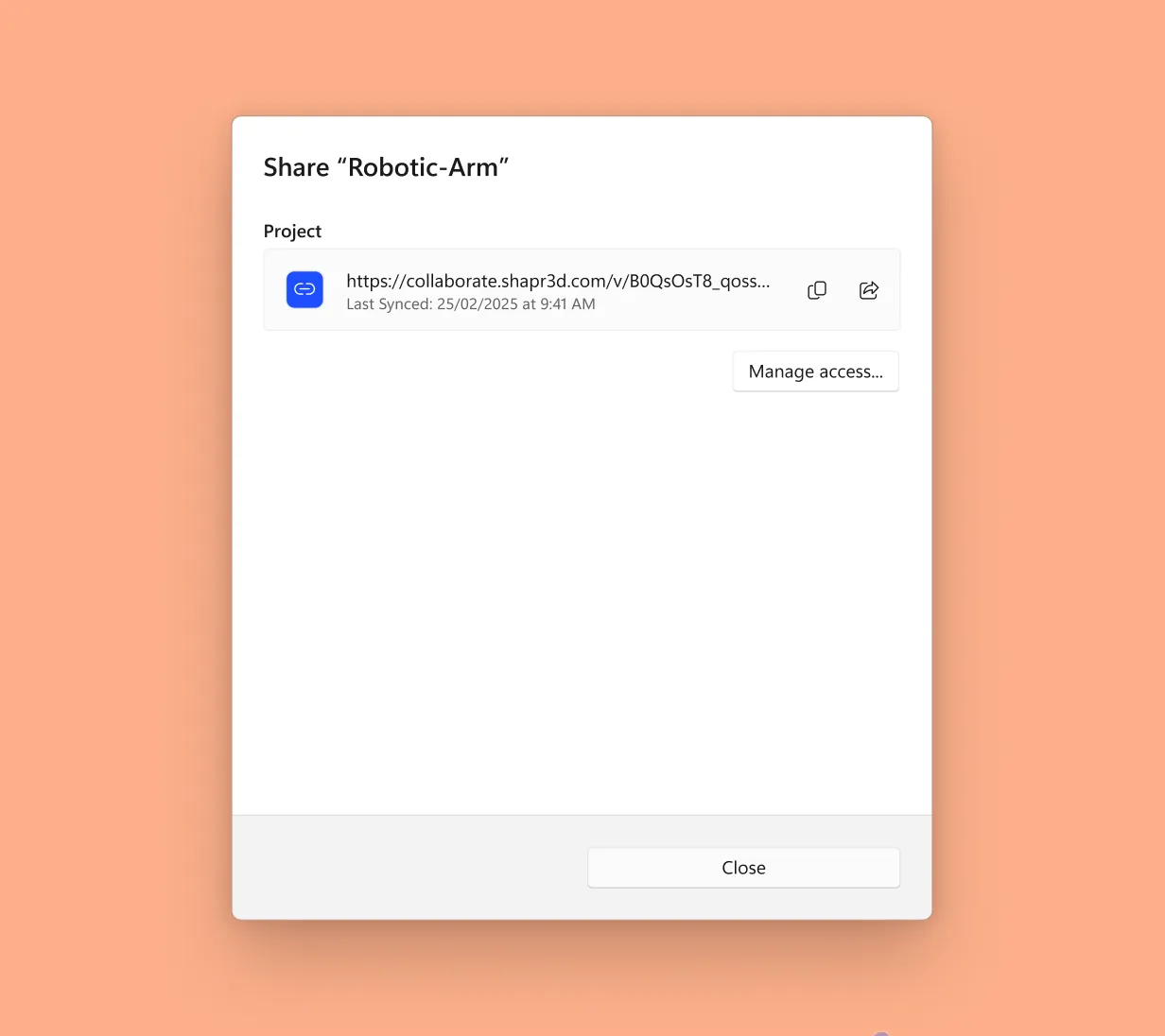
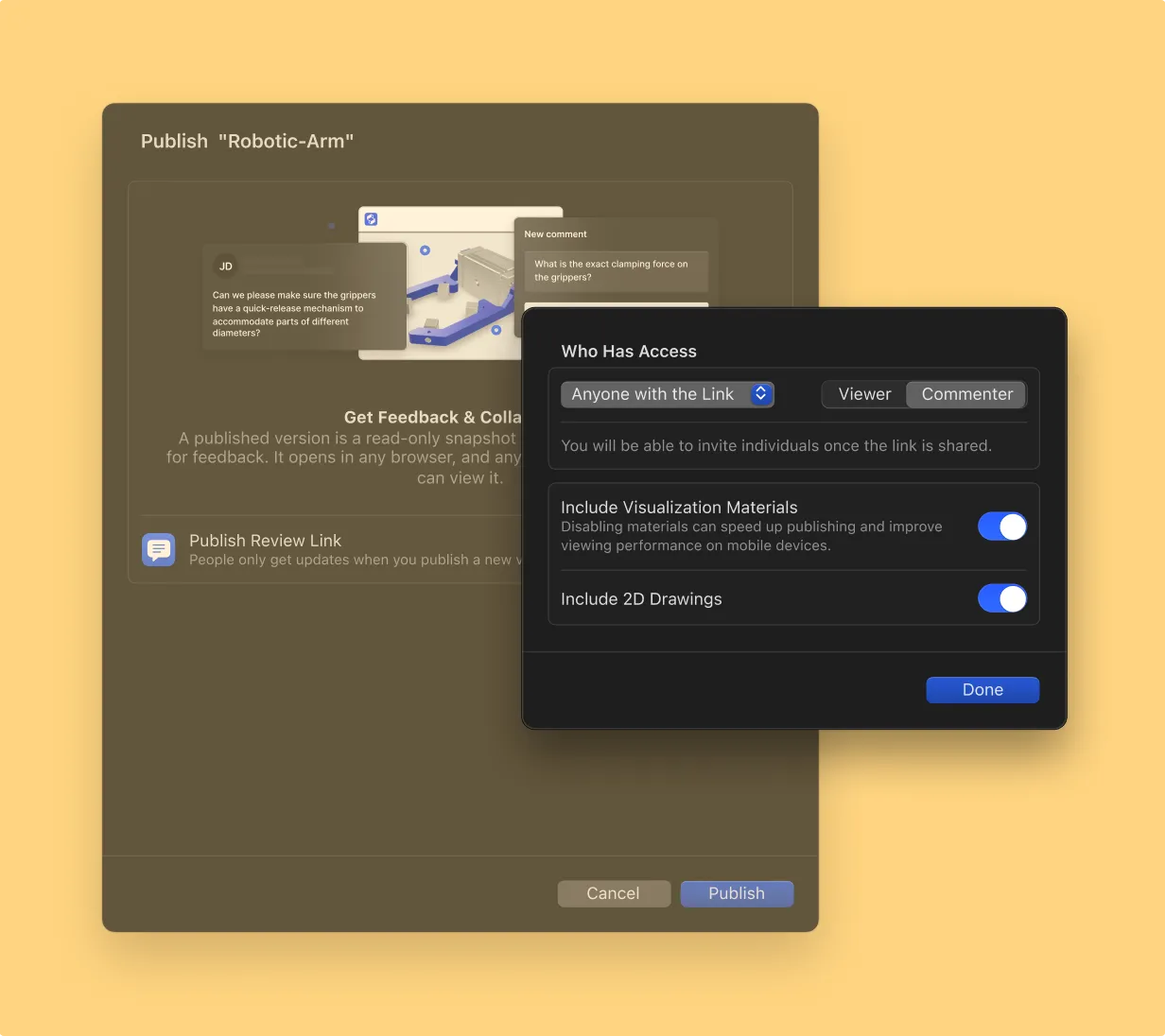
Publish your 3D model. Share a secure link. Reviewers can view, rotate, and comment on your model directly with our web app, no download required.
When you publish your project, you get to decide who has access: anyone with the link, only those on your Shapr3D account, or only those you invite by email.
Reviewers can open our web app from any modern web browser on Mac, Windows, Android, and iOS. No need to download an app, install software, or have a Shapr3D license—just click for instant access.
Our web app is better than a screenshot. It lets reviewers interact with a 3D model by zooming in and rotating it to view details from any angle. You can even view the model in your space with AR.
Assign up to two contributors per team to edit existing projects in the Shapr3D app at no added cost, without purchasing additional licenses.
Sharing CAD files usually involves exporting your model as a DWG, DXF, STEP, STL, or other file format so it can be opened by reviewers. If you make changes to your model, you need to export and share it again, increasing the likelihood of version mix-ups.
An online CAD viewer gives you the flexibility to share models without exporting them. Sharable links and a browser-based experience makes CAD files accessible from any internet-connected device.
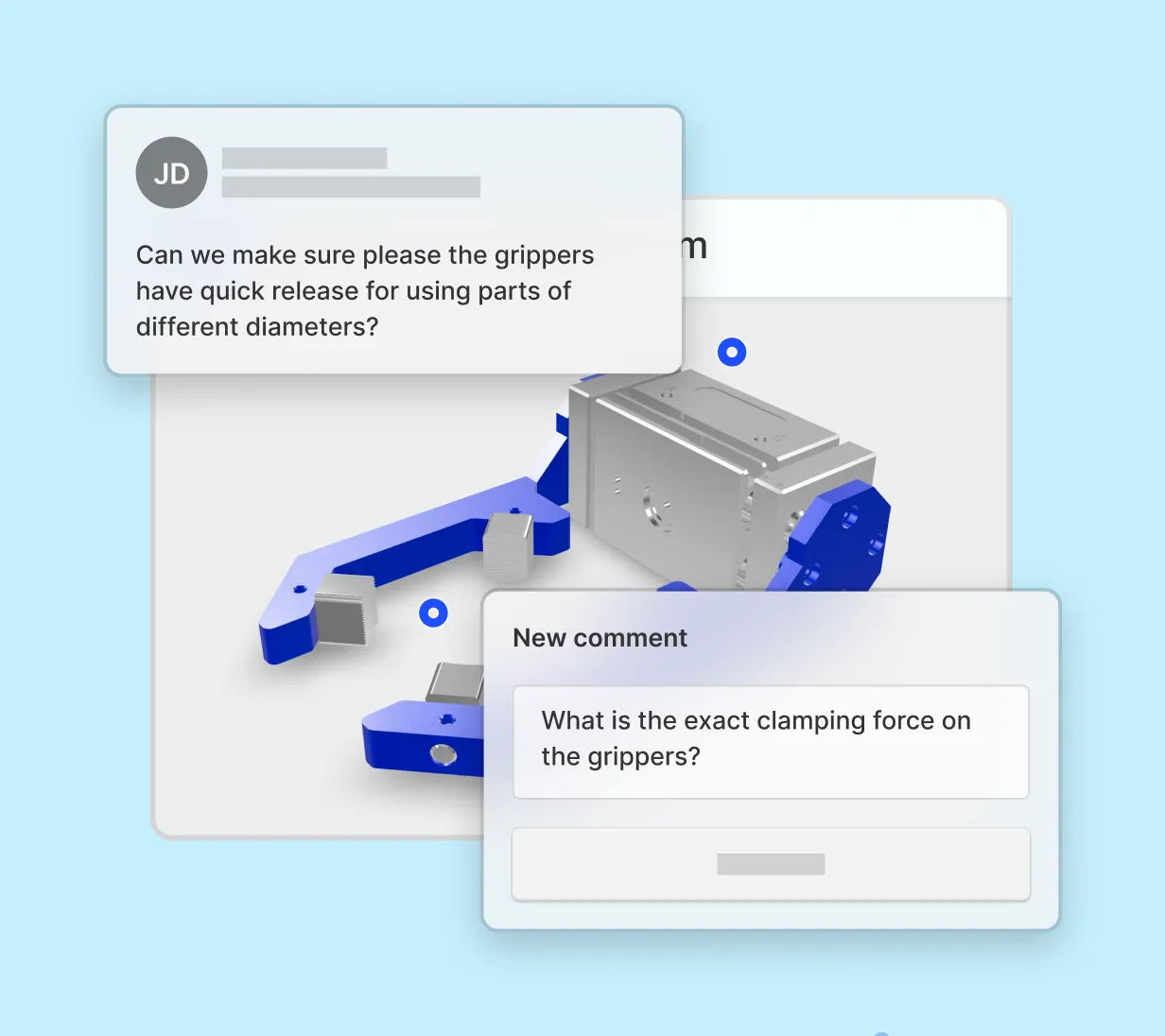
Our web experience isn't just an online CAD viewer — it also lets collaborators leave comments. Reviewers can place their comments on the design, providing context so feedback is clear and focused on the specific part in question. No more hunting down feedback or going back and forth on what a particular comment was referring to.
AR is integrated into our web experience. You don’t need to export special USDZ files or use an AR preview app. Just open the sharable link in your browser and click the AR icon.
Opening Shapr3D web app links is always free, but sharing your own projects is a paid plan feature. Start your free Shapr3D trial to build your first CAD model and share it with others.