Download Shapr3D.
Download in seconds and get to your first model in 15 minutes.
Available for iPadOS, macOS, and Windows, and fully supported on Wacom tablets.

From architectural volume studies to stage and set design, Shapr3D provides a blank canvas for design exploration, allowing you to visualize 3D forms and functional flow with ease.

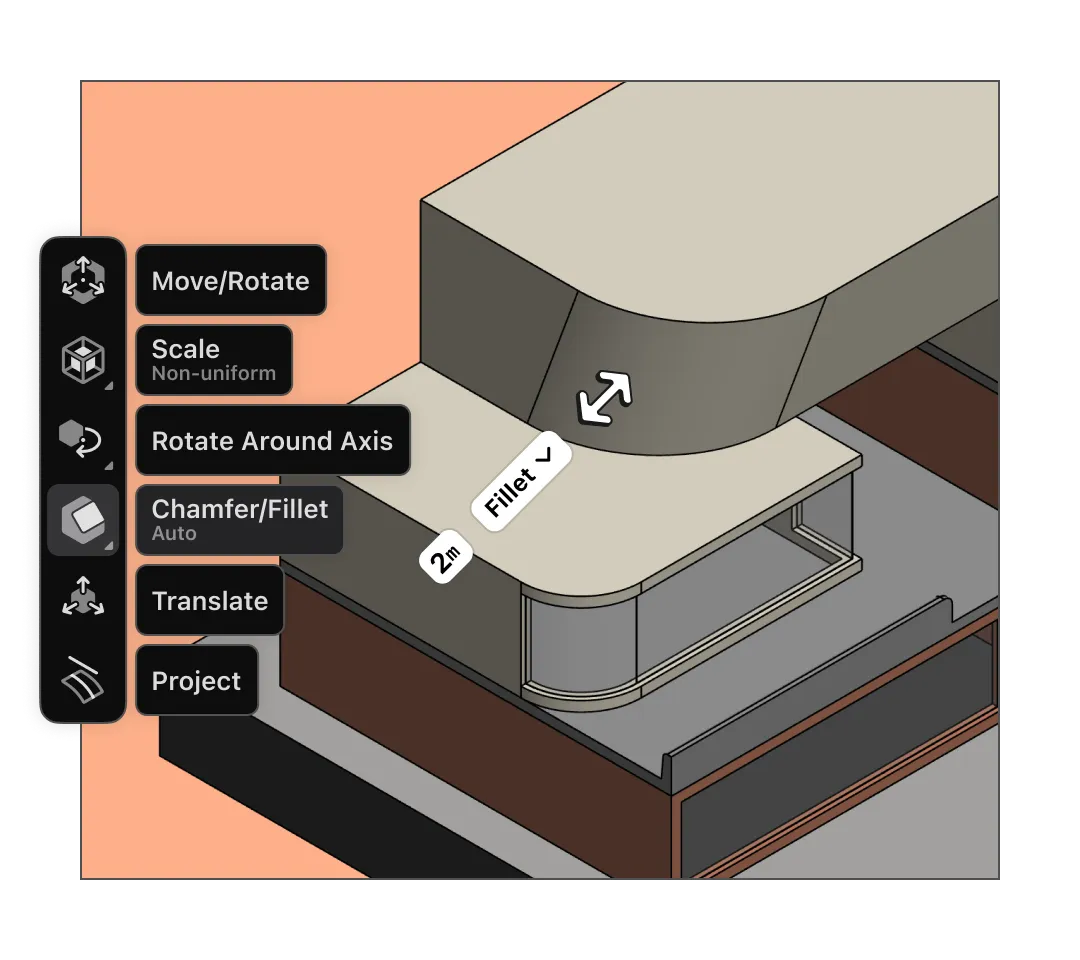
Shapr3D’s push-pull modeling and adaptive UI are so easy and intuitive, you can sketch shapes and turn them into 3D forms in a few simple moves.
Our iPad app with Apple Pencil gives you the feeling of sketching with a pen and paper. Start a design at a building site or on the go, and finish up on a Mac or Windows device.
Working in 2D tends to offer quicker iteration. But designing with Shapr3D is so fast, you can work in 3D from the get-go and get spatial context from every angle.
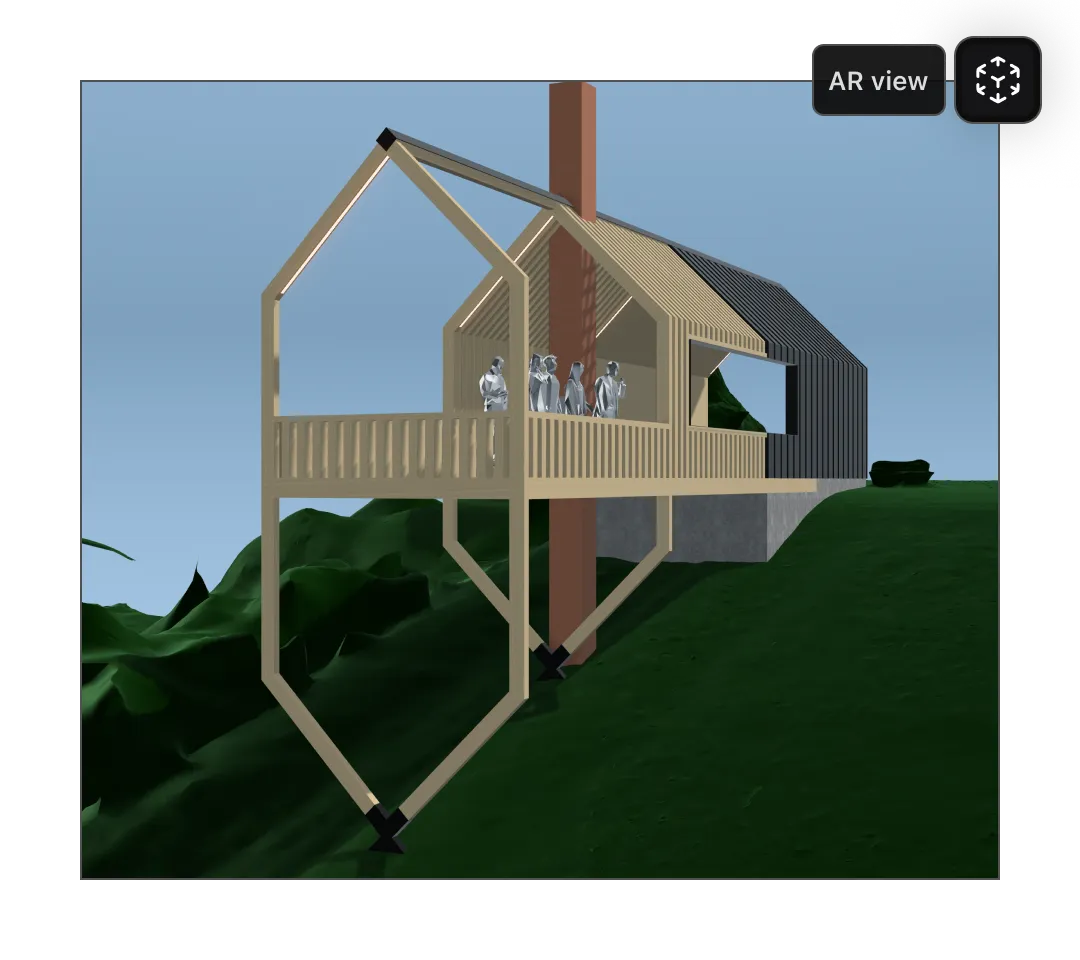
Understanding spatial relationships between large-scale sets or 3D forms can be a challenge. Use our integrated AR viewer to view your designs in full scale, or get an immersive visual experience with our native app on Apple Vision Pro.
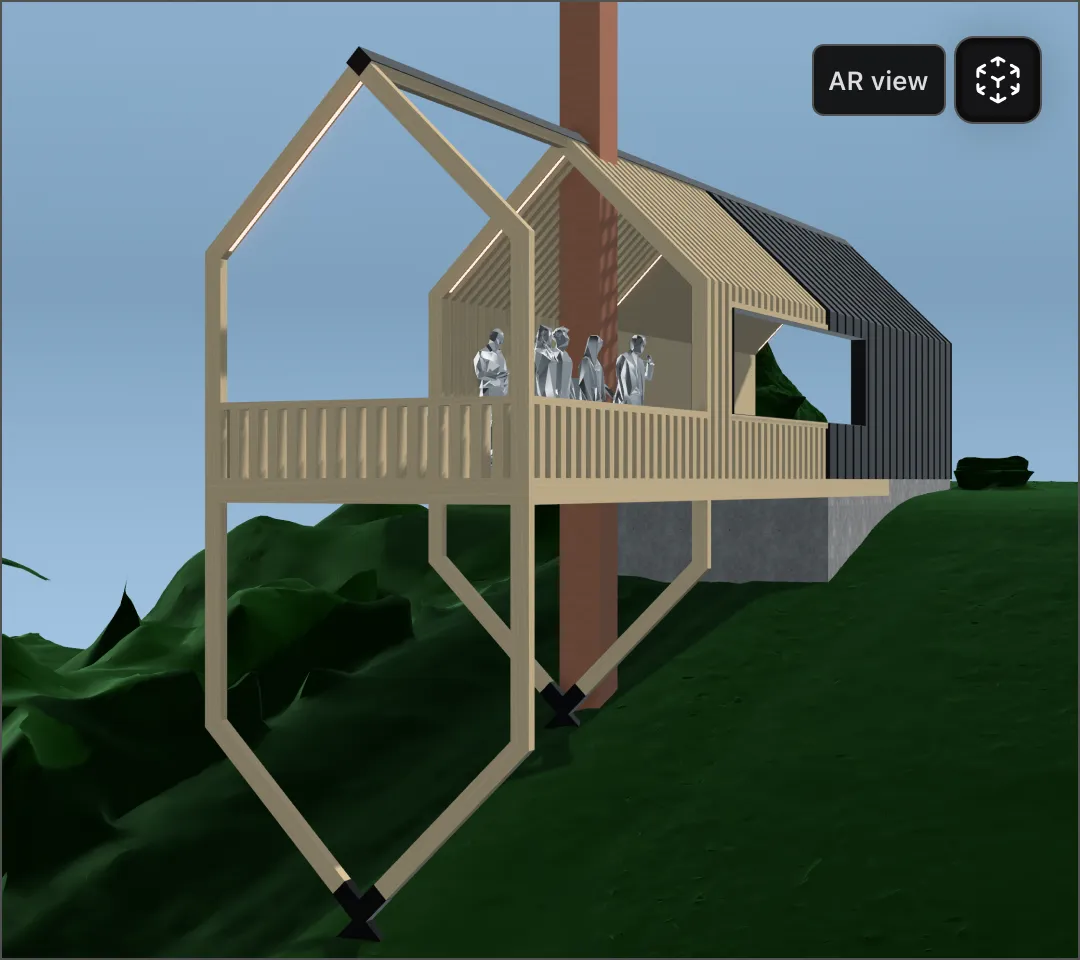
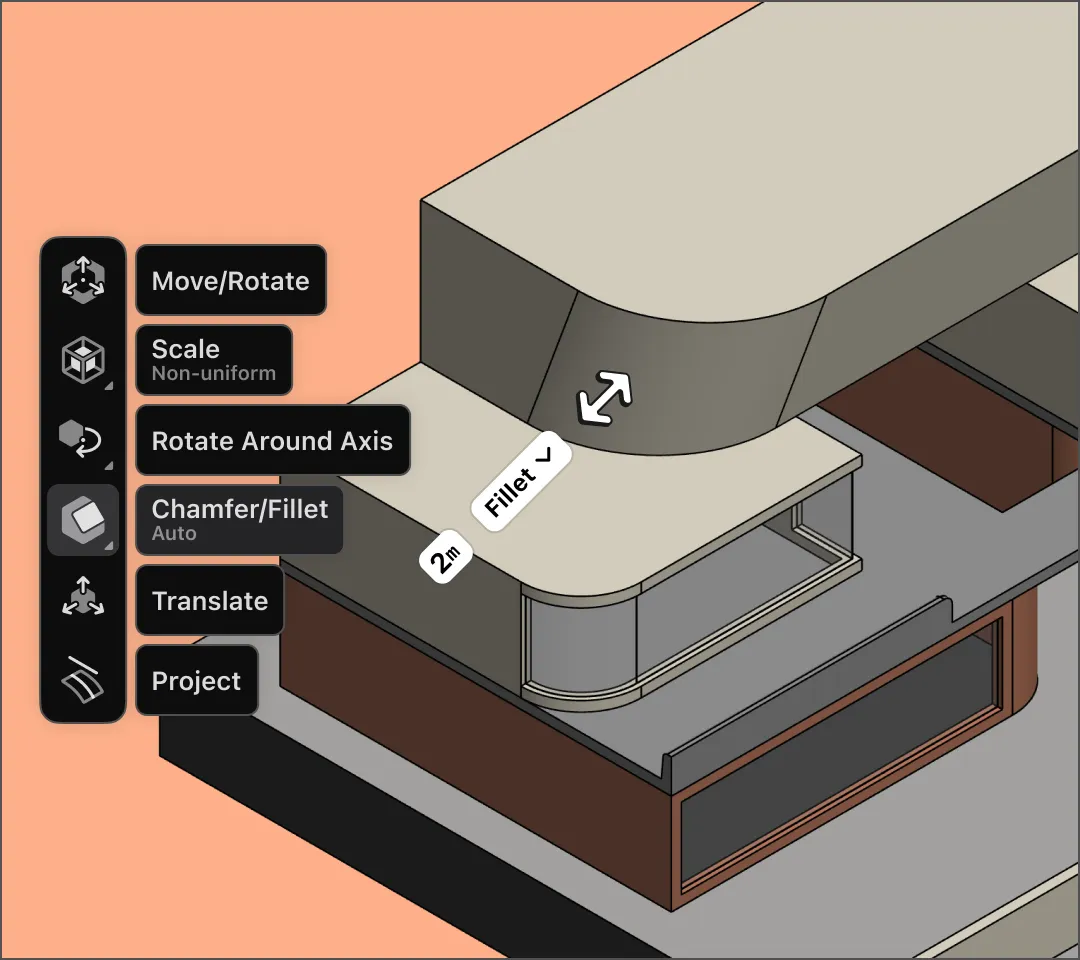
If you’re designing a stage, set, or other large-scale space, Shapr3D gives you the freedom and flexibility to tinker with simple shapes or build detailed models with precise curves.
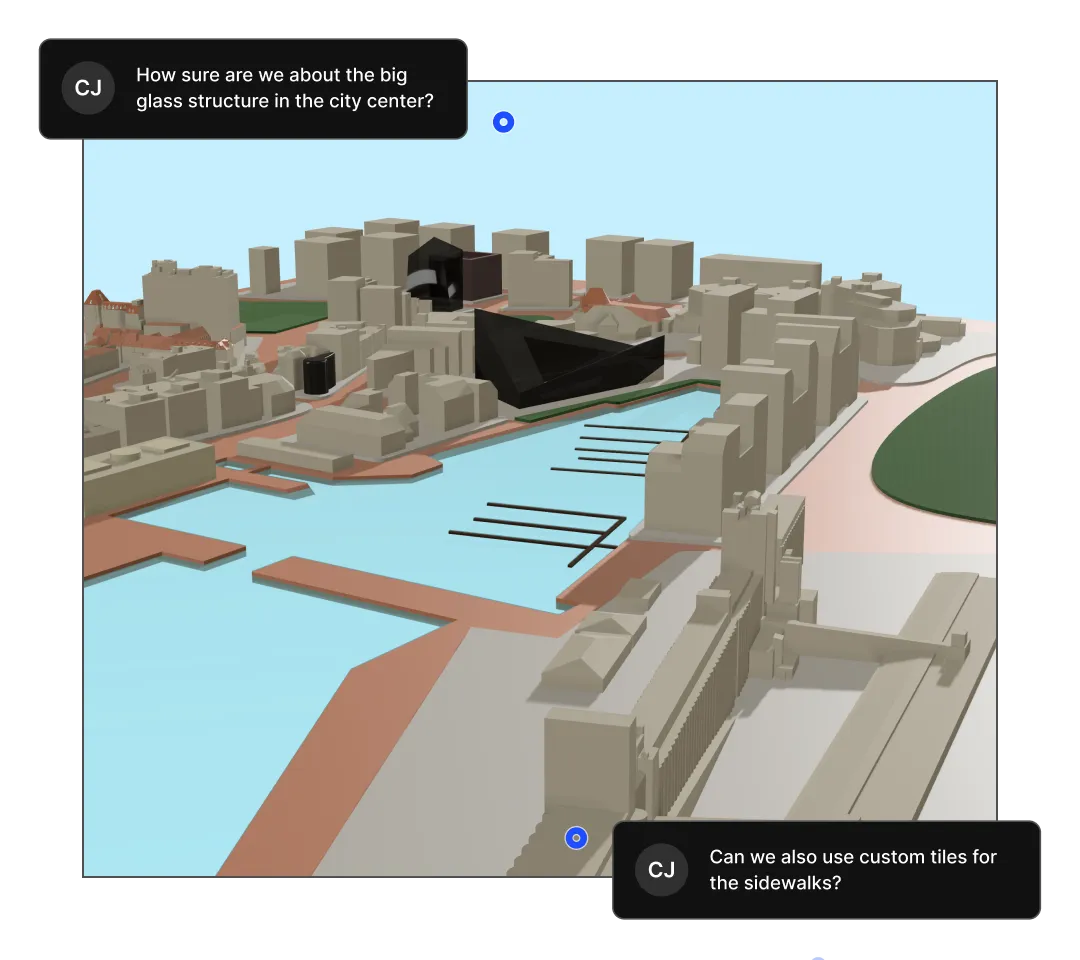
Sharing your design is easy: just send a secure review link. Stakeholders can view and comment on your model in our web app (no installation required), and AR is just a click away. Project collaborators can access up-to-date files synced through the Shapr3D cloud, so everyone can view and edit the same model.

Start your free 14-day trial to see how Shapr3D can help you refine your architectural concepts, fast.