Download Shapr3D.
Download in seconds and get to your first model in 15 minutes.
Shapr3D is CAD that’s simple enough for beginners and powerful enough for engineers.
Download it on Mac, iPad, or Windows for quick, intuitive 3D modeling.
There are CAD tools built for engineers. And 3D tools anyone can use. Shapr3D is both. Available on Mac, iPad, and Windows.
Available on Mac, iPad, and Windows devices
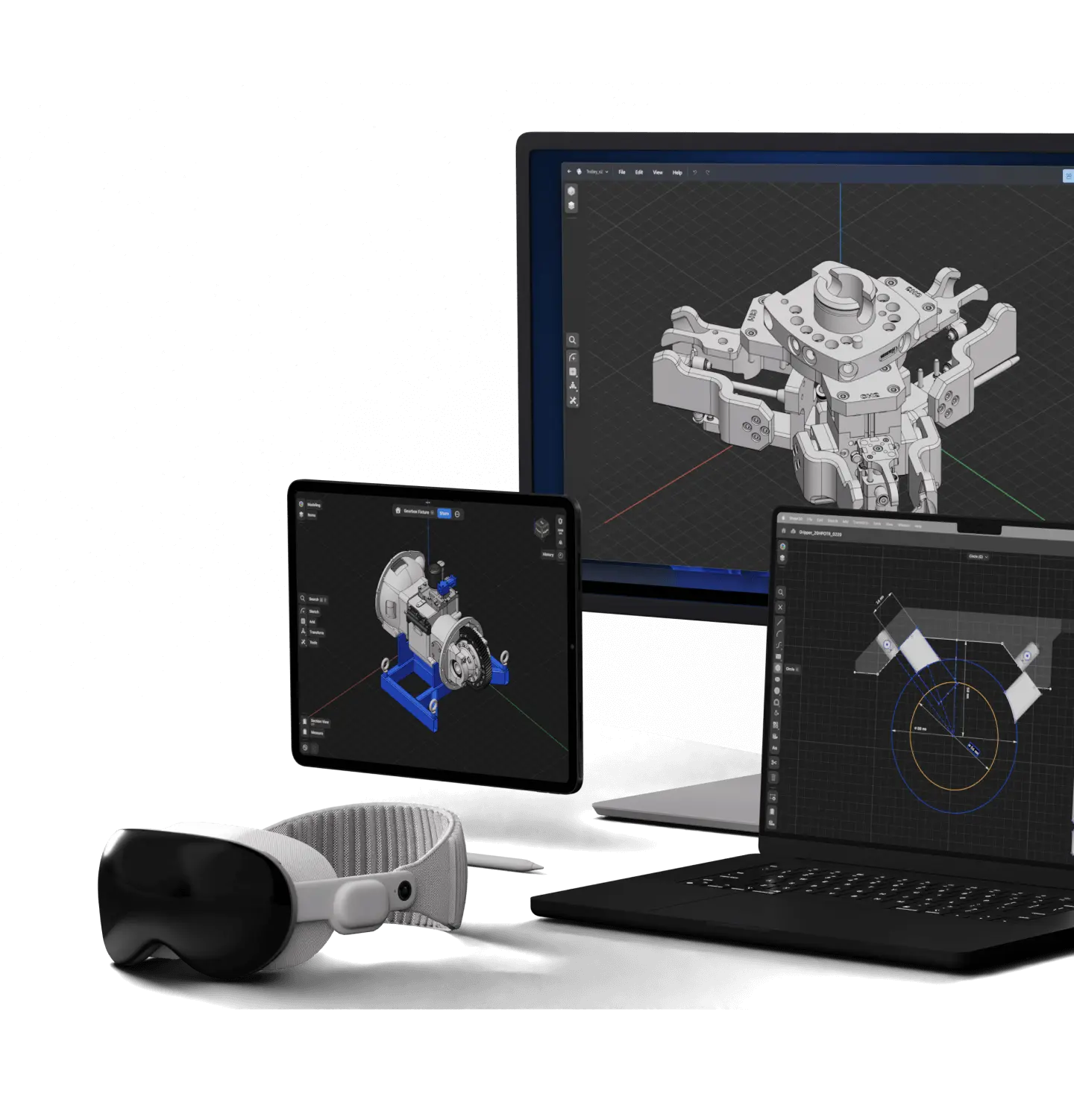



Combine macOS, iPadOS, Windows, and visionOS devices to match the way you work. No matter the platform or where you design, Shapr3D gives you the same, well-rounded modeling experience and capability. Offline, with on-device computing.
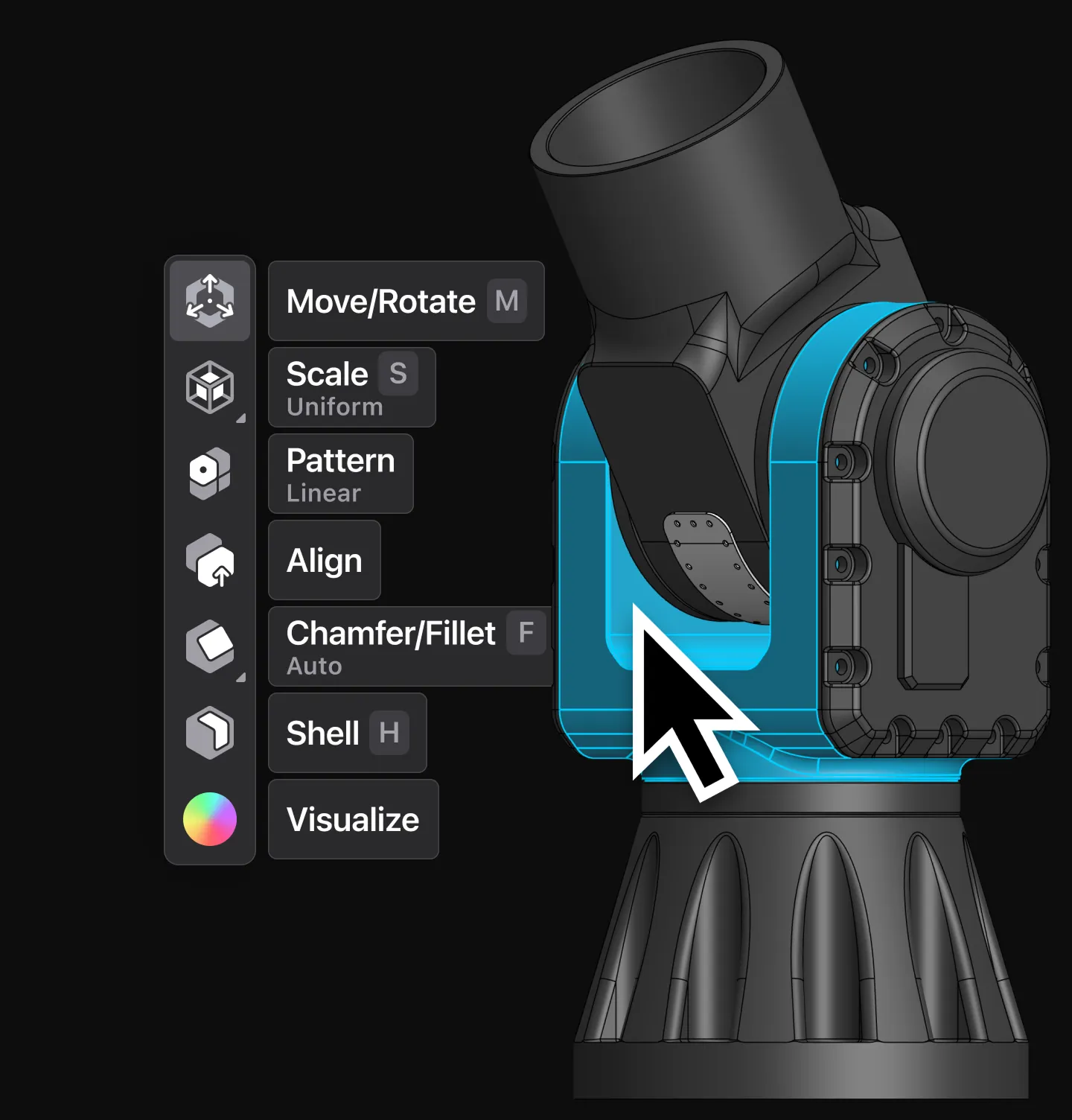
Shapr3D integrates direct and history-based workflows. Equipped with all the essential tools, it empowers you to bring your design intent to life with ease and accuracy.
A fast and responsive modeling experience adapts to your workflow, and delivers the right tools, right when you need them. The unified interface across desktop and mobile ensures effortless transition between devices.
Import and export native file formats (e.g. PRT, SLDPRT, CATPART), or XT and STEP to connect with other CAD systems, simulation tools, or manufacturing processes.
Your workflow rests on a solid foundation: Shapr3D is built with the Siemens Parasolid® kernel under the hood.
Shapr3D supports SpaceMouse, Wacom tablets, custom keybindings, and Apple Pencil, delivering a flexible modeling experience tailored to your preferences.
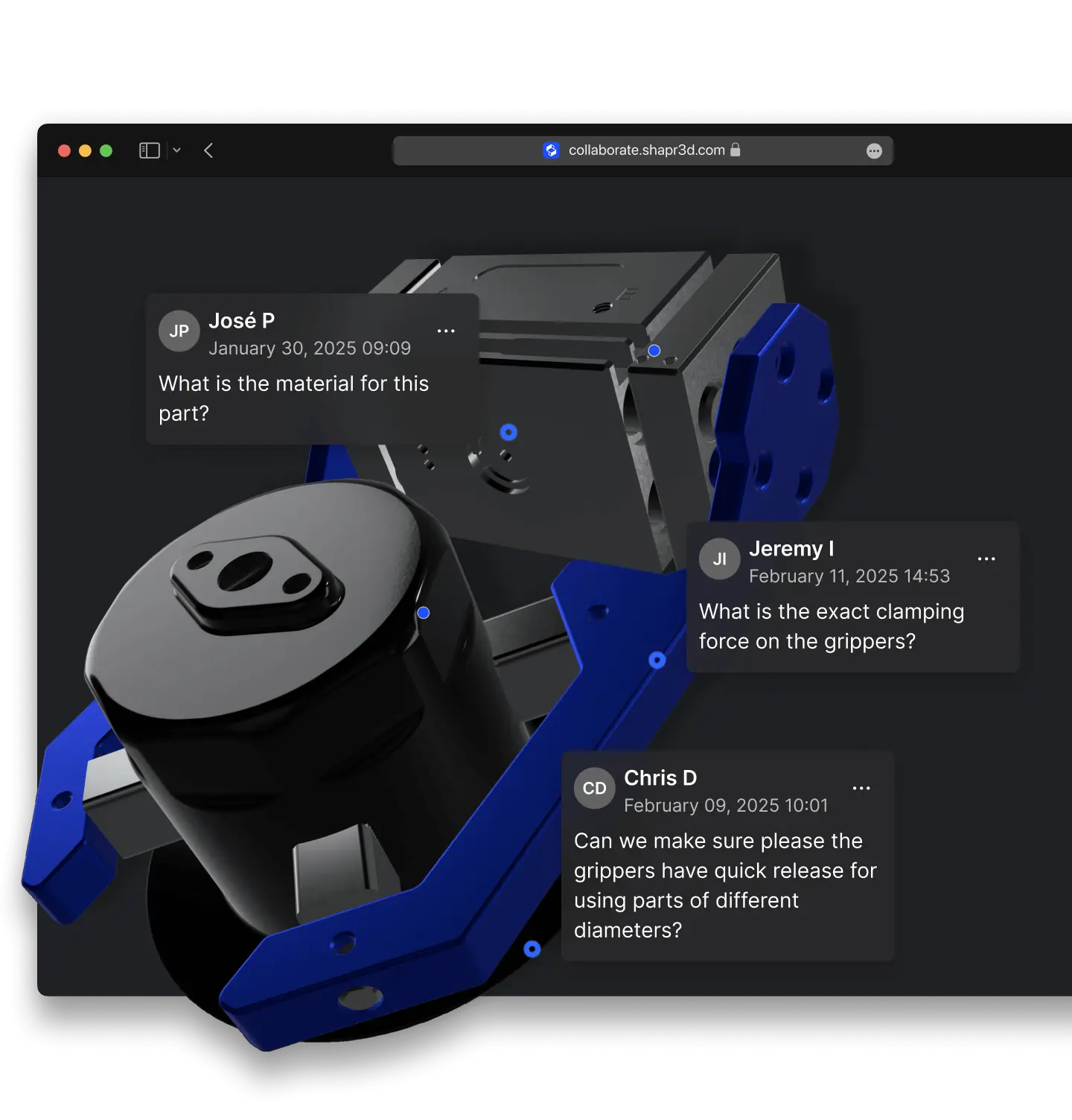


Share models, drawings and visualizations effortlessly for viewing and commenting.
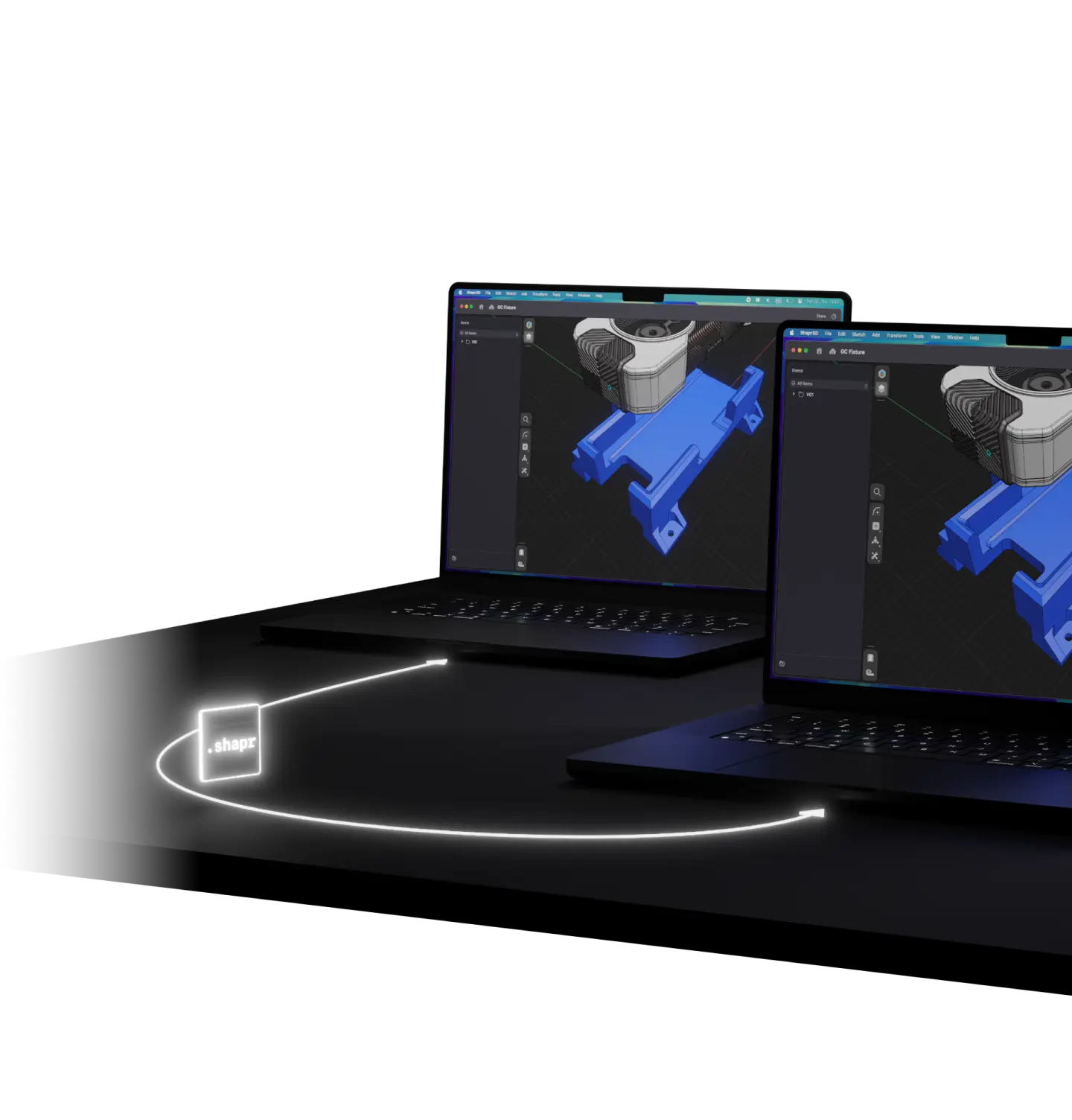
Effortless file management streamlines collaboration, making it easy for you and your team members to share and resume work without disruption.
Decide where you store your data. Our collaboration tools can work on our infrastructure–or yours.
SOC2 Type II and ISO 27001-level security keep your ideas and designs secure and ensure full transparency over data management.


Shapr3D's physically-based rendering (PBR) enables instant visualization of your 3D models with high quality materials and lighting. A single click switches between modeling and rendering modes, allowing for immediate visual validation and presentation.
Shapr3D is designed with AR in mind, seamlessly integrated into the modeling experience for instant, contextual validations.
Shapr3D on Vision Pro enables ultrafast setup for immersive reviews, even letting teams edit models in XR for instant feedback. With prototypes in context, decisions are faster and more cost-effective.


Shapr3D has a free plan with most modeling features available, meaning you can download and get started modeling right away. Paid plans allow you to export high-resolution files in a variety of formats like 3MF, STL, STEP, XT, IGES, OBJ, and more; use visualization and rendering tools; and collaborate on files.
Find the right plan and start a free trial on our pricing page.
Users consistently praise Shapr3D’s ease of use, earning it a score of 9.4/10 on G2’s comparison ratings. An adaptive user interface, push-pull and history-based parametric modeling capabilities, and built-in tutorials make it easy for CAD beginners and experienced users to get started.
Yes, you can use Shapr3D without being connected to the internet. Designs are saved locally on your device and synced to the Shapr3D cloud when you are connected to the internet for easy access on any device.
Our enterprise package includes custom options to add various importers like NX, enterprise grade security features, and other features on request. Get in touch to learn more.
Shapr3D is used to design 3D models for woodworking, 3D printing, furniture design, product design, industrial design, manufacturing, mechanical engineering, and equipment parts. It is used by solo designers and hobbyists, small businesses, consultants, and enterprises.
Yes, Shapr3D is a 3D CAD software built on the Siemens Parasolid® engine, ensuring that your models are manufacture-ready and compatible with all 3D modeling tools.
Teams in industrial design, product design, and manufacturing operations use Shapr3D as a standalone 3D modeling tool or to augment their current modeling workflows with a multidevice, easy-to-use tool for concepting and part design.
Explore case studies to learn how teams of all sizes are successfully using Shapr3D.
Shapr3D runs natively on Windows PCs and Windows tablets, Apple macOS computers, iPads, and Apple Vision Pro. It’s one of the only natively built iPad CAD applications out there, earning it an Editor’s Choice award on the App Store for iPad.
Check out our supported devices and system requirements.
No. Shapr3D runs on all modern devices, and it doesn’t require a specialized CAD computer. See our list of compatible devices.
No. Shapr3D is a downloadable CAD that runs natively on all devices, saving designs locally and backing up to the Shapr3D Cloud for you to access designs instantly from anywhere. You can work across any of your devices or go offline, without needing internet.

