Make maintenance self-sufficient with 3D design.

Maintenance has always known the solutions, they just couldn't build them. With Shapr3D on iPad, maintenance designs parts at the machine using tools simple enough for sporadic usage.
Design teams already speeding up their 3D workflows with Shapr3D
Use it or lose it?

Design skills that stick.

Learn → Forget → Can't Use → Give Up → Depend on Others

Shapr3D breaks this cycle with 3D modeling so intuitive that skills persist between uses. Maintenance technicians and engineers stay confident in their skills and solve problems independently, without waiting for CAD backlogs.
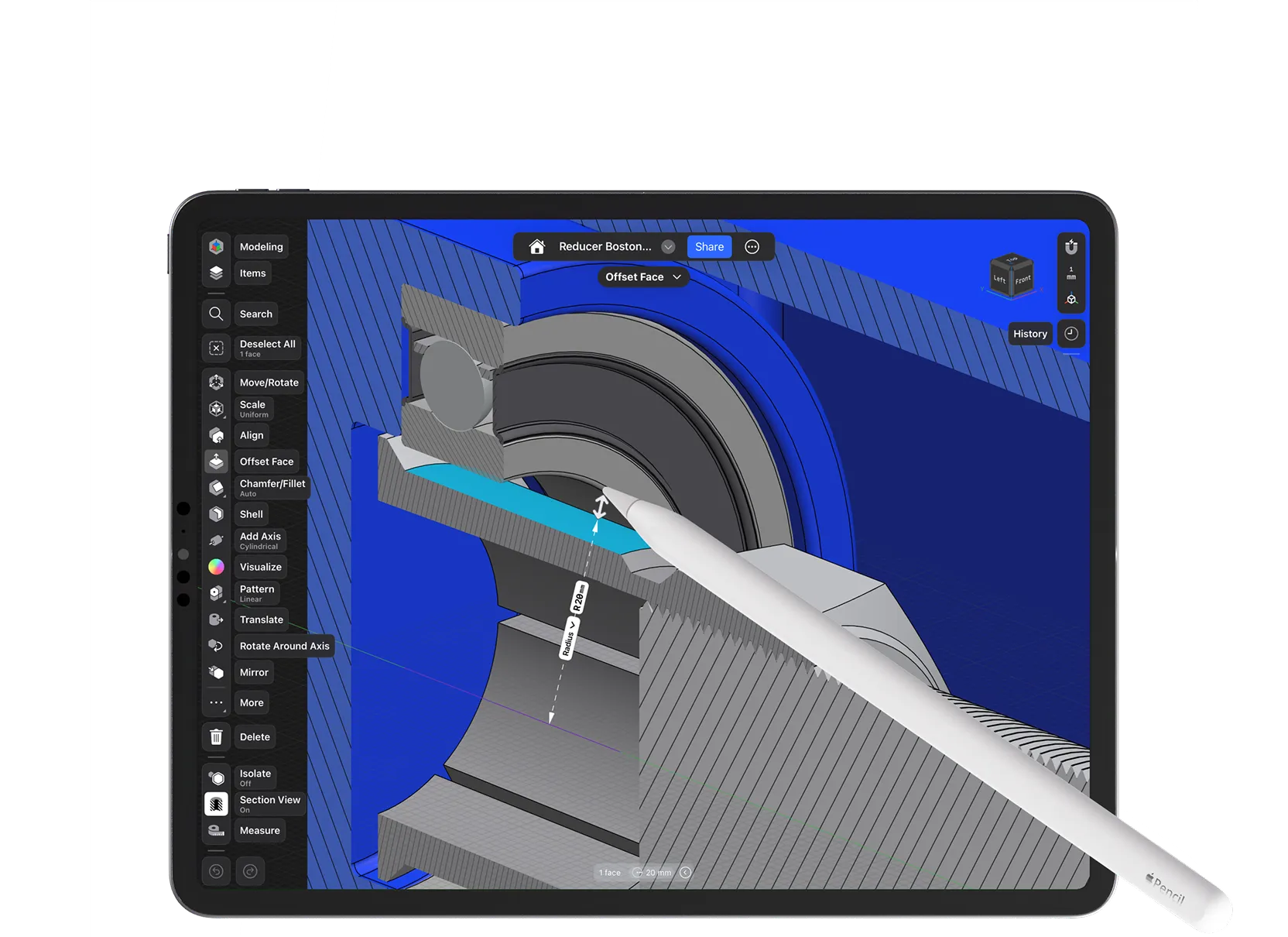
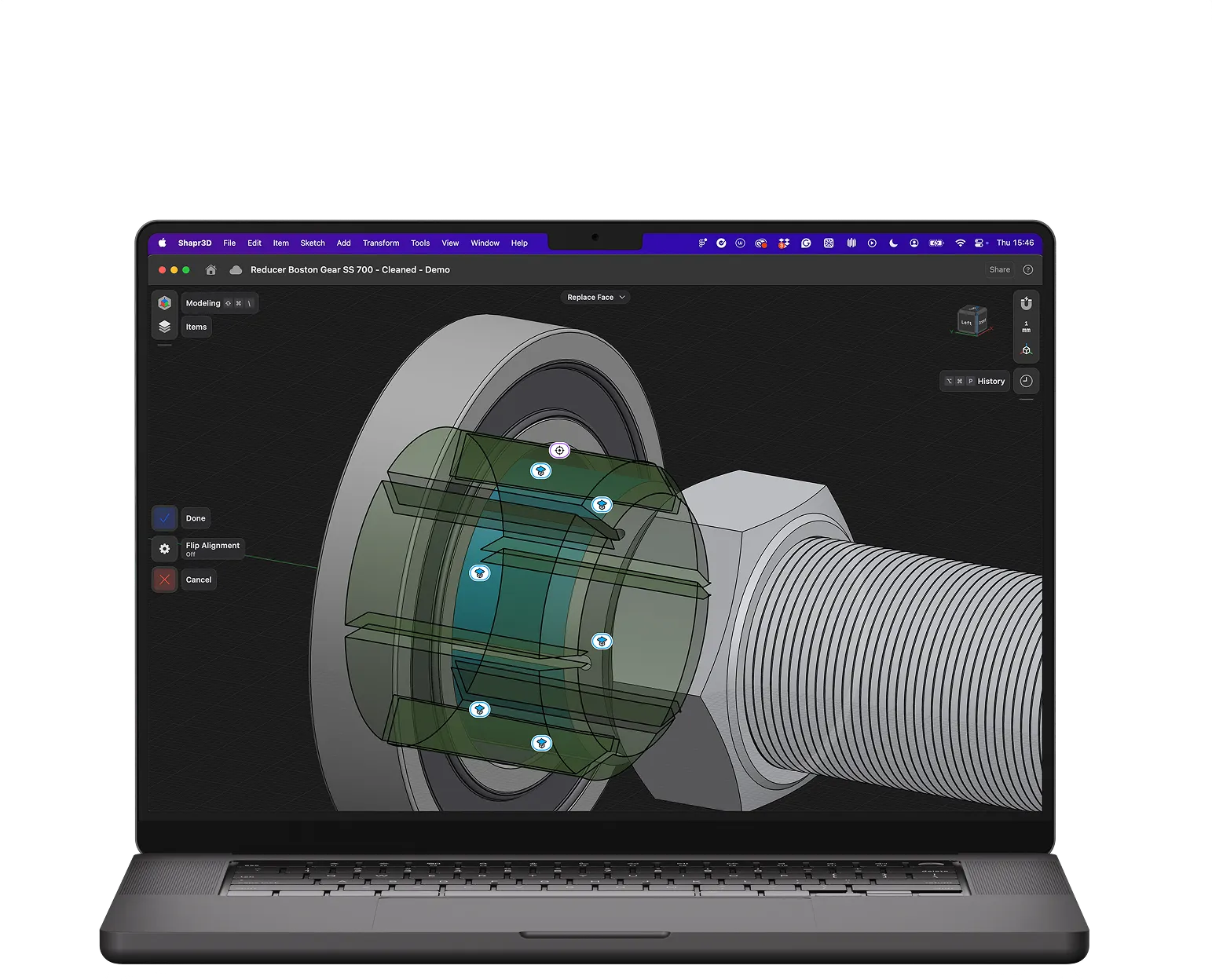
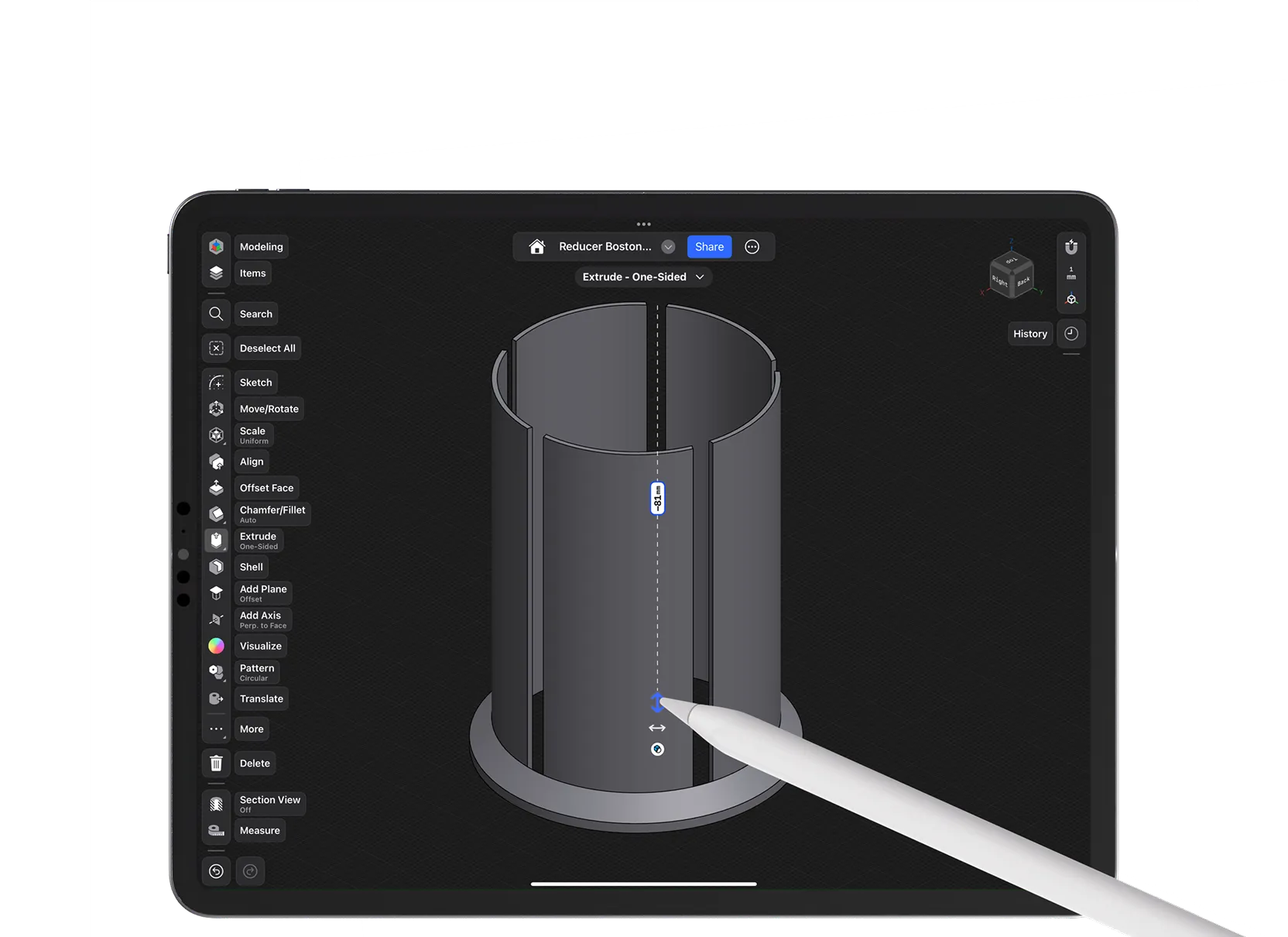
Grab faces/edges to push, pull, or size things directly; the model updates immediately with no feature steps to manage.

Iterate freely.

Context-aware tools show only what you need, so modeling steps stay obvious and easy to recall—no matter how often you use it.

Pick up fast.

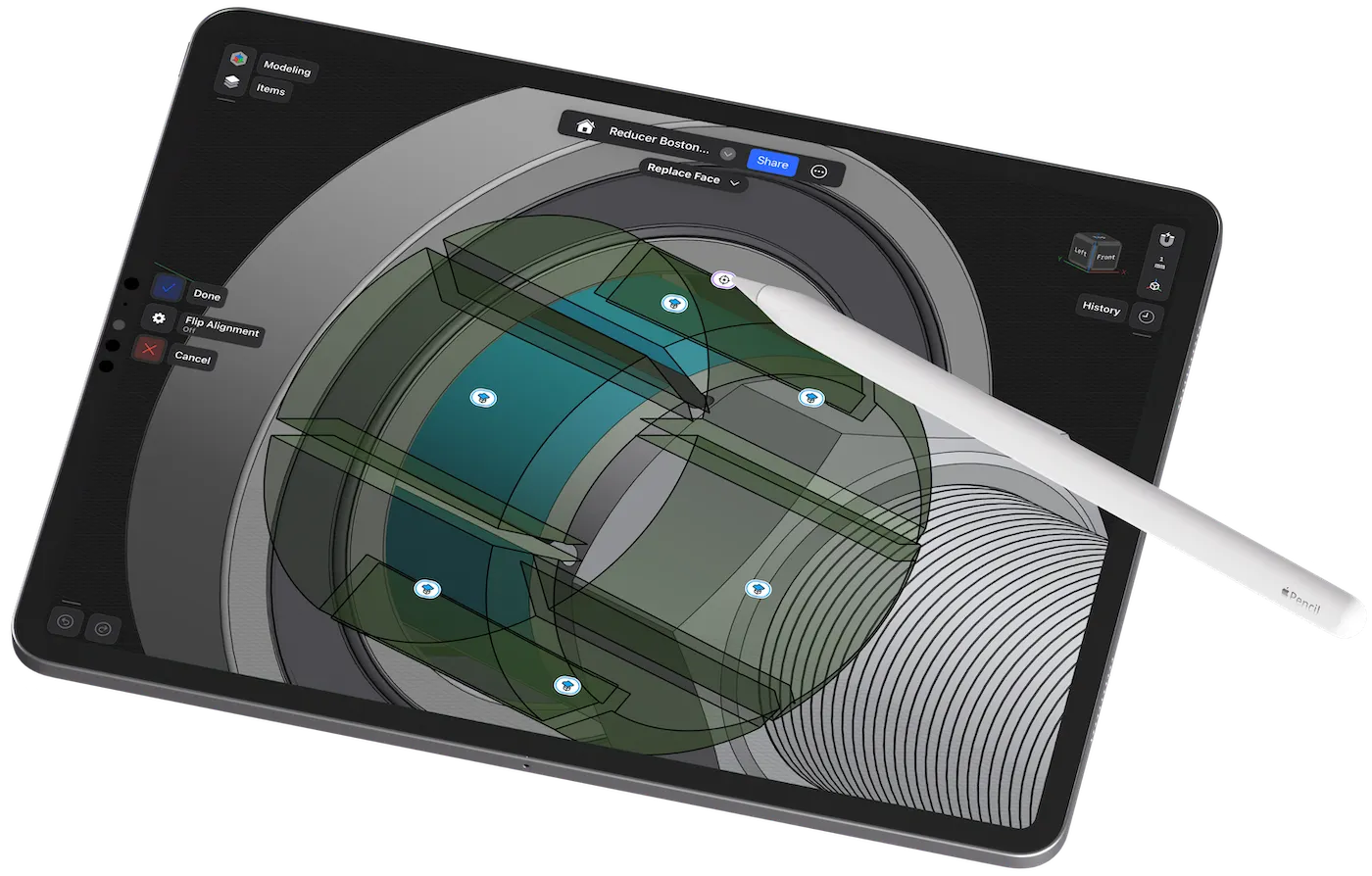
Stand by the machine, use real measurements and context to tweak the model, catching clearance issues before fabrication.

Check fit where the work happens.

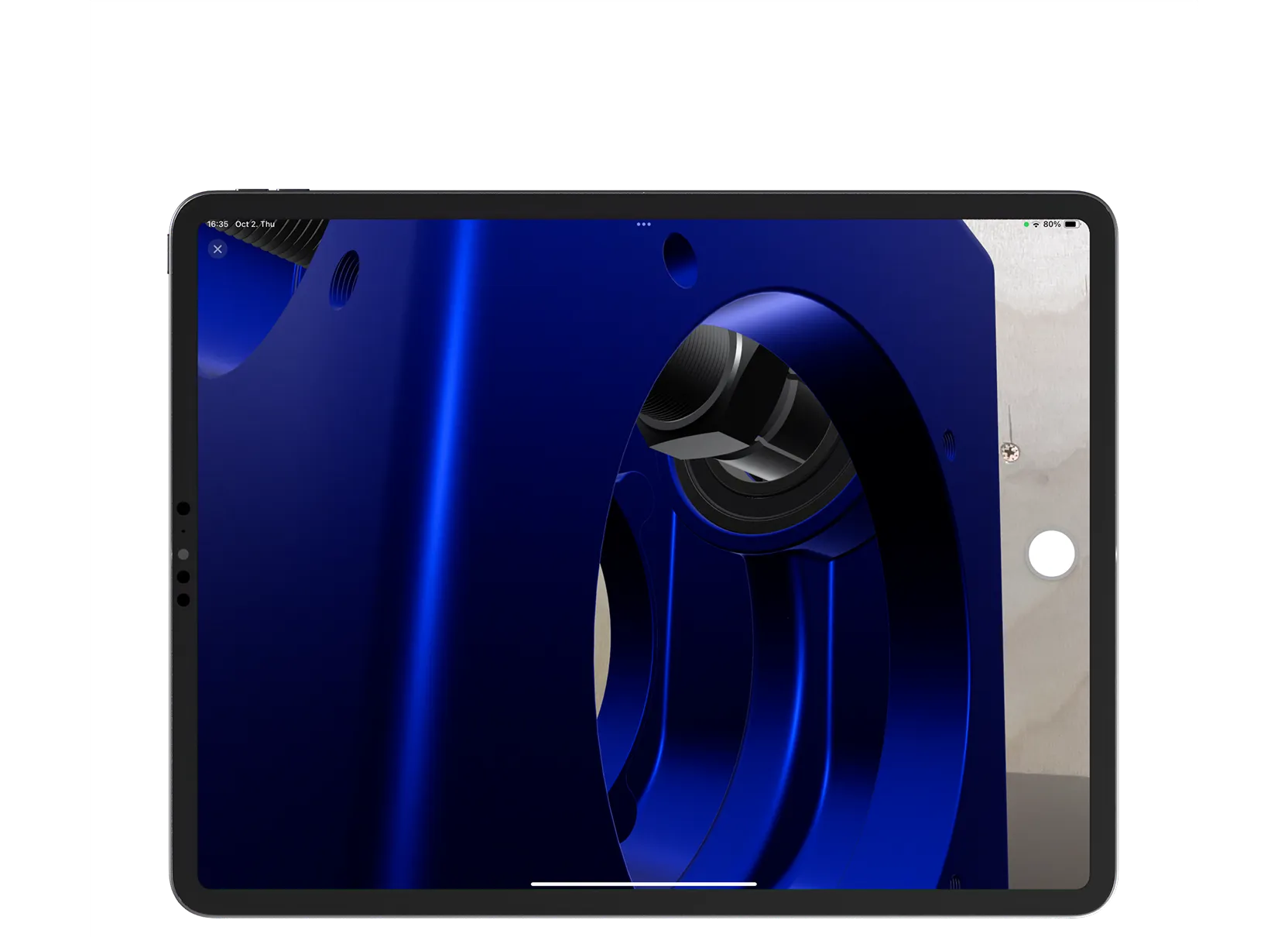
Place the model in AR on the line to confirm clearances, reach, and access before anyone cuts or prints.

Verify at full scale.

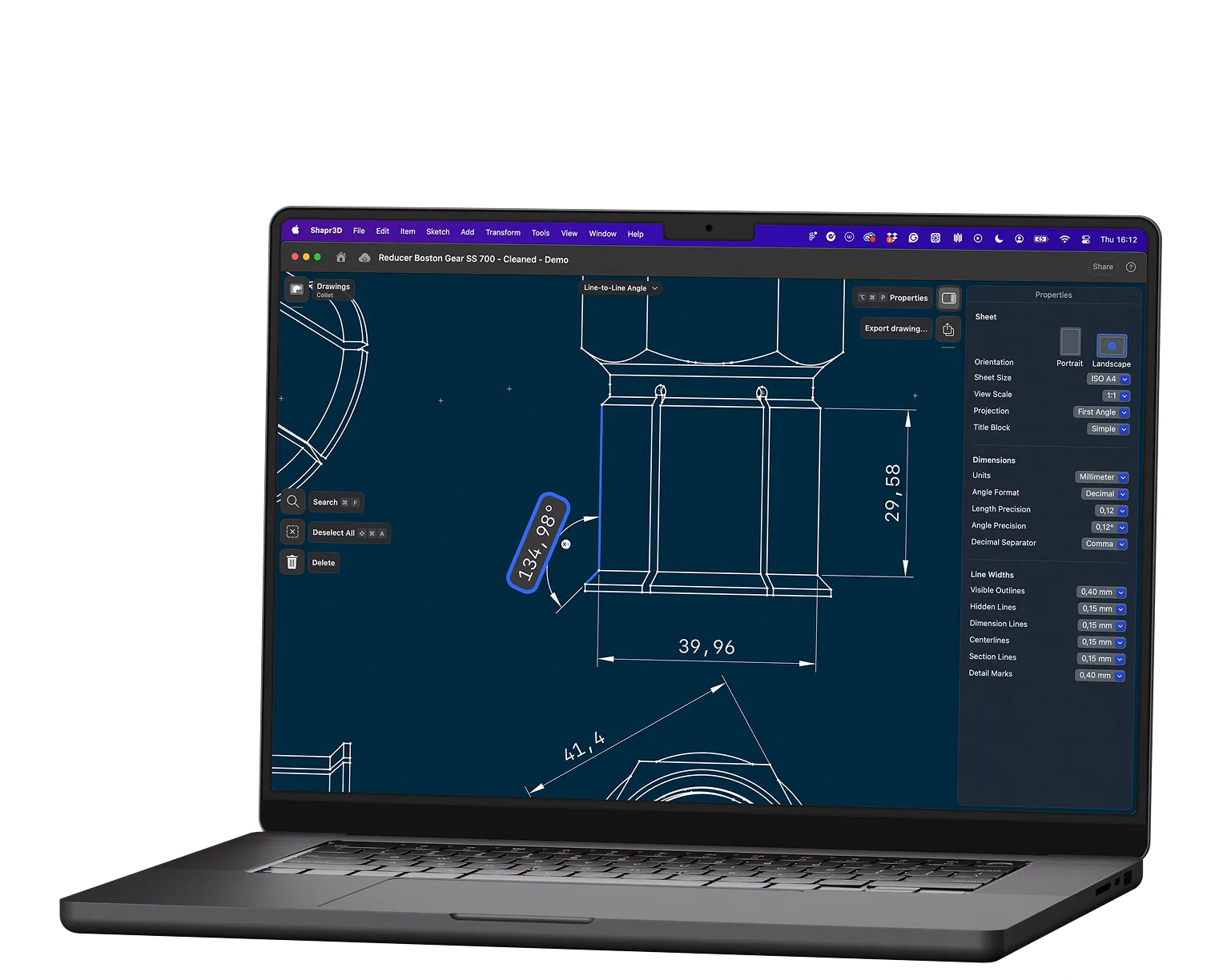
Create 2D drawings in one step from the model; export PDF for the shop and DXF/DWG for CAM.

Shop-ready outputs.

Grab faces/edges to push, pull, or size things directly; the model updates immediately with no feature steps to manage.

Iterate freely.

Context-aware tools show only what you need, so modeling steps stay obvious and easy to recall—no matter how often you use it.

Pick up fast.

Stand by the machine, use real measurements and context to tweak the model, catching clearance issues before fabrication.

Check fit where the work happens.

Place the model in AR on the line to confirm clearances, reach, and access before anyone cuts or prints.

Verify at full scale.

Create 2D drawings in one step from the model; export PDF for the shop and DXF/DWG for CAM.

Shop-ready outputs.

“Before Shapr3D, prototyping was a long and drawn-out process of back-and-forth reviews, typically taking 4-8 weeks. Now we jump on a call, model it live on iPad, confirm together in under an hour, and send it to our CNC machine. All in one day."

Marcel Waibel, Technical Workshop Supervisor, 3M

“Now I don’t need to ask anybody else. I just create it and it’s done the same day.”

Grzegorz, Industrial Engineering Specialist, SOHBI

“It took me less than five minutes to draw up just a rough thing in Shapr3D… It communicated everything that I needed.”

Josh Schober, Technician, Wurtec

“Before Shapr3D, prototyping was a long and drawn-out process of back-and-forth reviews, typically taking 4-8 weeks. Now we jump on a call, model it live on iPad, confirm together in under an hour, and send it to our CNC machine. All in one day."

Marcel Waibel, Technical Workshop Supervisor, 3M

“Now I don’t need to ask anybody else. I just create it and it’s done the same day.”

Grzegorz, Industrial Engineering Specialist, SOHBI

“It took me less than five minutes to draw up just a rough thing in Shapr3D… It communicated everything that I needed.”

Josh Schober, Technician, Wurtec

Build simple fixes or brief complex ones in 3D.

For simple fixes: bring the iPad to the machine, design while checking fit in context, and print it same shift.

For complex parts: sketch 3D models showing exact conditions. Engineering delivers the right solution the first time.

Ship improvements the same shift with Shapr3D.