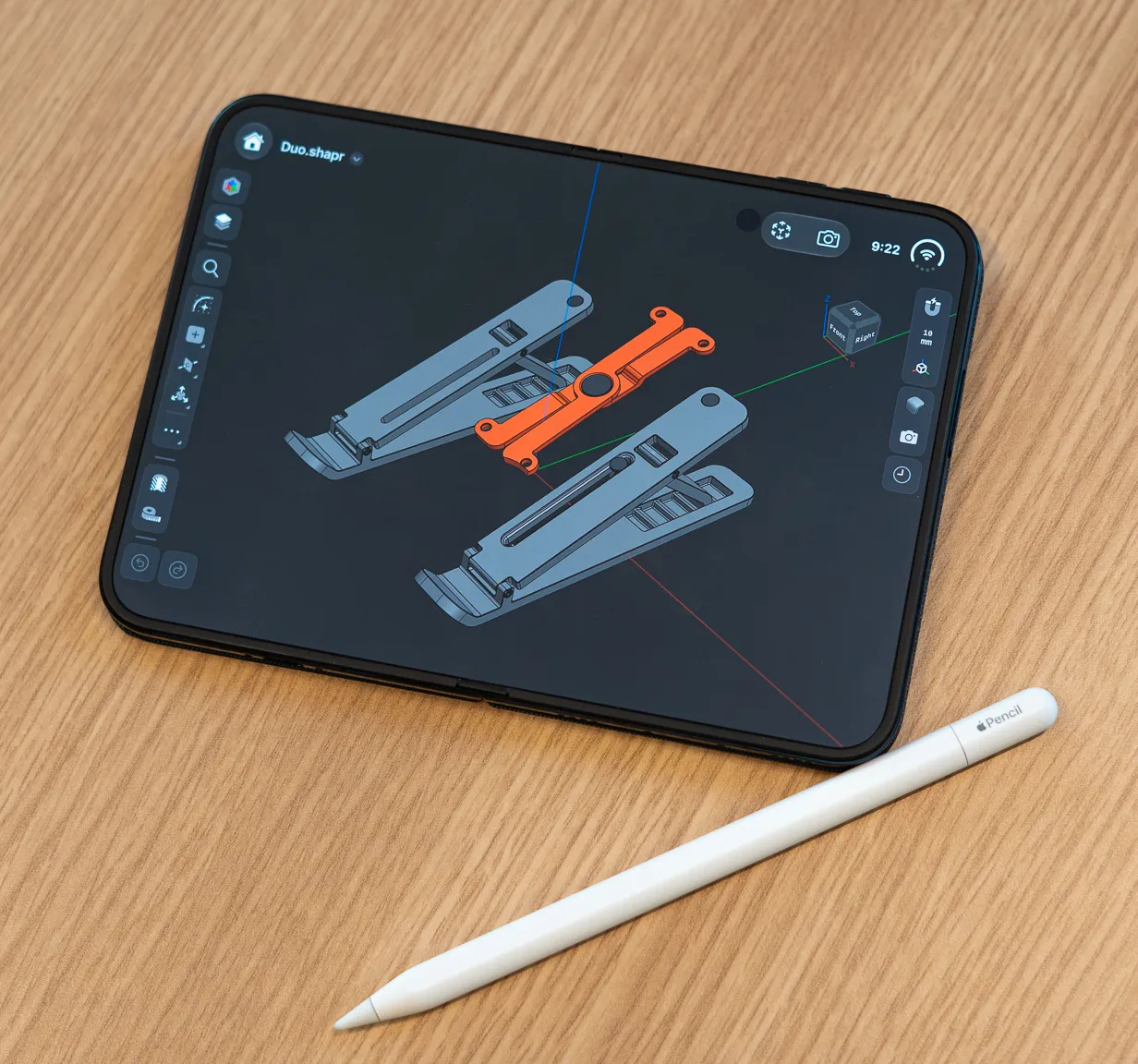
Download Shapr3D.
Download in seconds and get to your first model in 15 minutes.
Shapr3D on iPhone lets you open your synced projects and any CAD file, view them in AR, create renders, and export, all from your phone.
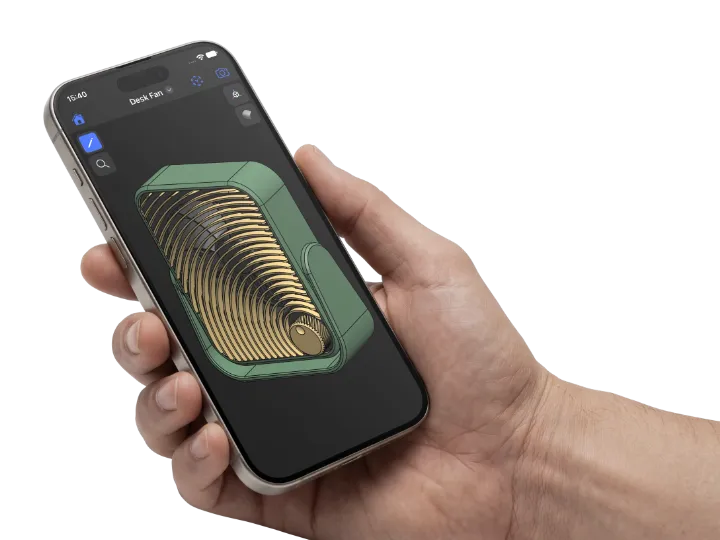
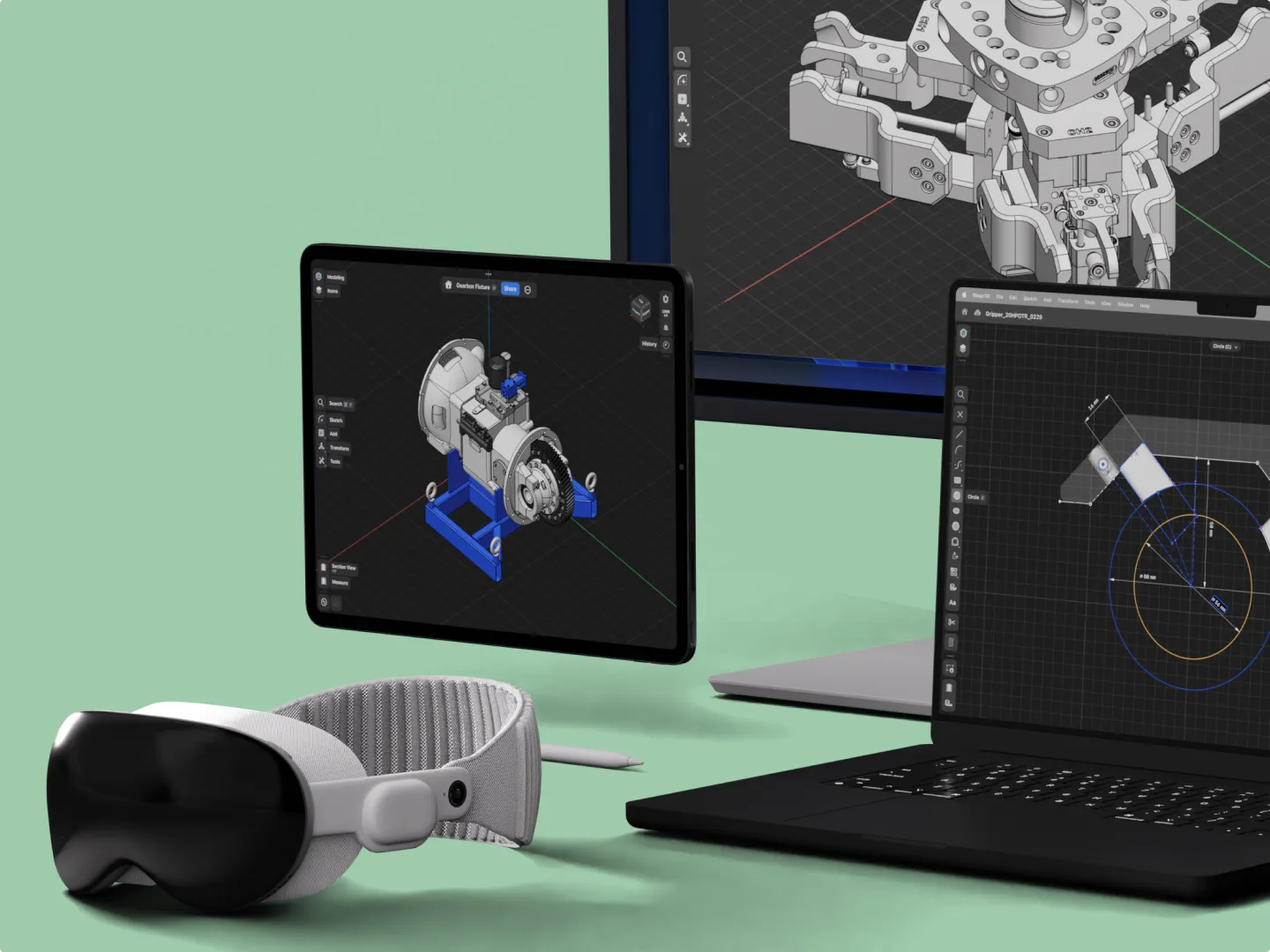
Everything you do on Duo is part of the Shapr3D ecosystem. Your projects sync automatically across iPhone Duo, regular iPhones, iPad, Mac, Windows, and Vision Pro. One license covers every device.
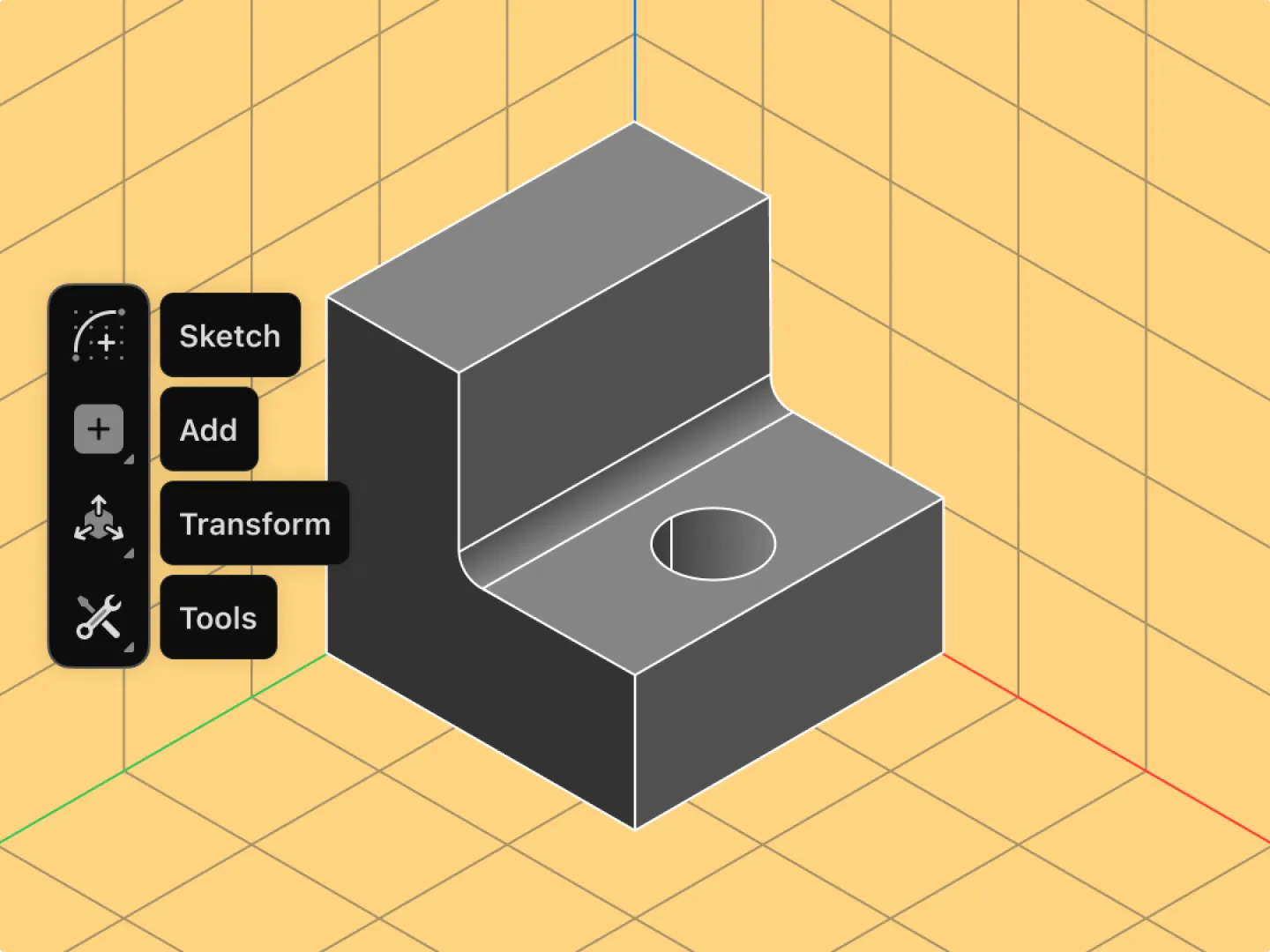
Shapr3D on iPhone Duo runs on the Siemens Parasolid engine, the same geometry engine behind SolidWorks, NX, and Solid Edge. Every model is precise and ready for manufacturing. And because it runs on your device, not in a browser, it works offline and responds instantly.
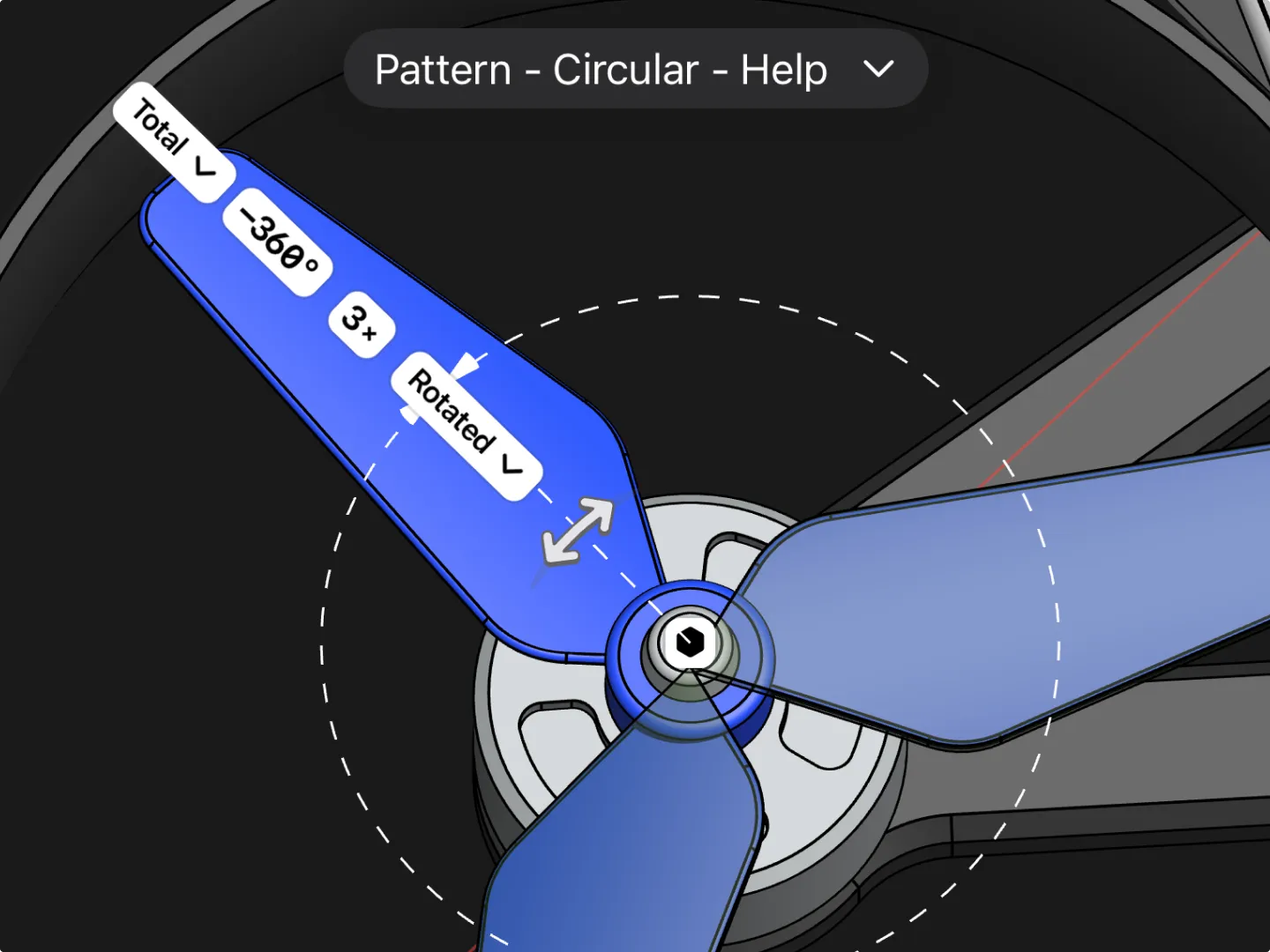
Shapr3D strips away the clutter of traditional CAD. An adaptive interface shows only the tools you need, when you need them, and built-in tutorials guide you through your first design. Whether you’ve used CAD for years or you’re starting today, you’ll be modeling on iPhone Duo from day one.
Add constraints and dimensions as you draw to build fully defined sketches that update predictably when anything changes.
History-based and direct modeling in one app. Edit any design the way that’s fastest.
Production-ready drawings with dimensions, tolerances, and annotations. Export as PDF, DWG, or DXF.
Apply 100+ materials, custom materials from images, and decals. Create AI renders from a simple prompt, then place your design at full scale in the real world with AR.
Open STEP, X_T, SLDPRT, STL, DWG, SVG, and more, including native files from SolidWorks, Fusion, SketchUp and NX.
Export to STEP, IGES, X_T, STL, 3MF, and USDZ. Built-in Prusa EasyPrint integration sends designs straight to the slicer.

Also available on iPad, Mac, Windows, and Vision Pro.
You can design. Sketch with Apple Pencil, model in detail, and export production-ready files, all on Duo. It's the same app you use on iPad.
Yes. Shapr3D on the Duo runs the same Parasolid engine as iPad, Mac, and Windows, so a model you start on Duo is the same model everywhere else. Shapr3D on Duo is the same modeling experience as the iPad.
STEP, IGES, X_T, STL, 3MF, and USDZ for 3D models, plus PDF, DWG, and DXF for 2D drawings.
Shapr3D processes everything on the iPhone Duo itself, so your modeling doesn't wait on the cloud. Your projects sync the next time you're online.
Shapr3D processes everything on the iPhone Duo itself, so your modeling doesn't wait on the cloud. Your projects sync the next time you're online.
ForRight now, yes. To celebrate Duo, every feature is free until December 6, 2026, unlimited exports and designs included. After that, Shapr3D stays free to download, and the Free plan includes the 3D modeling tools. Features like Generative Render and exports need a paid plan. See pricing.
*All paid features are free from launch until the December 6th, 2026, when the promotion ends. After that, paid features you used during the promotion, such as unlimited designs and export will require a paid plan.