
Improvements to 2D Drawings gain speed while Parametric Beta builds on your feedback. Get an inside look at all our September updates here.
2D Drawings view improvements
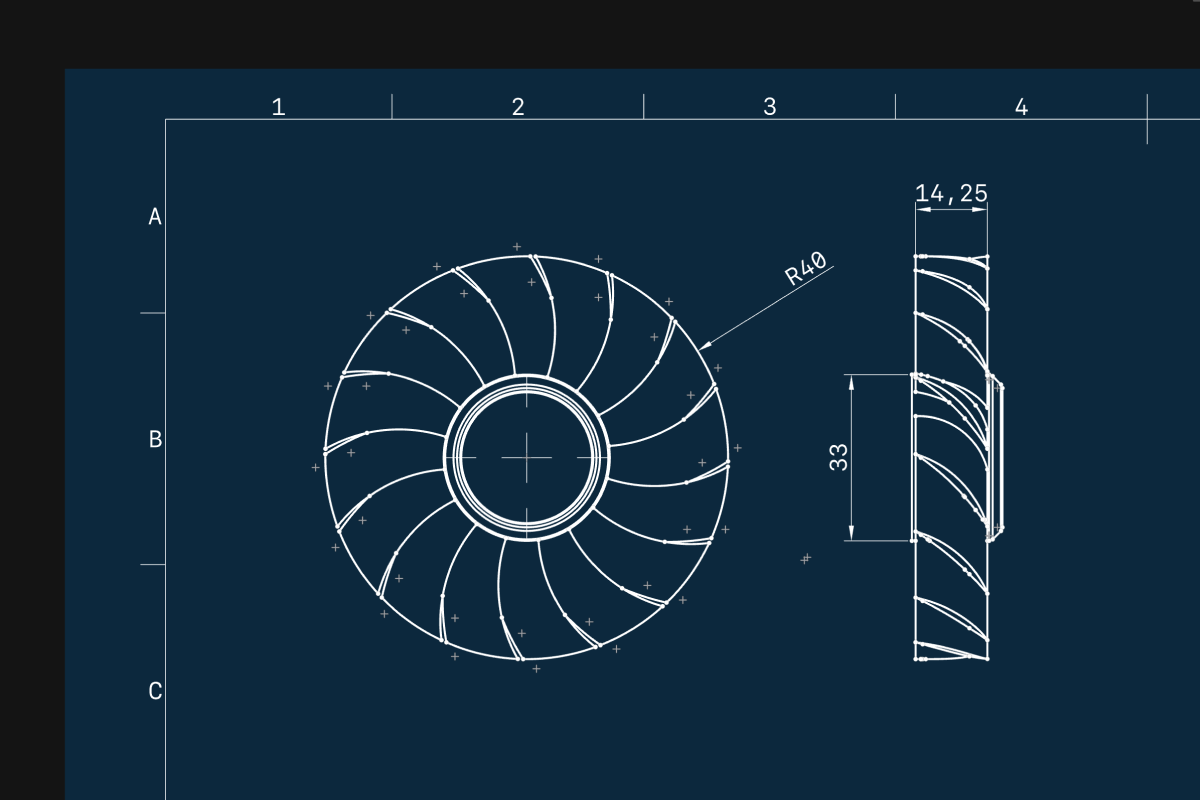
We have been working to make adding views to your 2D Drawings faster, while making it easier to keep everything aligned and tidy.
Projection views
Now when you add a new base view, a visual menu of projection views pops up onscreen for you to select in just a few clicks. Select and move views in unison.
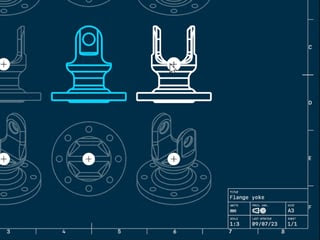
Apply the same clean consistency to section views. Moving views keeps them in line with each other.
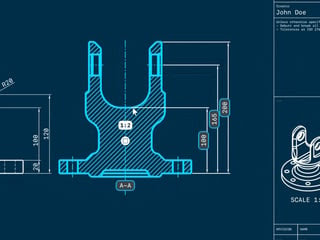
Choose from an expanded selection of isometric views in the new menu, when adding your base view.
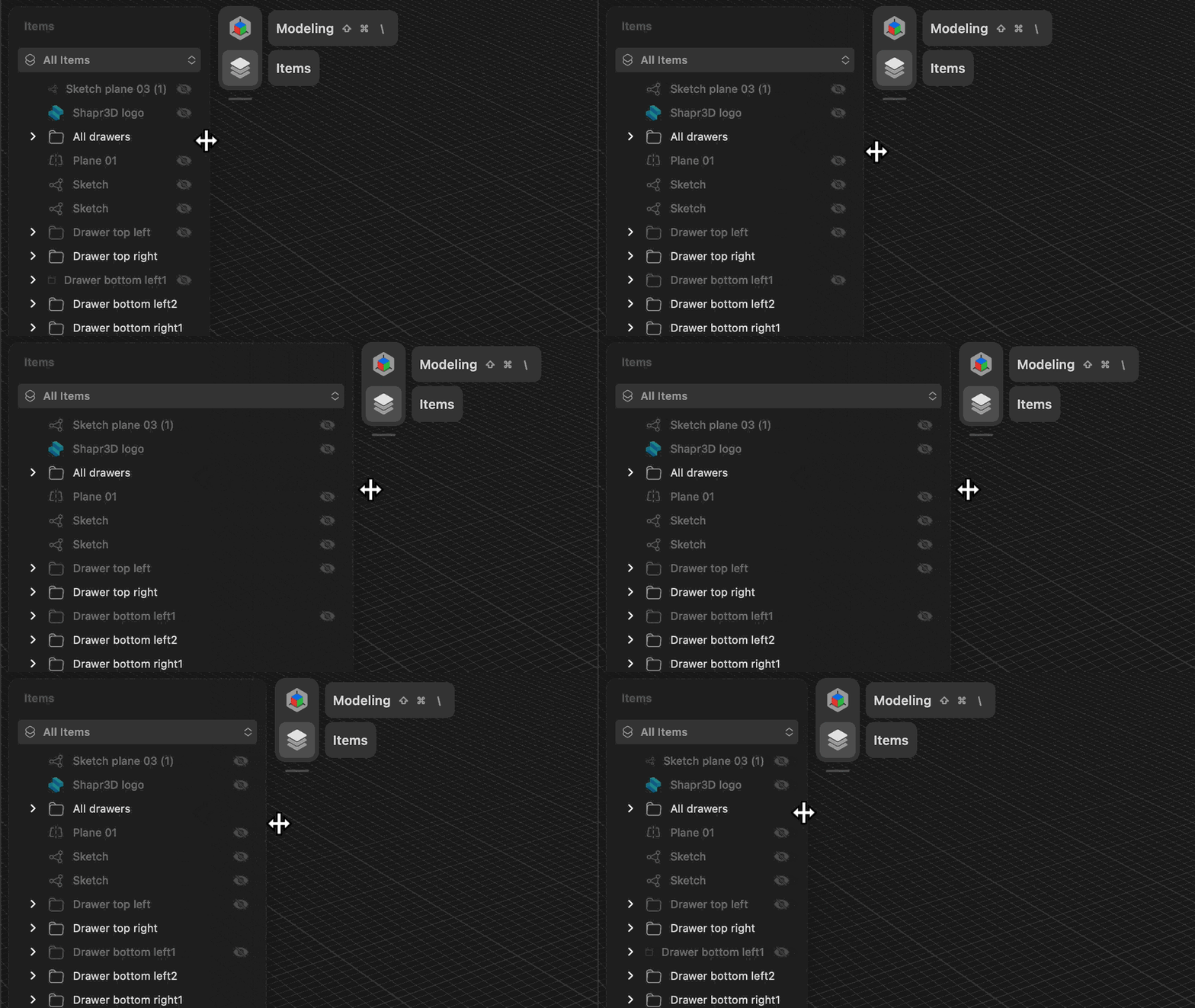
Items Manager sidebar flexibility
Now you can adjust the Item Manager sidebar manually. Expand or contract to navigate folder hierarchies and view longer names effortlessly.
Parametric Beta is out
One size doesn’t usually fit all. But in this case, you can get your ideal mix of direct modeling plus design history in one 3D design tool - and seamless switches in between. Not yet onboard? Try Parametric Beta here.
Explore the latest batch of Beta updates:
- Improved history interaction
Drag and drop multiple history steps at once for efficient design history organization. - Extrude to reference
Define an extrude not just by physical number but with reference to another geometry. Simply long-clicking and dragging the surface of one geometry lets you tie them together with the same parametric bound. So when you adjust one geometry, the other one adjusts along with it.