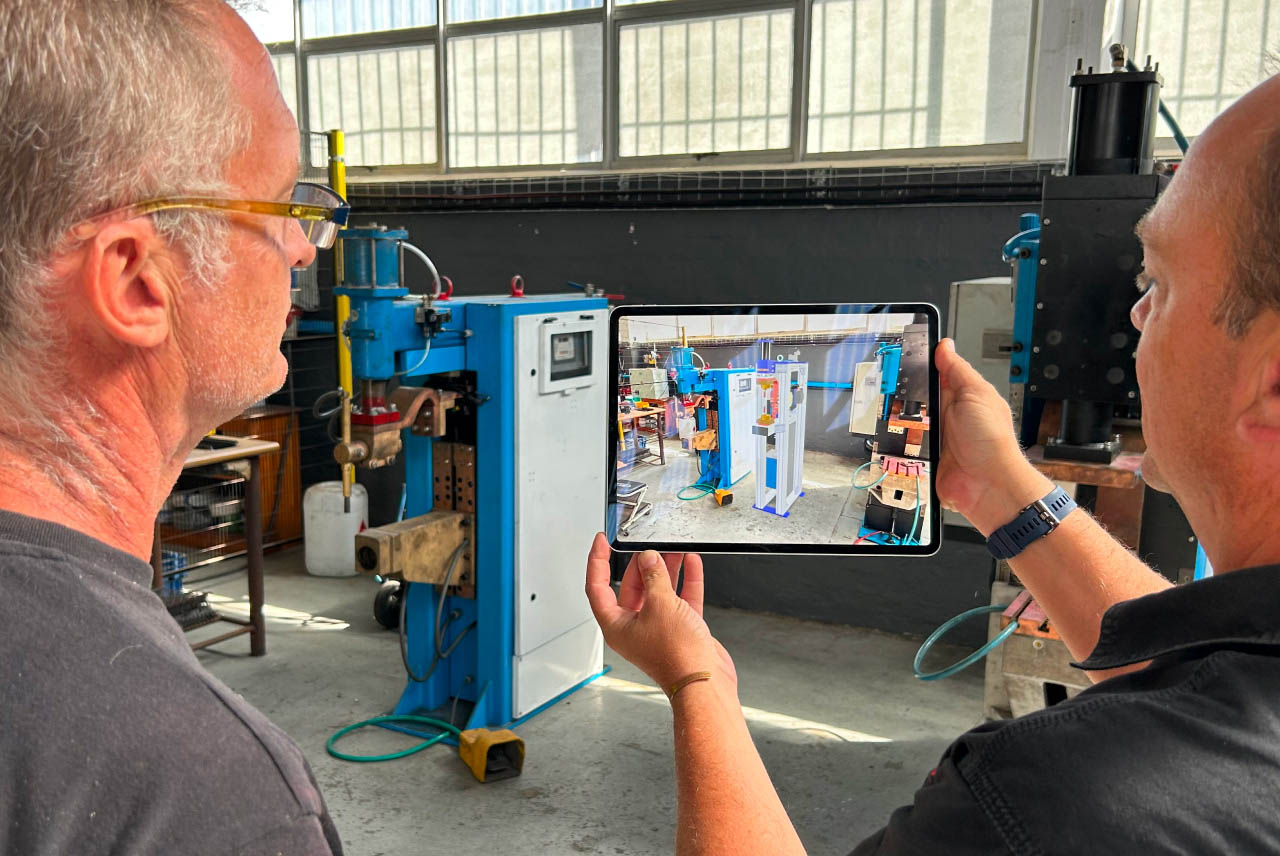
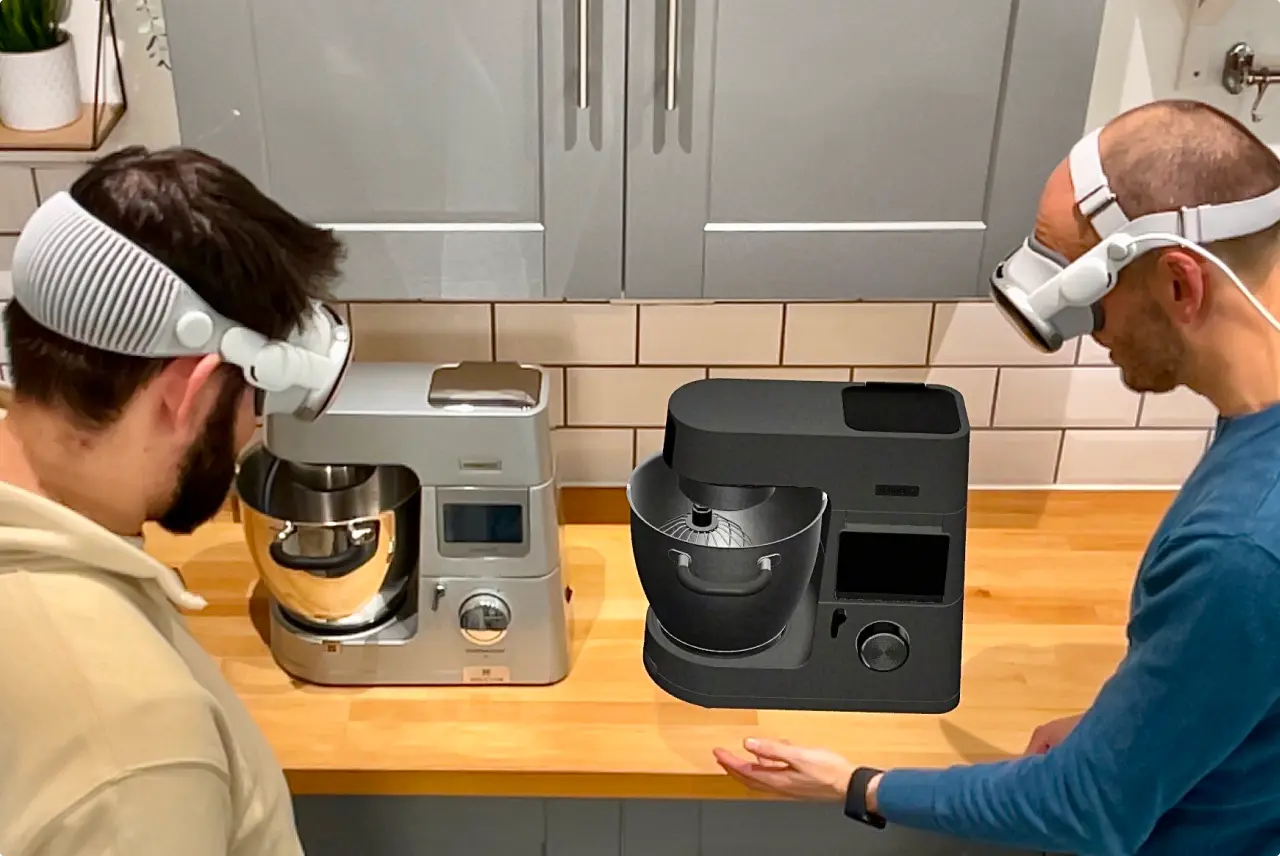
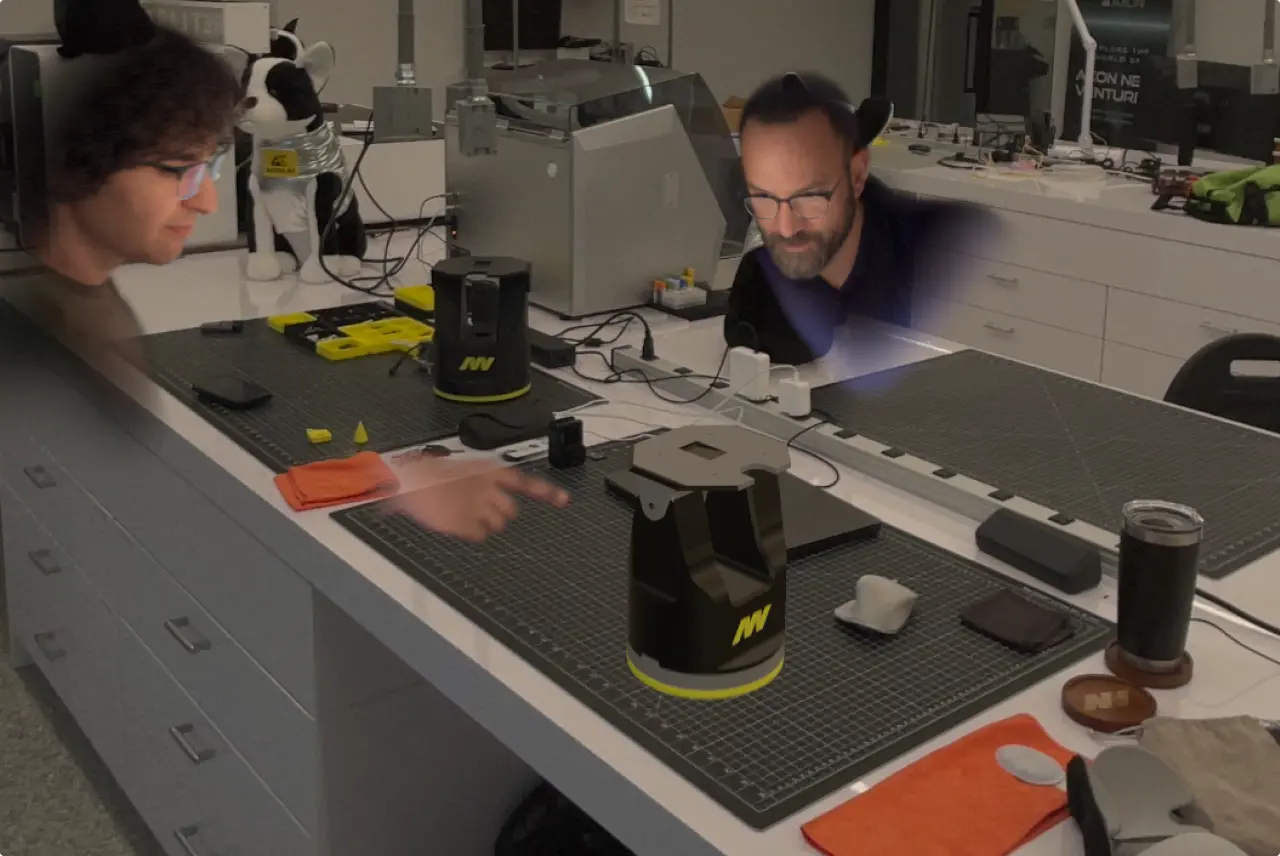
Available for iPadOS, macOS, and Windows, and fully supported on Wacom tablets.
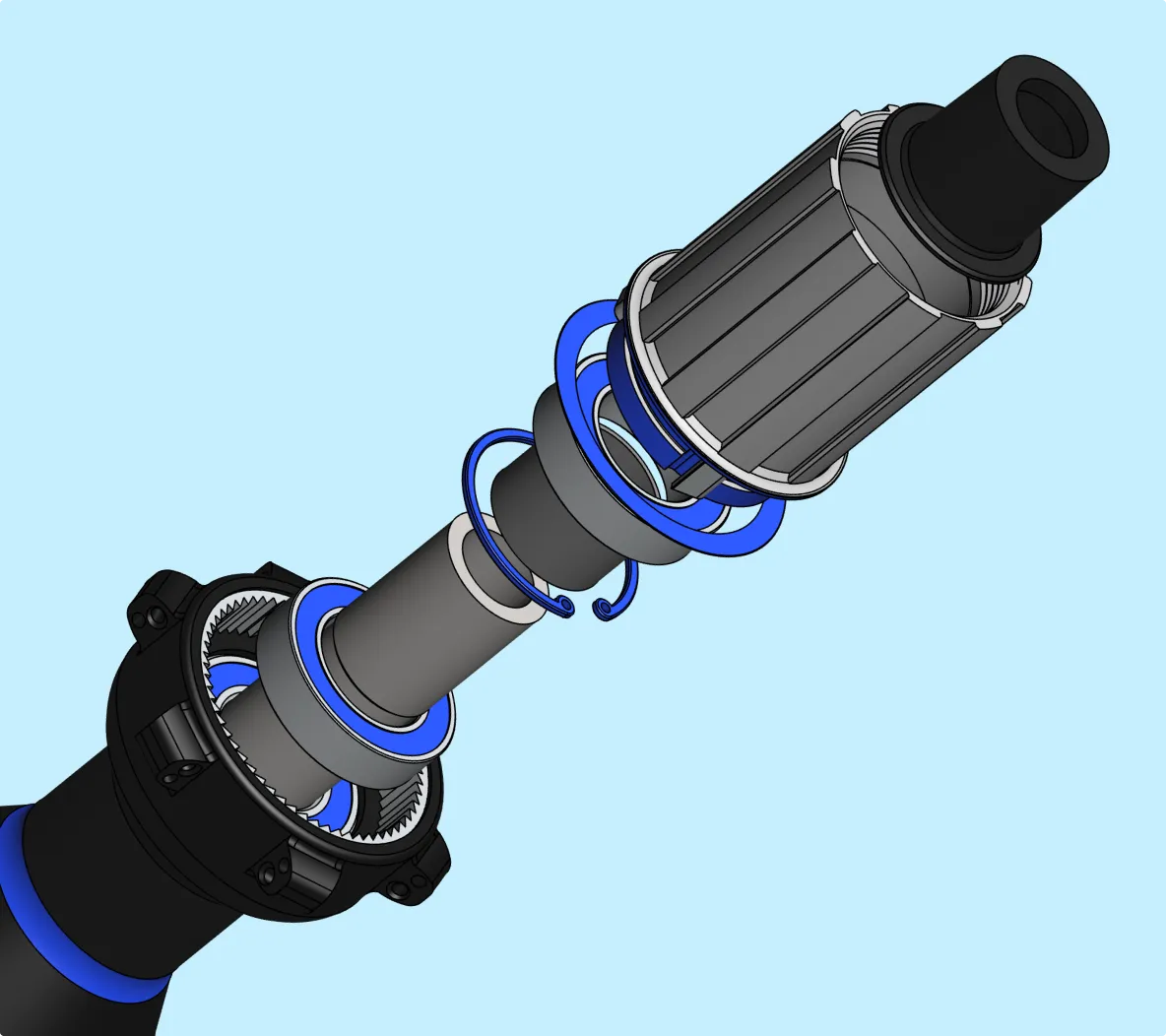
No matter how complex your idea, Shapr3D helps turn it into reality with easy 3D modeling tools at your fingertips and an adaptive UI that makes design fun.
Shapr3D is easy to use, but powerful enough for pros. Our CAD software is built on Siemens Parasolid, guaranteeing precision and compatibility with all major CAD products.
With offline access, cloud sync, and native iPad, Mac, and Windows apps, you can build 3D models wherever you prefer to work, on your tablet or desktop.
Choose your modeling experience. Intuitive, push-pull modeling helps you shape your design, and parametric history maintains design intent.
"It’s a lot easier to explain, to show ideas to people. Now I can sketch out my ideas while sitting on my sofa at home. Then the next day, [the engineer] can make changes. This is a very big advantage."
You never have to spend time searching cluttered menus for what you need. Custom keyboard shortcuts and an adaptive user interface help you model faster.
The adaptive toolbar recommends your next move — select a sketch profile, and the Extrude tool becomes active. Select an edge, and use Chamfer or Fillet with a single click. Design flows naturally without the need to hunt down tools.
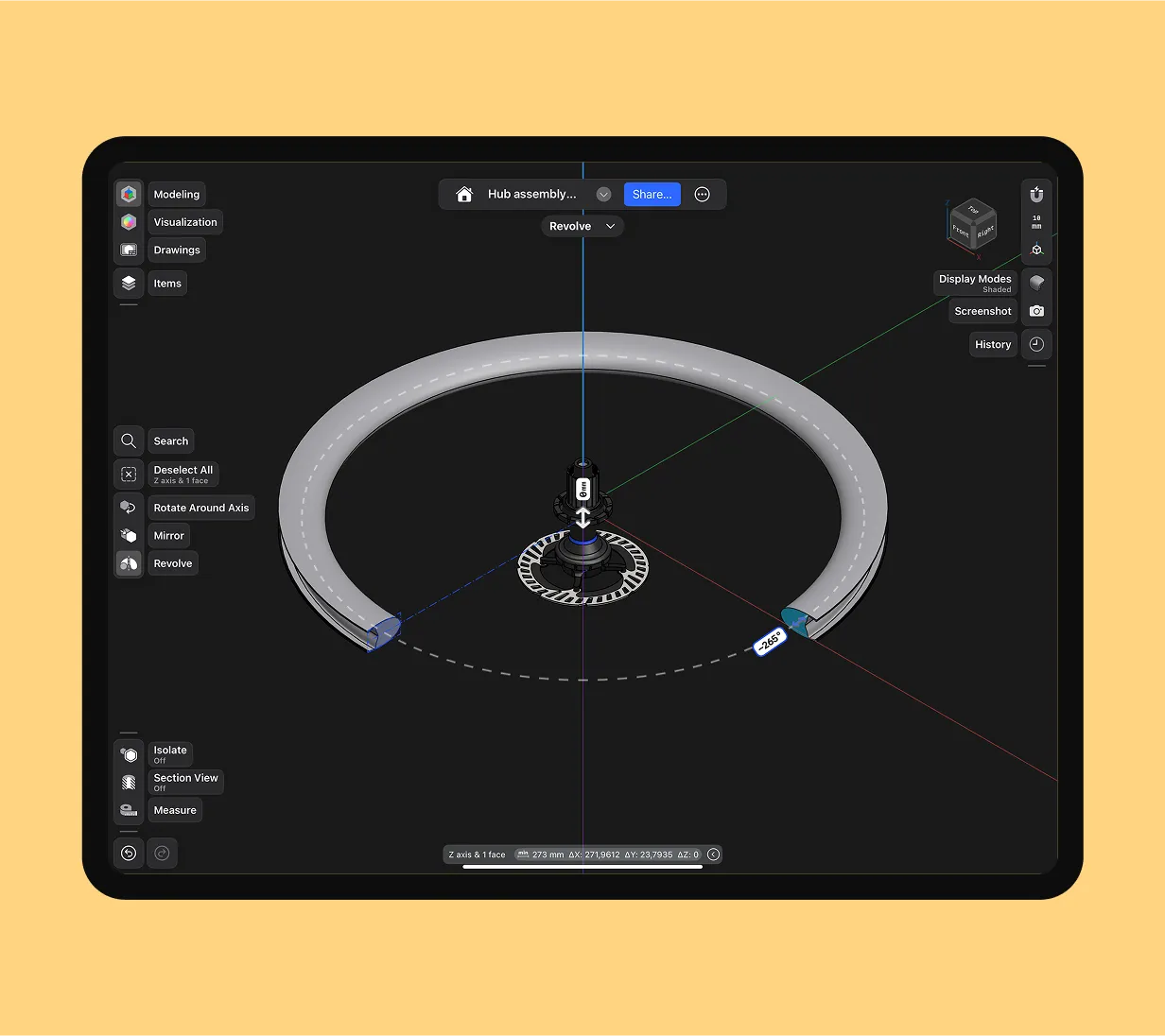
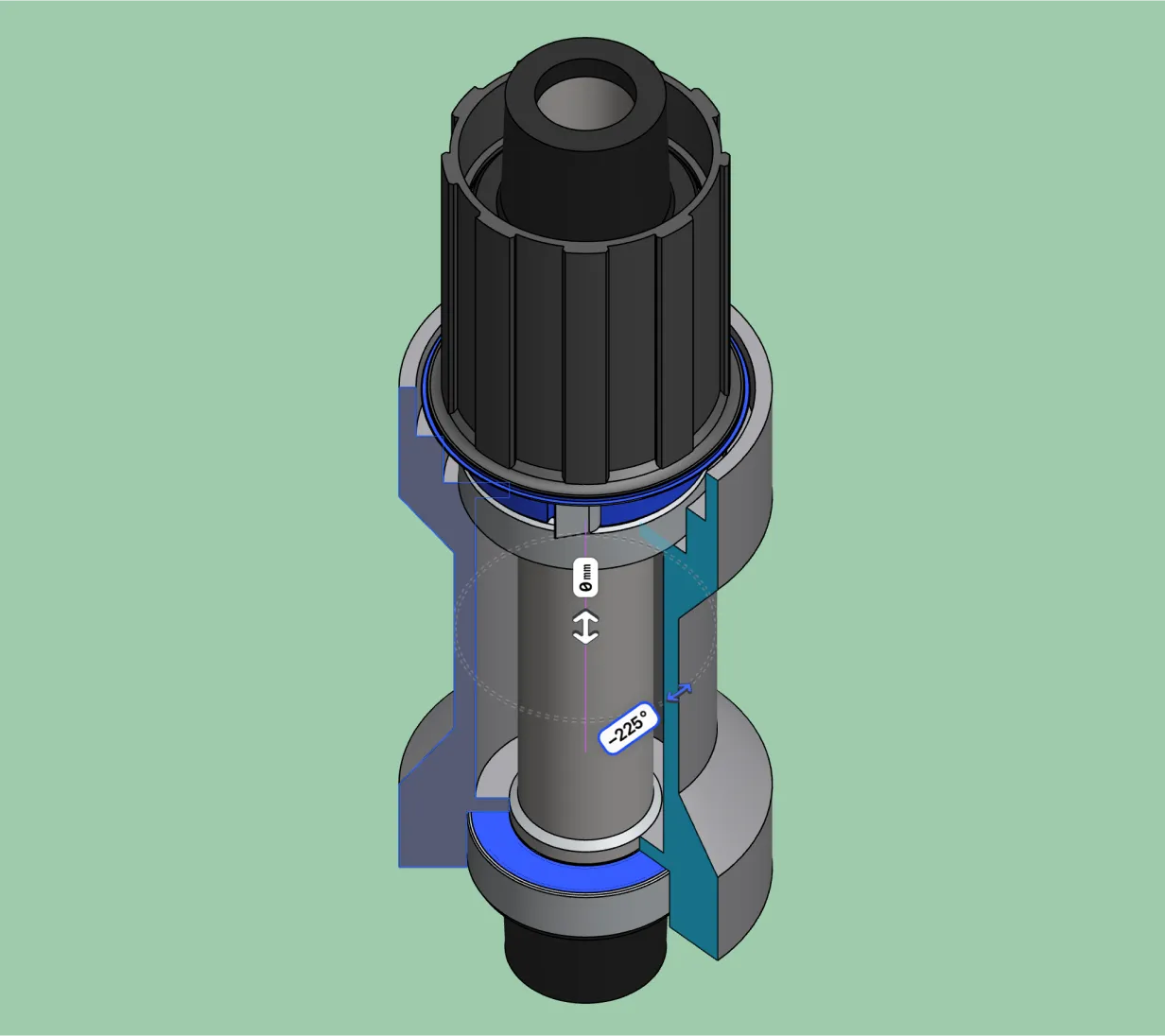
Push-pull modeling, especially on the iPad with an Apple Pencil, feels like you're sketching or shaping clay. But we don't sacrifice precision for ease of use. Your models are production-ready, with geometry precise enough to send to the 3D printer or CNC machine.
Our suite of 3D modeling tools can help you create precise parts, custom furniture, and made-to-print models. See all our 3D modeling tools.
Angle or round edges by dragging
arrows toward or away from the body.
Create complex shapes by defining elements like cross-sectional profiles, guide curves, and connection points.
Create a 3D body by extending a profile along
a defined route, like a pipe, cable, or handle.
A boolean operation that allows you to merge two overlapping bodies into a single, united body.
A boolean operation that allows you to remove the volume of one body from another, overlapping body.
A boolean operation that allows you to create a new body from the intersection of two overlapping bodies.
Project edges or sketches onto
an existing face or sketch.
Extend or trim a selected face
to match another face.
Create linear or circular patterns from
3D bodies, sketch profiles, or sketches.
Create a model with
a uniform wall thickness.
Map 2D sketch profiles onto cylindrical or conical faces. Ideal for applying logos or text, tread patterns, or other features that follow the curves or tapers of your body.
Separate a solid body into multiple,
distinct solids without removing material.
Download Shapr3D for free and build your first 3D model in less than an hour.
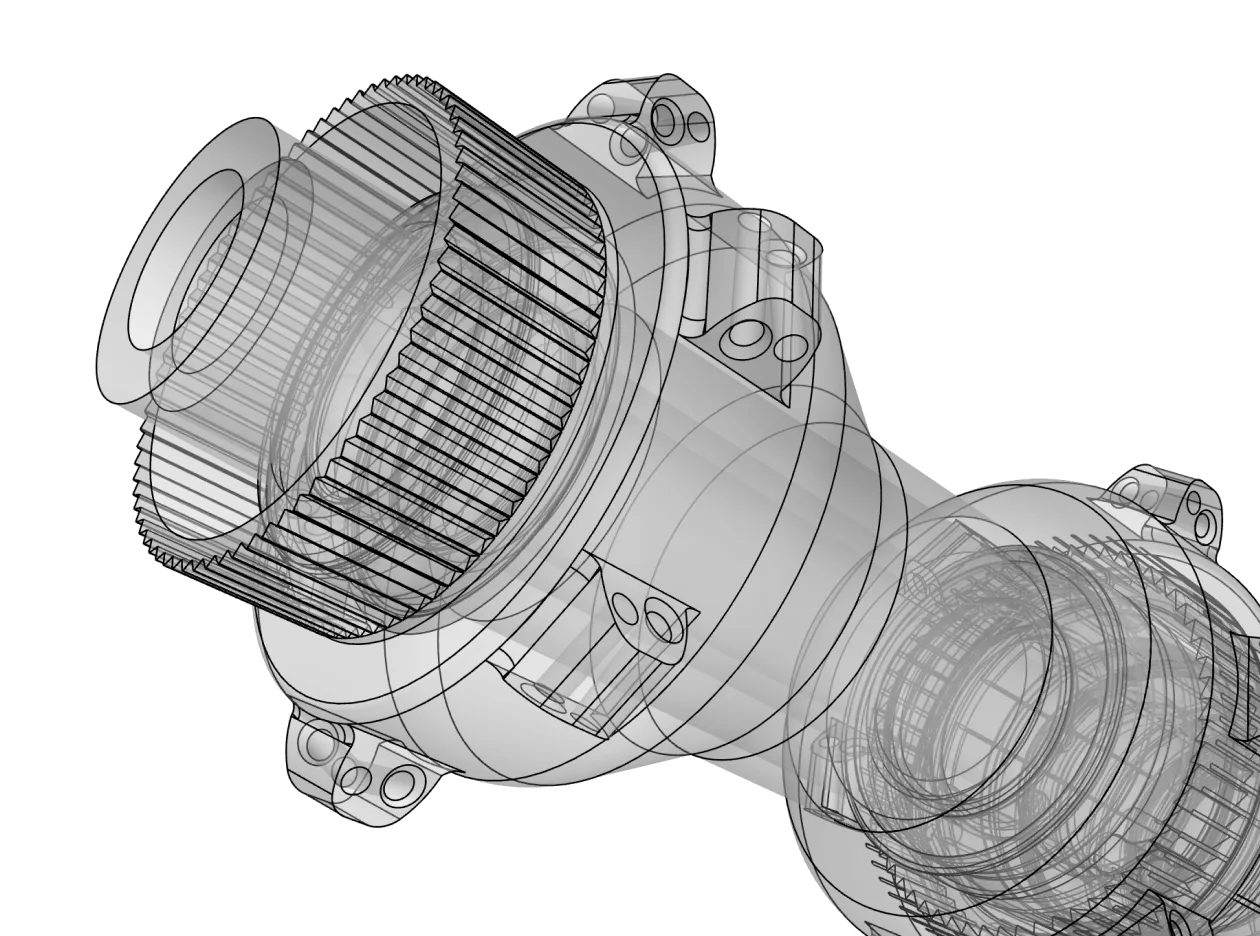
3D modeling is the process of creating a three-dimensional representation of an object. It is for anyone who needs to visualize, prototype, or manufacture a physical product. Whether you are an industrial engineer designing a car engine, a maker creating a custom 3D-printed bracket, or a jewelry designer, 3D modeling turns your mental concept into a digital reality.
Unlike traditional CAD software that requires weeks of training, Shapr3D is designed for ease of use. The adaptive interface predicts which tool you need based on what you select. If you click an edge, it suggests a fillet; if you click a face, it suggests an offset. Visit our help center for other tips and tutorials to get started.
Shapr3D offers a multidevice workflow. You can start a sketch on your iPad using the Apple Pencil, continue refining the 3D model on your Mac, and finalize the technical drawings on your Windows desktop. Your projects stay synced across all platforms automatically.
Shapr3D supports all major industry-standard CAD file types. You can import native files like SLDPRT (SolidWorks) or neutral formats like STEP and IGES. For output, you can export precise X_T or STEP files for manufacturing, STL or 3MF for 3D printing, and DWG/DXF for 2D documentation.
Traditional CAD tools often require desktop workstations and feature cluttered, icon-heavy menus. Shapr3D stands out by delivering an experience that enables speed and precision. It uses the same Siemens Parasolid engine as high-end CAD software like NX and SolidWorks, but delivers it through an intuitive UI that makes 3D modeling feel like sketching.
Yes. Shapr3D produces watertight, high-precision geometry. This means when you export a file for a 3D printer (STL/3MF) or a CNC mill (STEP), the dimensions will be exact. Its ability to generate professional 2D drawings also ensures you can provide manufacturers with the technical blueprints they need for production.
Yes. Shapr3D offers a Basic version for free, which allows you to explore the modeling tools and create up to two designs. For professionals who need high-resolution exports and unlimited projects, we offer a free trial of our paid versions.
Yes. Shapr3D allows you to share your designs with teammates or clients using secure links or Team spaces for collaboration and PDM. You can also export your models in neutral formats like STEP so collaborators using other CAD software can open and edit your work.